

Connect your social accounts
On this page
Open WPBot Pro → Social → Accounts. Connected accounts lists the Pages, profiles, boards and channels Social posts from. Tokens are encrypted and stay on your site.
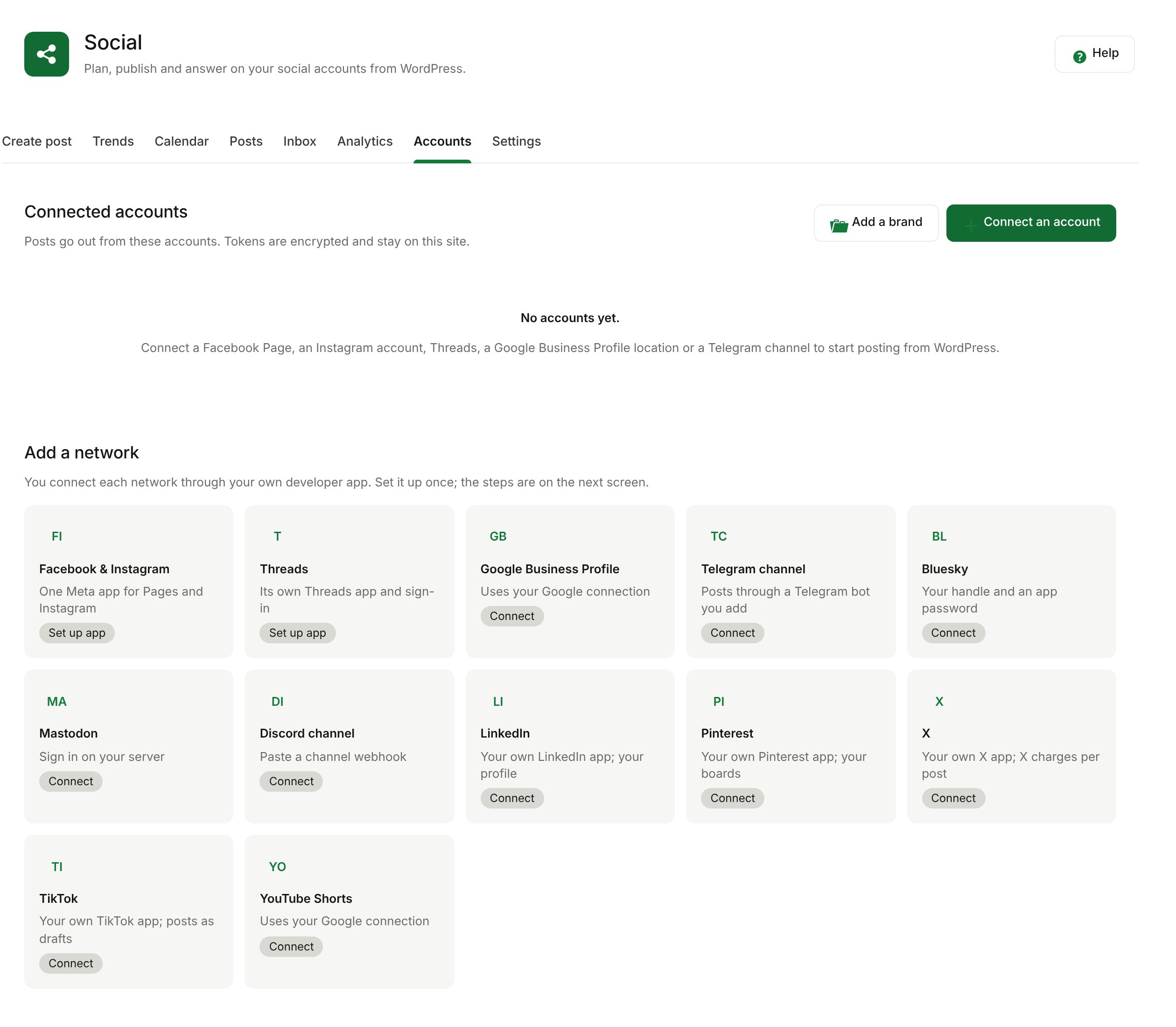
Accounts: your connected accounts and the Add a network cards.
The table shows each account's Network, Connection method, Status (Connected, or Expired · posts paused), the Auto-share new posts switch, and Reconnect or Disconnect.
You use your own app
You connect each network through your own developer app (or a bot, webhook or app password). Set it up once; the steps are on each network's connect screen. Nothing passes through QuantumCloud, and WPBot never shares app keys between sites.
The networks and what each one needs
| Network | What you need | Guide |
|---|---|---|
| Facebook & Instagram | One Meta app for Pages and Instagram | Connect Facebook Pages and Instagram |
| Threads | Its own Threads app and sign-in | Connect Threads |
| Google Business Profile | Your Google connection, with Business Profile API access | Connect Google Business Profile |
| Telegram channel | A Telegram bot you add to the channel | Connect a Telegram channel |
| Bluesky | Your handle and an app password | Connect Bluesky |
| Mastodon | Sign in on your server | Connect Mastodon |
| Discord channel | A channel webhook | Connect a Discord channel |
| Your own LinkedIn app; posts go to your profile | Connect LinkedIn | |
| Your own Pinterest app; one account per board | Connect Pinterest | |
| X | Your own X app; X charges per post | Connect X |
| TikTok | Your own TikTok app; posts arrive as drafts | Connect TikTok |
| YouTube Shorts | Your Google connection, with YouTube uploads on | Connect YouTube Shorts |
Networks that do not let apps post (WhatsApp, Medium, Nextdoor, Quora, Snapchat and Reddit) need no account: Social writes the copy and reminds you to post it. See Post yourself: WhatsApp, Medium, Nextdoor, Quora, Snapchat and Reddit.
Before you connect
- Your site must be reachable from the internet. Instagram, Threads and TikTok download images from your site, so a local or password-protected staging site does not work for them. Settings → Publishing → Public media check tells you whether your images are reachable.
- Connect only what you need. Each connect screen asks the network only for the permissions you turn on.
Brands
Click Add a brand to group accounts under a Brand name with its own Brand voice, and choose the Team members who work on it. Members see and post only to their brands; with nobody chosen, everyone with Social access can use it. People with the Settings permission always see every brand.
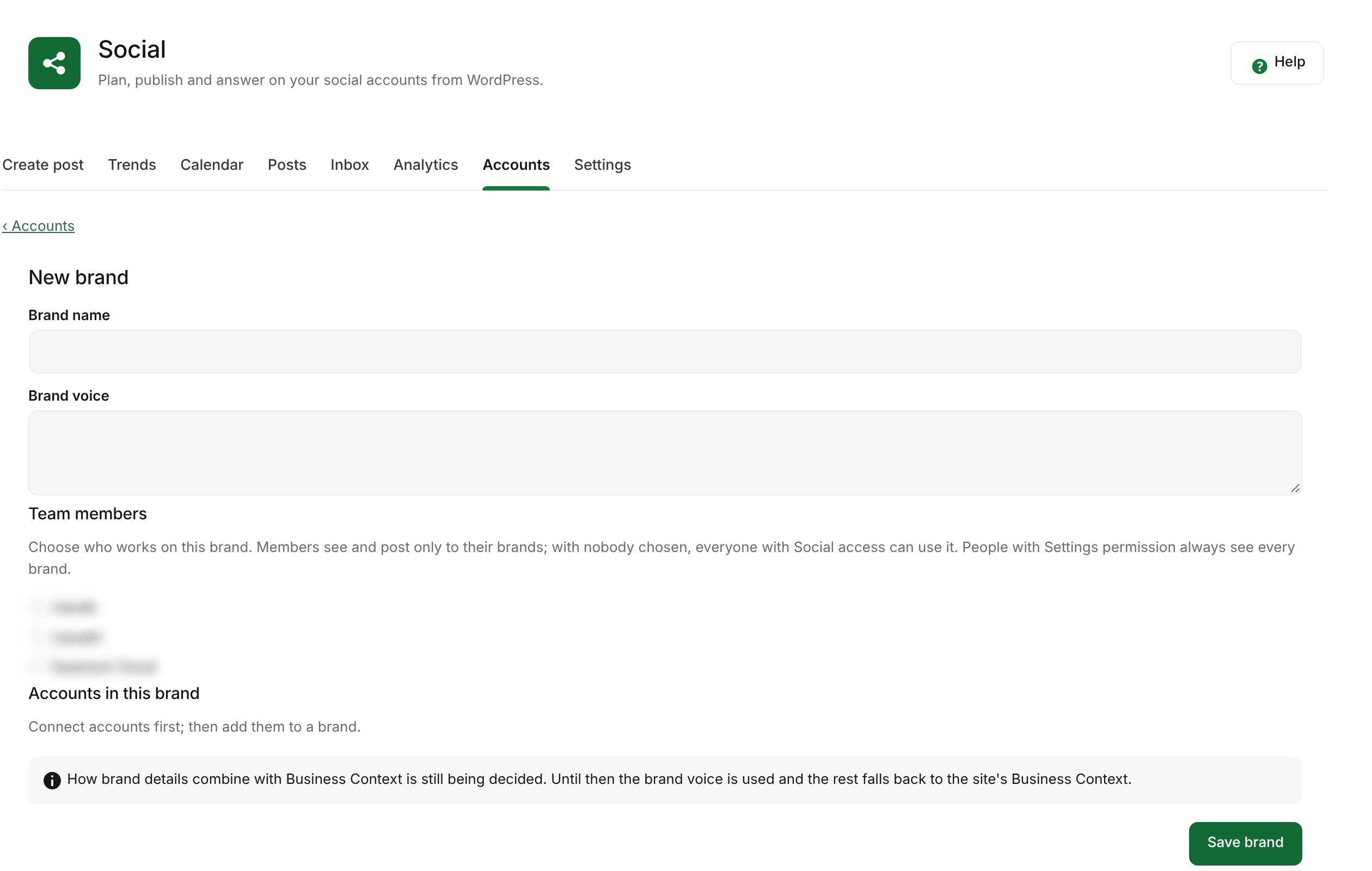
A brand has a name, a voice, its team members and its accounts.
The brand voice is used when you write for that brand; everything else comes from your site's Business Context.
Keeping connections healthy
- Settings → Advanced → Check tokens checks every login daily. An expired login pauses its account and tells you, so posts wait instead of failing.
- LinkedIn sign-ins last 60 days; WPBot reminds you a week before so you can reconnect.
- Disconnecting an account never deletes posts that are already published on the network.
- If the ChatBot answers Messenger or Instagram messages on the same Page, disconnecting it in Social only stops Social from posting. The chatbot keeps working.
Availability
Master connects every network in the table and adds brands. Starter, Professional and WPBot Free run the free version of Social, which connects Facebook, Instagram, Threads, Google Business Profile and Telegram, without brands.
Was this article helpful?
Sorry about that. Get help another way:











