

Connect Mastodon
On this page
Mastodon needs no developer portal. Open WPBot Pro → Social → Accounts and click Connect on the Mastodon card.
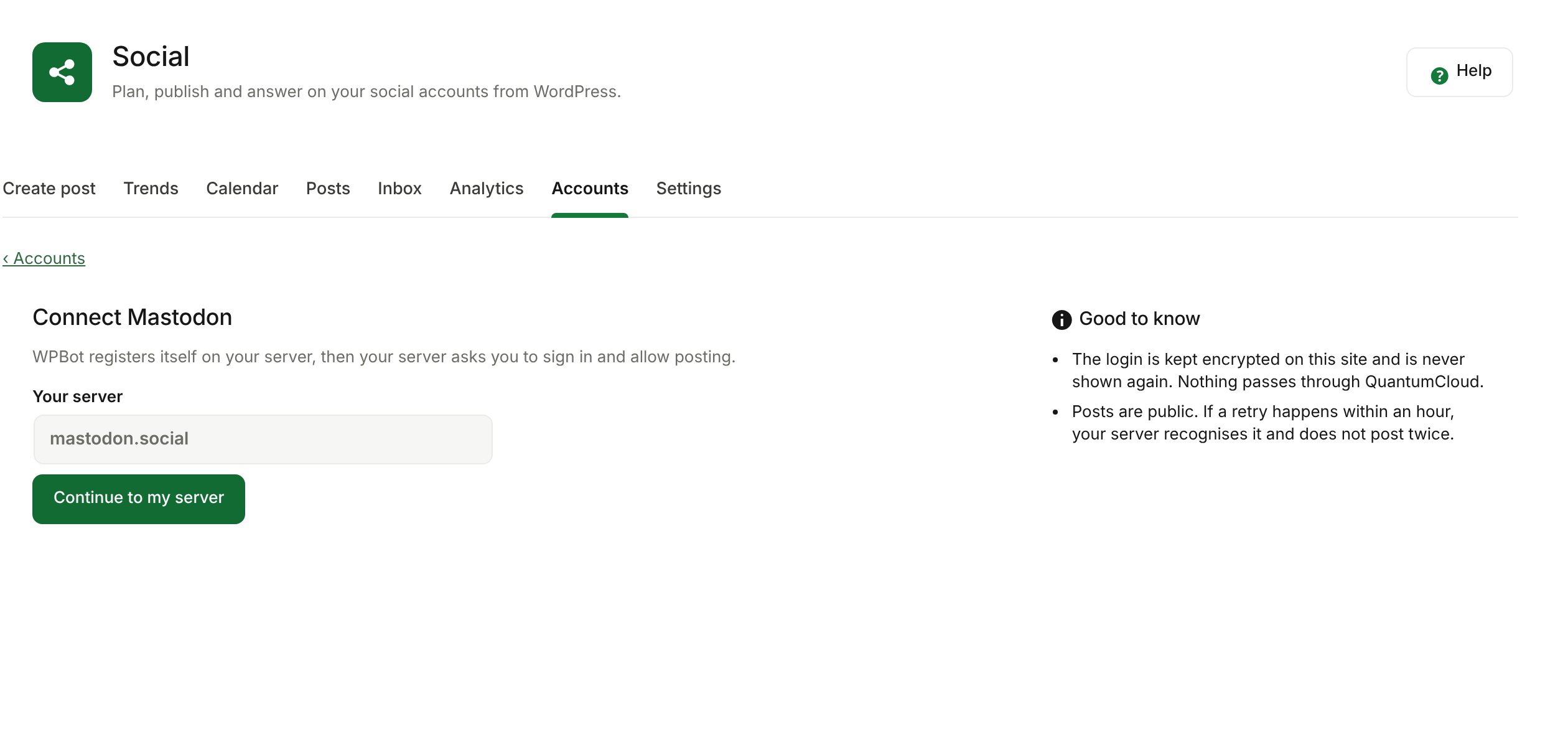
Connect Mastodon by entering your server.
Steps
- Enter Your server, for example
mastodon.social. - Click Continue to my server. WPBot registers itself on your server.
- Your server asks you to sign in and allow posting. Allow it, and the account appears in Connected accounts.
Good to know
- Posts are public.
- If a retry happens within an hour, your server recognises it and does not post twice.
- The login is encrypted on your site and never shown again.
- Mastodon reach and engagement appear in See which posts bring visitors, leads and sales.
Availability
Master only.
Was this article helpful?
Sorry about that. Get help another way:











