

WPBot vs Tidio: A Complete One-to-One Comparison (Features, Pricing, Performance, ROI)

That’s the core difference. Now let’s break everything down — clearly, honestly, and one-to-one.
Why This Comparison Matters in 2026
Chatbots are no longer “nice to have”.
In 2026, they are expected to:
· Answer instantly
· Reduce support tickets
· Help visitors find what they need
· Increase conversions
But here’s the problem:
Most WordPress site owners choose a chatbot based on marketing pages, not real-world use.
This guide fixes that.
WPBot vs Tidio: At-a-Glance Summary
|
Category |
WPBot |
Tidio |
|
Hosting model |
Self-hosted (WordPress) |
Cloud-based (SaaS) |
|
Pricing style |
One-time license |
Monthly subscription |
|
WordPress native |
✅ Yes |
❌ No |
|
Data ownership |
✅ Full control |
❌ Stored externally |
|
AI + rule-based |
✅ Hybrid |
⚠️ Mostly AI |
|
WooCommerce depth |
⚠️ Limited |
⚠️ Limited |
|
Best for |
WordPress-first businesses |
SaaS-style live chat users |
Now let’s go deeper.
What Is WPBot?
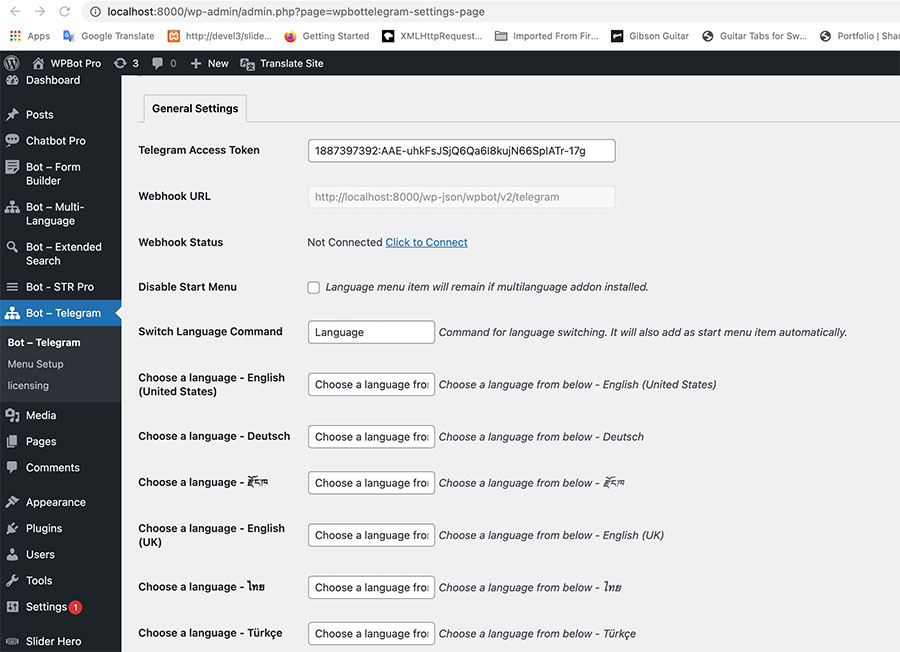
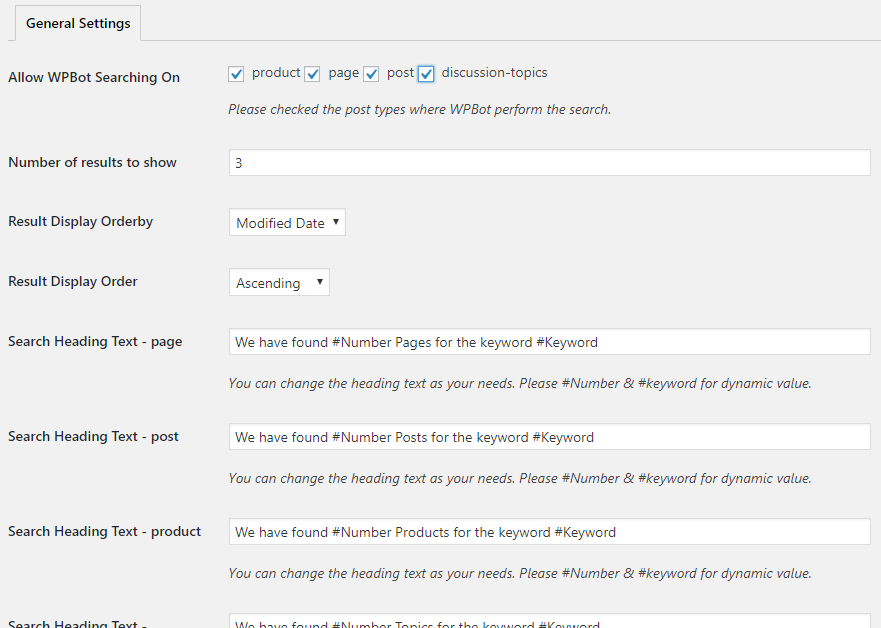
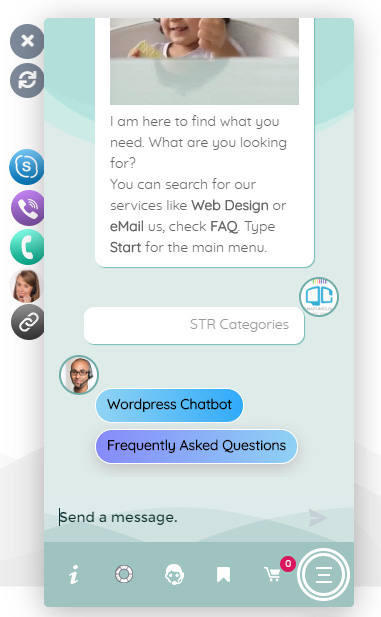
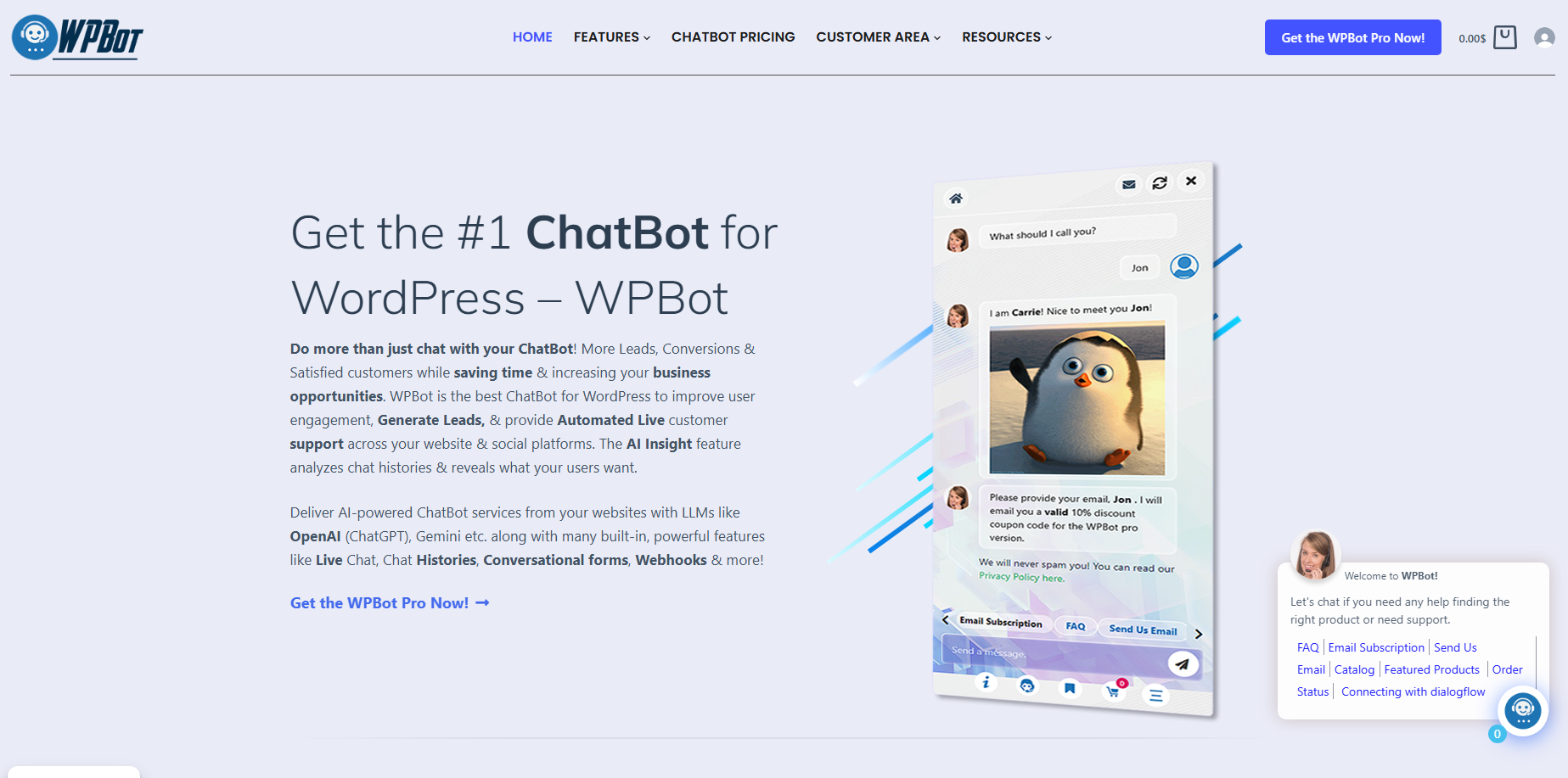 WPBot is a WordPress-native chatbot plugin.
It runs inside your WordPress site, not on an external server.
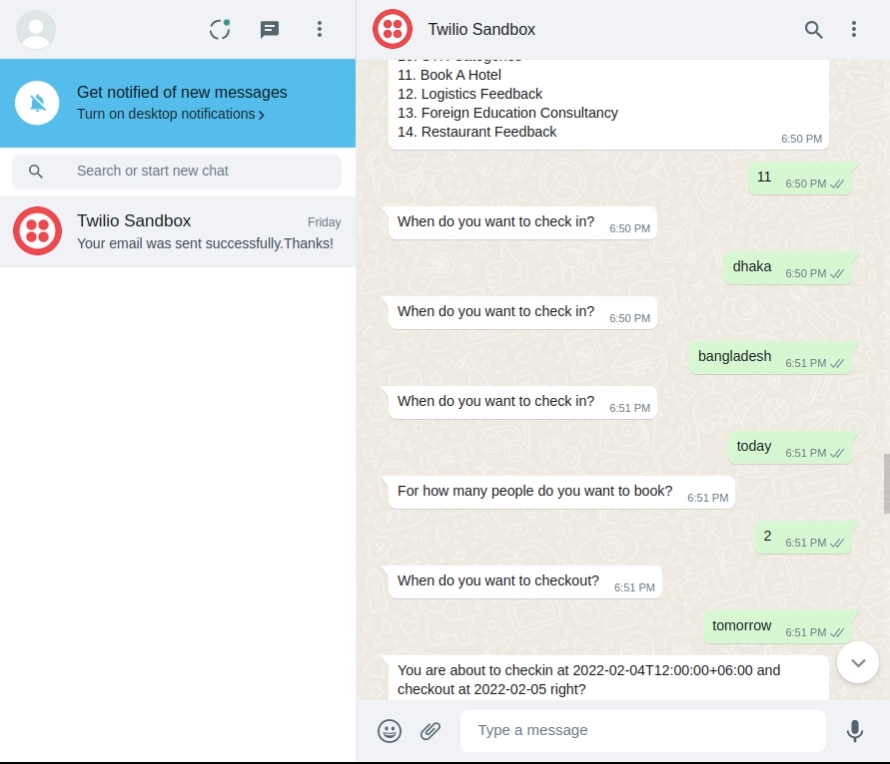
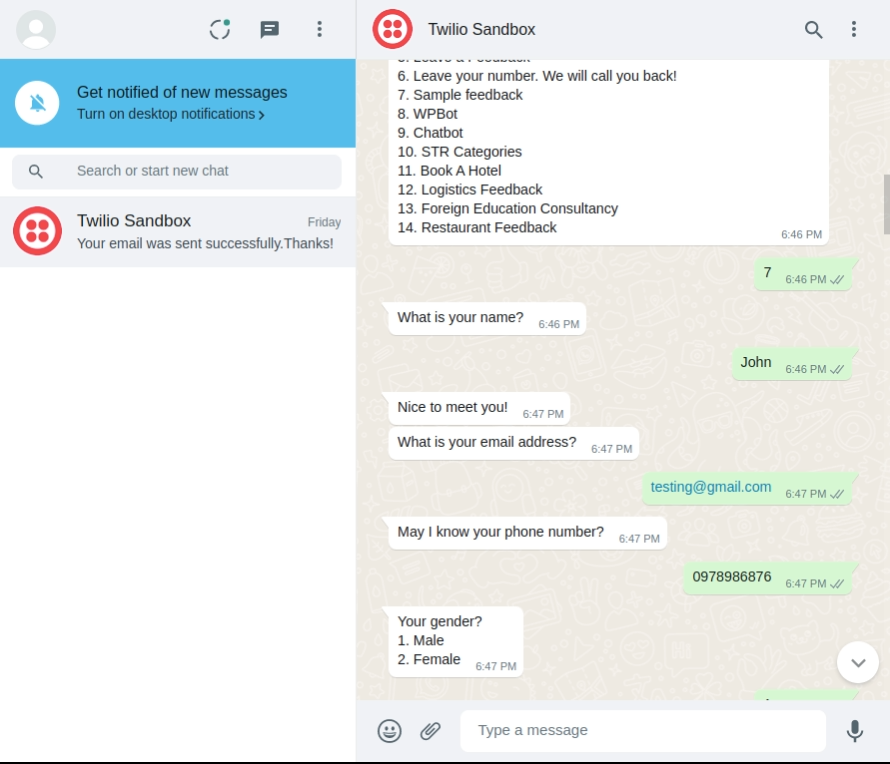
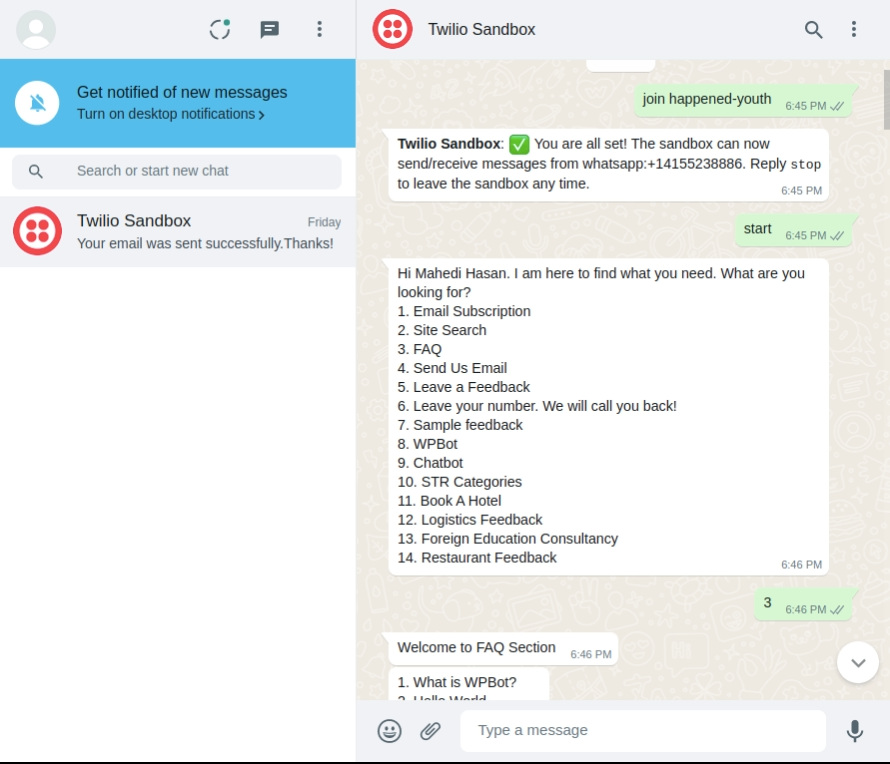
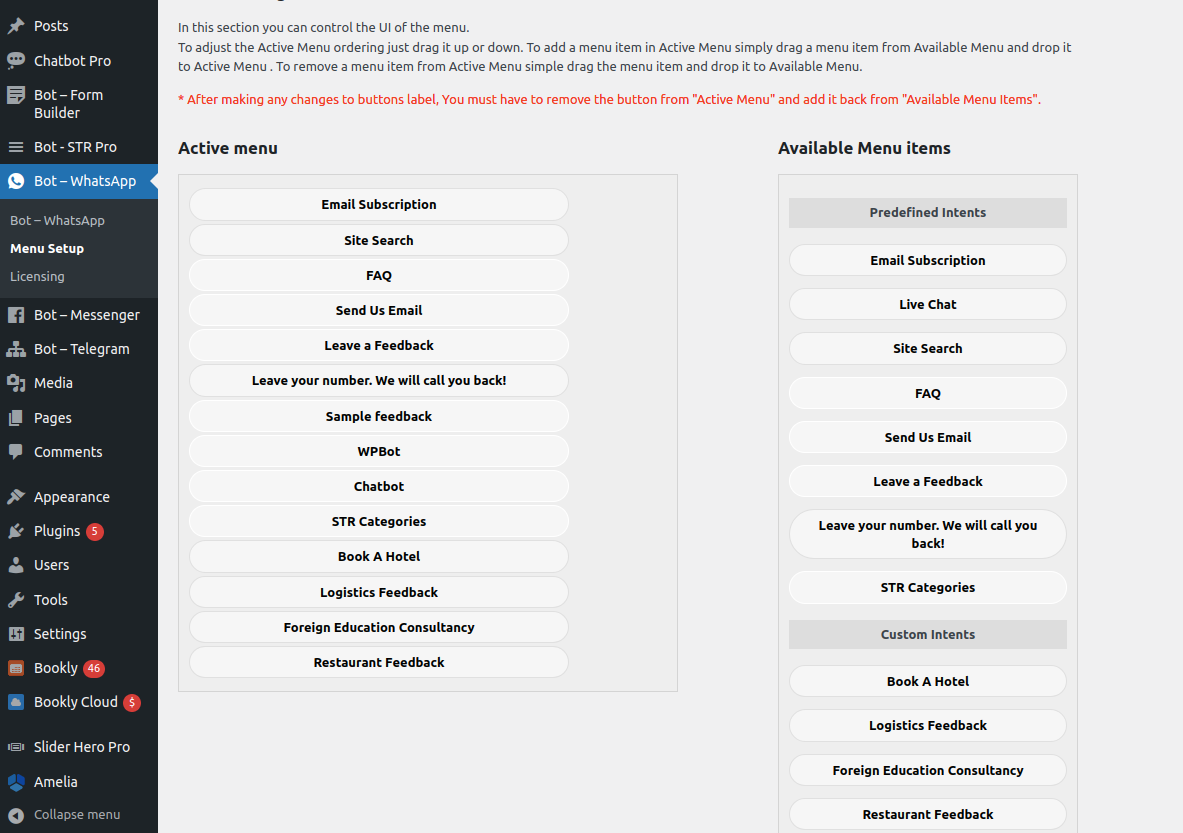
WPBot that helps website owners automate customer support, generate leads, and engage visitors 24/7 — without needing any coding skills.
What WPBot Is Designed For
· Business websites
· Blogs with heavy content
· Service providers
· Agencies managing multiple WordPress sites
Core Philosophy
Your chatbot should work like WordPress — not like a third-party SaaS bolted on.
What Is Tidio?
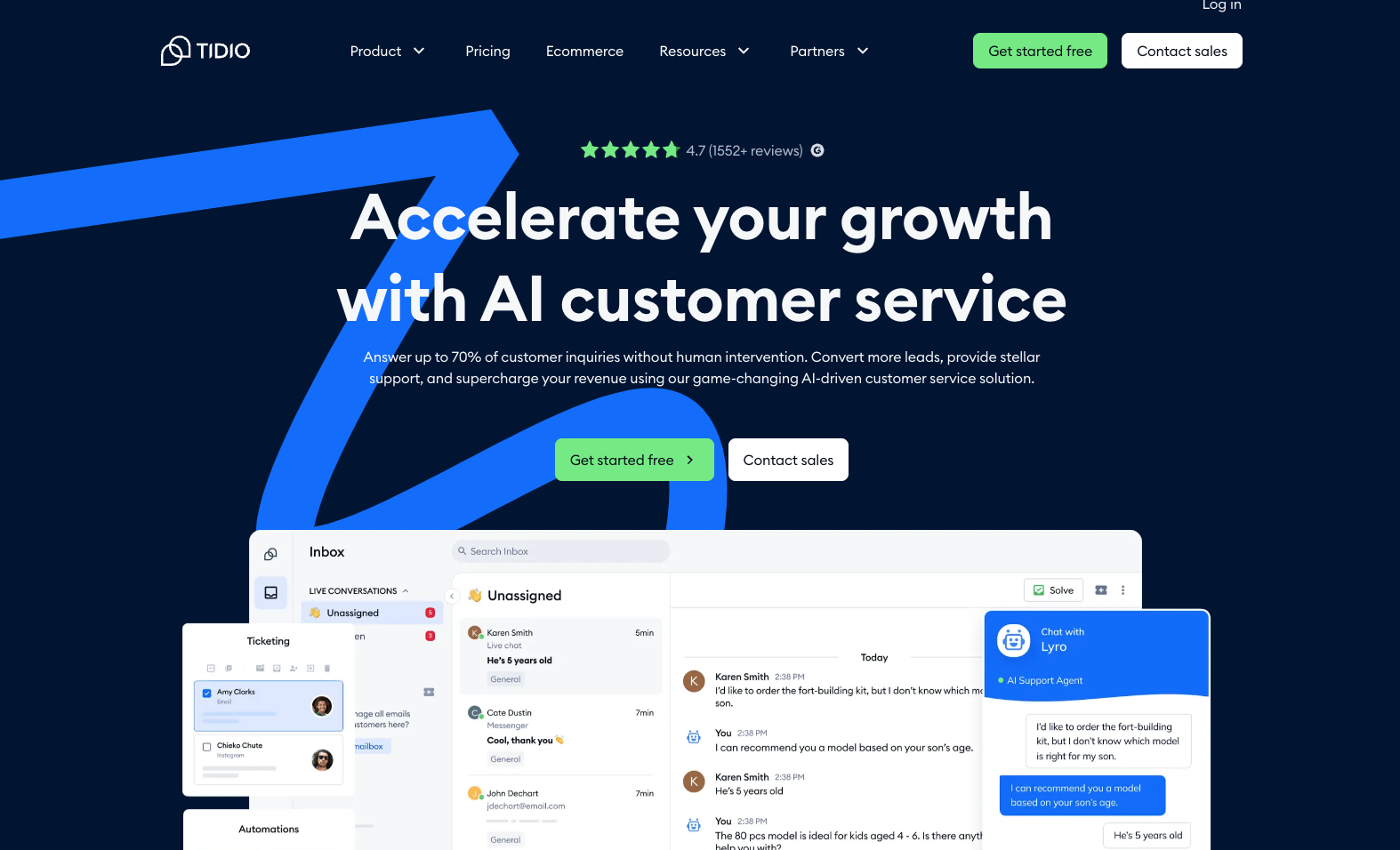 Tidio is a cloud-based live chat and chatbot platform that connects to WordPress using a plugin.
Your chat data, logic, and AI processing live on Tidio’s servers, not yours.
What Tidio Is Designed For
· Quick live chat setup
· Small teams
· Businesses comfortable with subscriptions
· Multi-platform use (WordPress + others)
Hosting Model: Self-Hosted vs Cloud (Big Difference)
WPBot Hosting Model
· Runs on your WordPress server
· Uses WordPress database
· No external dependency
· Faster local queries
What this means for you:
· Full data ownership
· No third-party downtime
· Better compliance control
Tidio Hosting Model
· Cloud-based SaaS
· Requires external scripts
· Dependent on Tidio servers
What this means for you:
· Easier setup
· Less control
· Ongoing dependency
Features: One-to-One Comparison
Core Chat Functionality
|
Feature |
WPBot |
Tidio |
|
Live chat |
✅ No |
✅ Yes |
|
Automated chatbot |
✅ Yes |
✅ Yes |
|
AI responses |
✅ Yes |
✅ Yes |
|
Rule-based flows |
✅ Yes |
⚠️ Limited |
|
Button-based replies |
✅ Yes |
✅ Yes |
Key takeaway: WPBot focuses on automation accuracy +live chat. Tidio blends live chat + automation.
Does WPBot Support Live Chat? (Yes — With the Master License)
This is where many comparisons get WPBot wrong.
WPBot DOES support live chat — but only with the Master license, and it does it in two different ways:
1. Classic Live Chat (inside WordPress)
2. Live Chat with Slack Integration
Both serve different business needs.
Let’s break them down clearly.
WPBot Live Chat: Two Powerful Options
Quick Overview
|
Live Chat Type |
Best For |
Works Inside |
|
Classic Live Chat |
WordPress admins & support teams |
WordPress dashboard |
|
Live Chat with Slack |
Fast, team-based support |
Slack workspace |
This flexibility is something Tidio does not offer natively inside WordPress.
What Is WPBot Classic Live Chat?
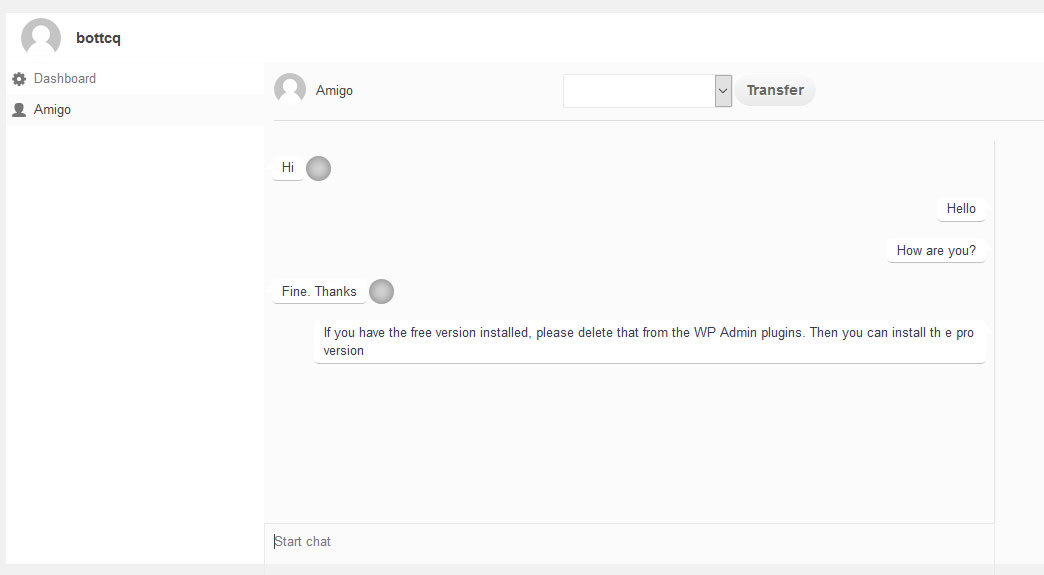
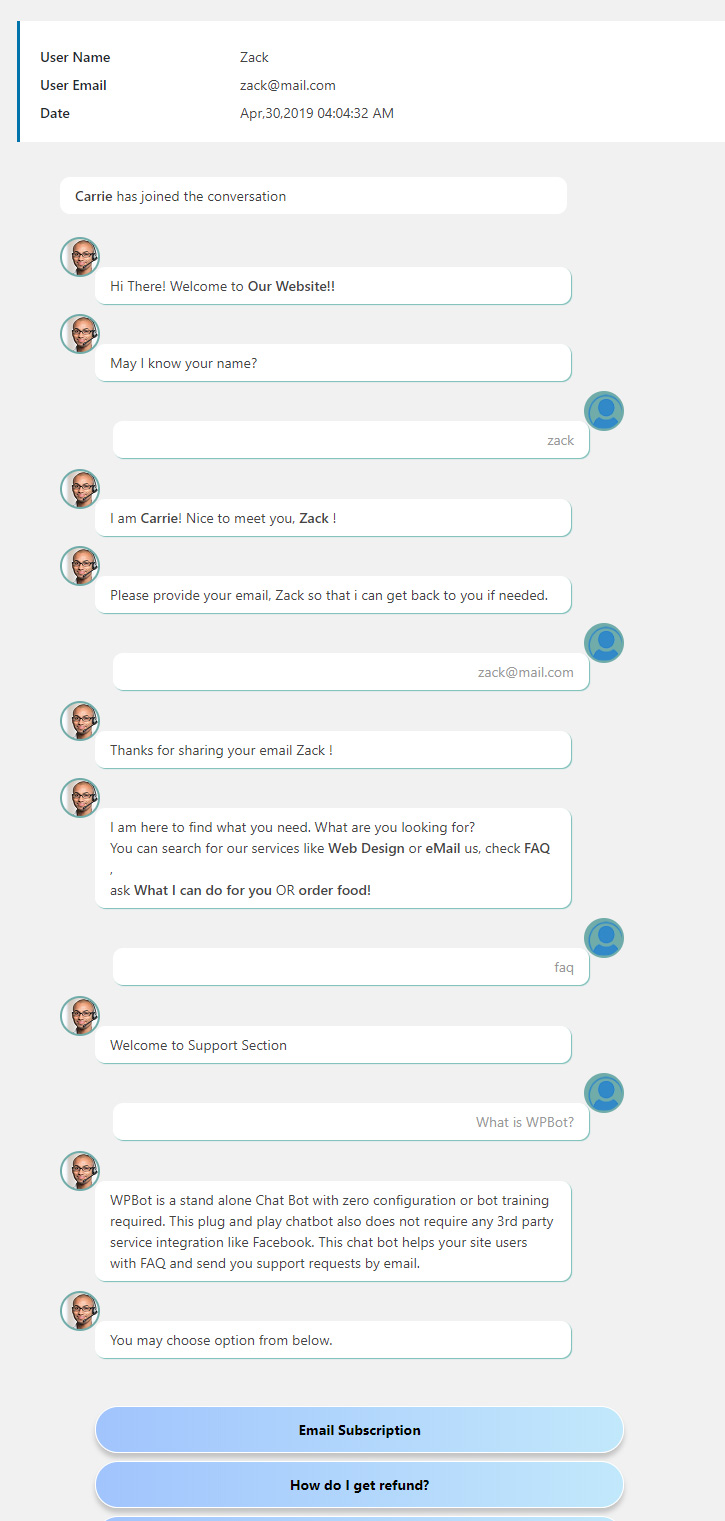
WPBot Classic Live Chat allows you to chat with visitors directly from your WordPress admin panel.
No external dashboards. No SaaS accounts.
How It Works
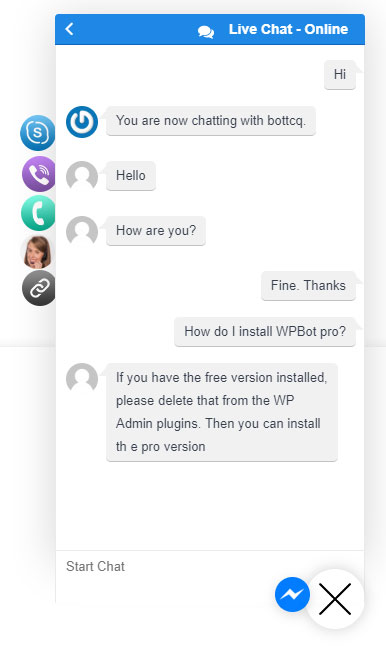
l Visitor starts a chat
l WPBot handles initial automation
l If human help is needed, admin joins live
l Conversation continues in real time
All from WordPress.
Key Features of WPBot Classic Live Chat
l ✅ Real-time human chat
l ✅ Managed from WordPress admin
l ✅ Seamless handoff from chatbot to human
l ✅ Chat history stored locally
l ✅ No monthly fees
Best Use Cases
l Small teams
l Solo site owners
l Support handled by admins
l Businesses that want everything inside WordPress
This feels natural for WordPress-first businesses.
What Is WPBot Live Chat with Slack Integration?
This is where WPBot becomes enterprise-ready.
With the Master license, WPBot can connect directly to Slack, turning Slack into your live support inbox.
How WPBot Slack Live Chat Works
Here’s the flow:
1. Visitor sends a message
2. WPBot chatbot responds first
3. If human help is needed:
l Message is sent to Slack
4. Support team replies from Slack
5. Reply appears instantly in chat widget
No one needs to log into WordPress.
Why Slack Integration Is a Big Deal
Slack is already where teams work.
WPBot brings customers into that workflow.
Key Advantages
l �� Instant notifications
l �� Team collaboration
l �� Faster response times
l �� No missed messages
l �� Works across devices
This is especially powerful for distributed or remote teams.
WPBot Slack Integration: Key Features
l ✅ Two-way real-time messaging
l ✅ Dedicated Slack channel for chats
l ✅ Multiple agents can respond
l ✅ Bot-to-human handoff
l ✅ Chat history preserved
l ✅ No extra SaaS subscription
Unlike Tidio, Slack is optional, not mandatory.
WPBot Live Chat vs Tidio Live Chat (Reality Check)
Let’s be honest and clear.
Live Chat Comparison
|
Feature |
WPBot (Master) |
Tidio |
|
Live chat available |
✅ Yes |
✅ Yes |
|
WordPress-native chat |
✅ Yes |
❌ No |
|
Slack integration |
✅ Yes |
❌ Limited / indirect |
|
Monthly fee |
❌ No |
✅ Yes |
|
Admin panel chat |
✅ Yes |
❌ No |
|
Automation + live hybrid |
✅ Yes |
✅ Yes |
Key Difference in Philosophy
l WPBot: Chatbot-first → human when needed
l Tidio: Live chat-first → automation later
Neither is wrong — but they serve different business models.
When WPBot Live Chat Is the Better Choice
Choose WPBot Master Live Chat if:
l You want ownership and control
l You prefer WordPress-native tools
l You already use Slack
l You want predictable costs
l You manage multiple sites or clients
This is ideal for:
l Agencies
l Growing businesses
l Tech-savvy teams
When Tidio Live Chat Makes More Sense
Choose Tidio if:
l You want instant setup
l You rely heavily on live agents
l You don’t mind monthly fees
l You want a SaaS-style dashboard
Good for:
l Non-technical users
l Customer support-heavy teams
Why WPBot Live Chat Improves ROI
Live chat alone doesn’t guarantee ROI.
Smart handoff does.
WPBot:
l Filters basic questions with automation
l Escalates only when needed
l Saves human time
l Reduces support cost
l Improves response quality
That’s where profit comes from.
✅ WPBot supports TWO live chat systems with the Master license
l Classic WordPress Live Chat
l Advanced Slack Live Chat
This makes WPBot one of the most flexible WordPress chatbot + live chat solutions available.
AI Capabilities: How Smart Are They Really?
WPBot AI Approach
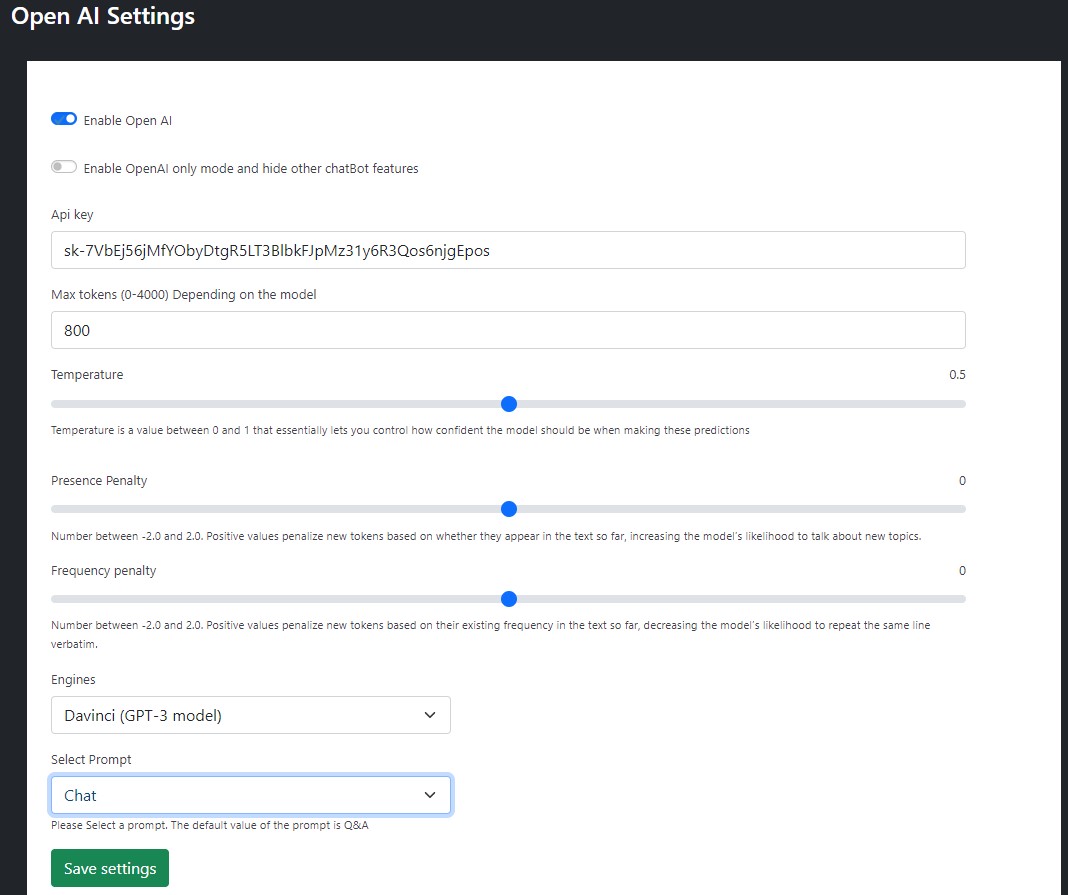
WPBot uses AI + predefined logic.
· AI for understanding intent
· Rules for accuracy
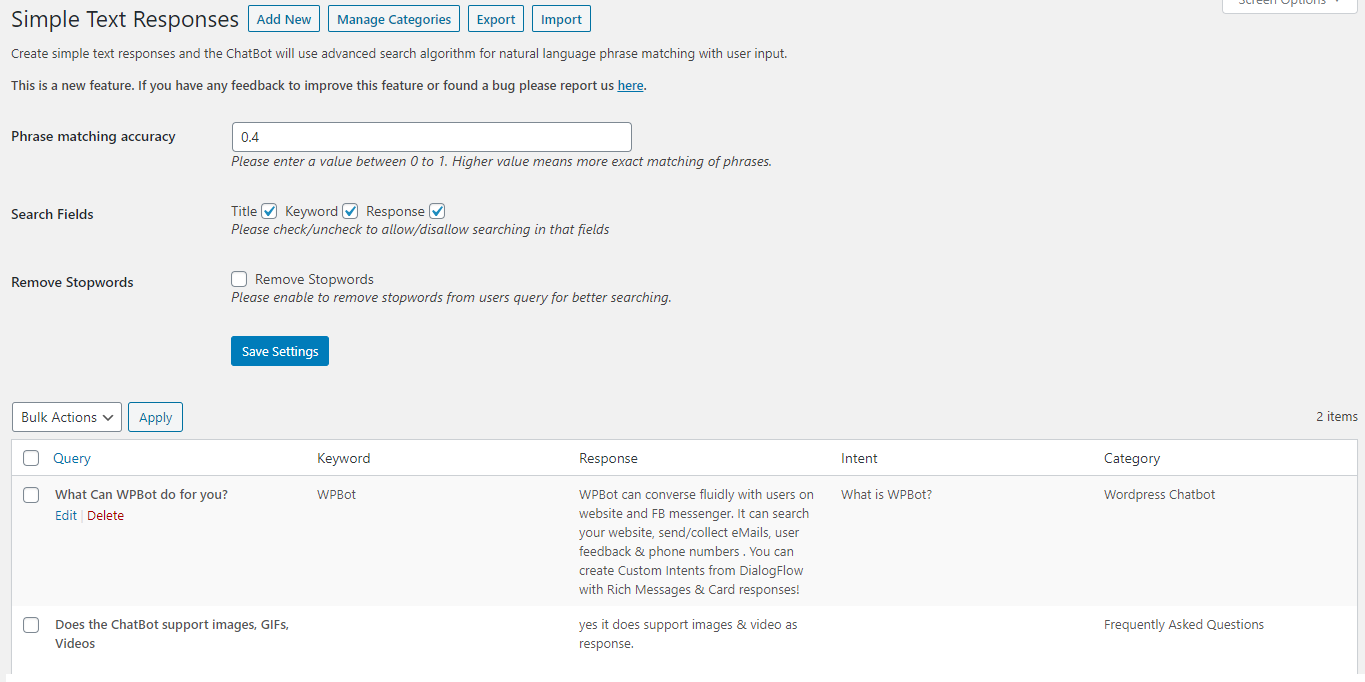
· Fallback to structured answers
Result: Less hallucination. More control.
Tidio AI Approach
Tidio leans more toward AI-first automation.
· Fast responses
· Good for casual queries
· Less control over exact answers
Result: Quicker setup, but more room for incorrect replies.
WordPress Integration: Native vs Connector
WPBot Integration
· Built fully for WordPress
· Uses posts, pages, and custom content
· Works inside wp-admin
You manage everything where you already work.
Tidio Integration
· WordPress plugin is a connector
· Real configuration happens on Tidio dashboard
This split workflow matters over time.
WooCommerce Support (If You Sell Products)
Let’s be clear.
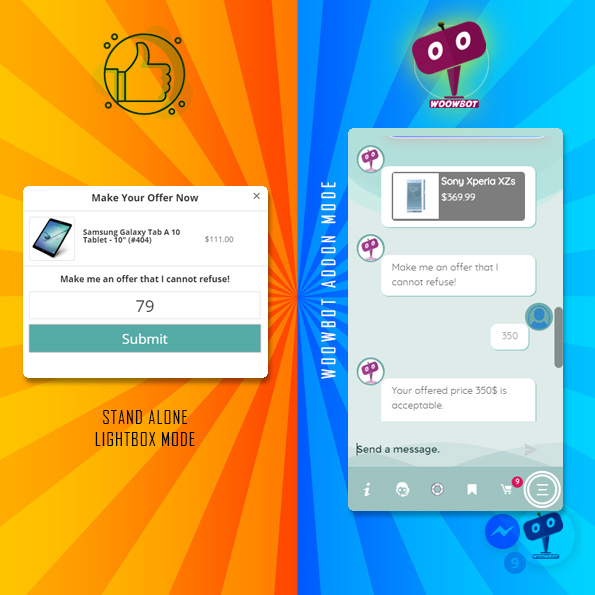
Neither WPBot nor Tidio is WoowBot-level deep for WooCommerce. But there are differences.
WPBot + WooCommerce
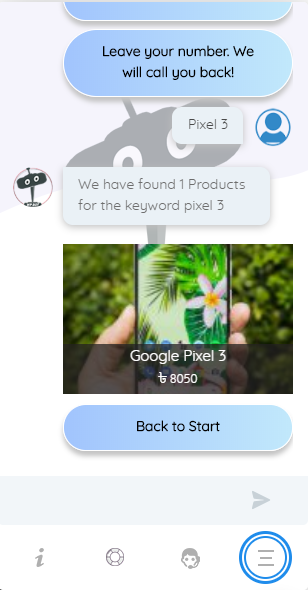
· Can answer store FAQs
· Can guide users to products
· Better content-based product discovery
Tidio + WooCommerce
· Live chat with shoppers
· Some product info display
· Good for pre-sale conversations
Verdict: Tidio is better for human-assisted sales. WPBot is better for automated discovery.
Pricing Comparison: One-Time vs Monthly
WPBot Pricing Model
· One-time license (or annual renewal)
· No per-chat fees
· No visitor limits
Long-term cost: predictable and lower.
Tidio Pricing Model
· Monthly subscription
· Pricing increases with:
o Conversations
o Features
o AI usage
Long-term cost: increases as you grow.
Performance & Site Speed
WPBot Performance
· Local execution
· Lightweight scripts
· No third-party latency
Better for:
· Core Web Vitals
· Performance-focused sites
Tidio Performance
· External scripts
· Cloud dependency
· Generally fast, but not local
Fine for most sites — but not performance purists.
Data Ownership & Privacy
This matters more every year.
WPBot
· Chat data stored in your database
· Full ownership
· Easier GDPR compliance
Tidio
· Data stored on external servers
· Compliance handled by vendor
· Less control
If privacy matters, WPBot wins.
Ease of Setup (For Beginners)
WPBot Setup
1. Install plugin
2. Configure FAQs
3. Enable AI (optional)
4. Customize chat
Takes a bit of setup — but worth it.
Tidio Setup
1. Install plugin
2. Create account
3. Follow wizard
4. Start chatting
Very beginner-friendly.
Customization & Control
WPBot Customization
· Behavior rules
· Triggers
· Appearance
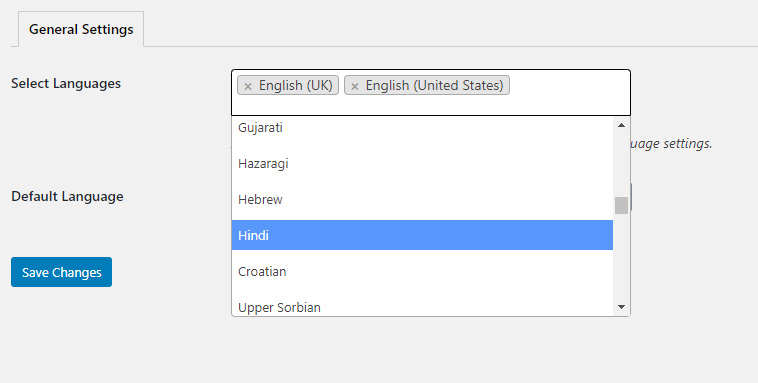
· Language control
Best for structured automation.
Tidio Customization
· Visual flow builder
· Chat design tools
· Live chat settings
Best for conversation-driven support.
ROI: Which One Actually Pays Off?
WPBot ROI
Best when:
· You want automation
· Live chat matters· You dislike monthly fees
· You run multiple WordPress sites
· You care about long-term cost
Tidio ROI
Best when:
· Live chat matters
· You need quick deployment
· You’re okay with subscriptions
Who Should Choose WPBot?
Choose WPBot if you:
· Run a WordPress-first business
· Want full control
· Prefer one-time pricing
· Need structured automation
Who Should Choose Tidio?
Choose Tidio if you:
· Need live chat
· Want minimal setup
· Don’t mind SaaS pricing
· Prefer visual flow builders
Final Verdict: WPBot vs Tidio
Let’s be honest.
· WPBot is a WordPress automation tool
· Tidio is a customer communication platform
Neither is “bad”. They solve different problems.
My Straight Recommendation
· Automation + ownership → WPBot
· Live chat + speed → Tidio
FAQs
Is WPBot better than Tidio for WordPress?
For automation, cost control, and data ownership — yes. For live chat, Tidio is better.
Does WPBot require coding?
No. It’s beginner-friendly but benefits from thoughtful setup.
Is Tidio free?
Tidio has a limited free plan, but serious usage requires paid subscriptions.
Which is better for WooCommerce?
Neither is ideal for deep WooCommerce automation. WoowBot is better for that use case.
Can I use both WPBot and Tidio together?
Technically yes, but it’s usually redundant and confusing for users.
Final Thought
Choosing a chatbot isn’t about features.
It’s about:
· Control
· Cost
· Use case
· Long-term ROI
If WordPress is your business foundation, WPBot feels natural. If conversation speed matters more than ownership, Tidio delivers fast.