Best Chatbot Solutions for Web Design Agencies to Automate Client Support

For web design agencies managing multiple client sites, the best chatbot solutions are WordPress-native, easy to deploy, centrally manageable, white-label branding, GDPR-friendly, and flexible enough to fit different industries. Among all options, WPBot stands out as the most practical and scalable chatbot solution for agencies because it works inside WordPress, requires no per-client SaaS lock-in, and supports automation, AI, WooCommerce, and lead generation in one plugin.

Now let’s break this down properly.

Why Web Design Agencies Need Chatbots More Than Ever

Web design agencies aren’t just building websites anymore.

You’re expected to:

· Provide ongoing support

· Handle client queries

· Improve conversion rates

· Reduce manual support requests

· Offer value-added services

And clients want all of this without higher monthly retainers.

That’s where chatbots come in.

A good chatbot:

· Answers common questions 24/7

· Captures leads automatically

· Reduces support tickets

· Improves client satisfaction

· Makes your agency look more “premium”

But here’s the catch.

Not all chatbot solutions are agency-friendly.

What Makes a Chatbot “Agency-Friendly”?

Before listing tools, let’s set the rules.

A chatbot is suitable for web design agencies only if it checks most of these boxes:

Core Requirements for Agencies

· Works with WordPress (no external dependency headaches)

· Easy to install on multiple client sites

· Centralized or repeatable configuration

· White-label friendly

· No forced per-site SaaS pricing

· Customizable per client

· Supports multiple use cases (support, leads, sales)

If a chatbot fails here, it becomes a burden—not a benefit.

Common Use Cases for Chatbots on Client Sites

Agencies use chatbots differently depending on the client type.

Typical Client Use Cases

· Business websites  FAQs, contact automation

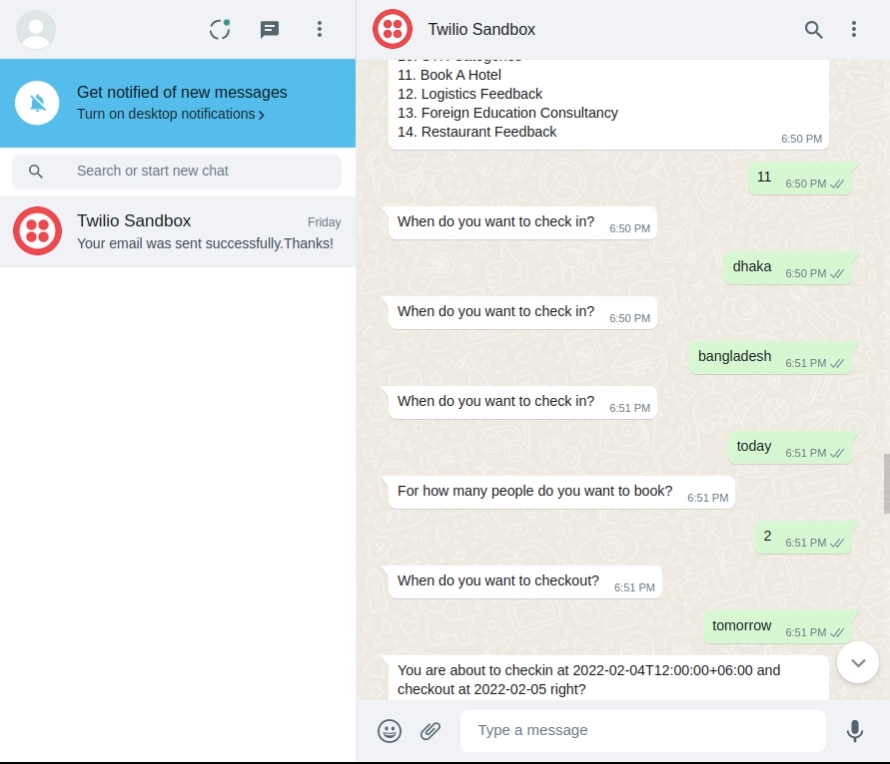
· Service providers  Appointment booking

· E-commerce  Product questions, cart recovery

· Real estate  Property inquiries

· SaaS  Onboarding and documentation

· Blogs  Content navigation

A single chatbot solution must adapt to all of these.

Types of Chatbot Solutions Agencies Can Choose From

Before picking tools, understand the categories.

1. SaaS-Based Chatbots

Examples:

· Intercom

· Drift

· Tidio

· Crisp

Pros

· Polished UI

· Advanced analytics

Cons

· Monthly fees per site

· Client billing complexity

· Limited WordPress control

· Data hosted externally

For agencies?  Often expensive and hard to scale.

2. AI API-Based Chatbots

Examples:

· OpenAI API setups

· Custom GPT integrations

Pros

· Powerful AI responses

· Flexible logic

Cons

· Requires development effort

· API cost management

· Not beginner-friendly

Best for agencies with in-house developers.

3. WordPress-Native Chatbot Plugins

This is where things get interesting.

Why?

· Installed directly on client sites

· Full ownership

· No forced SaaS pricing

· Easier maintenance

This category is ideal for most web design agencies.

What Is WPBot and Why Agencies Prefer It
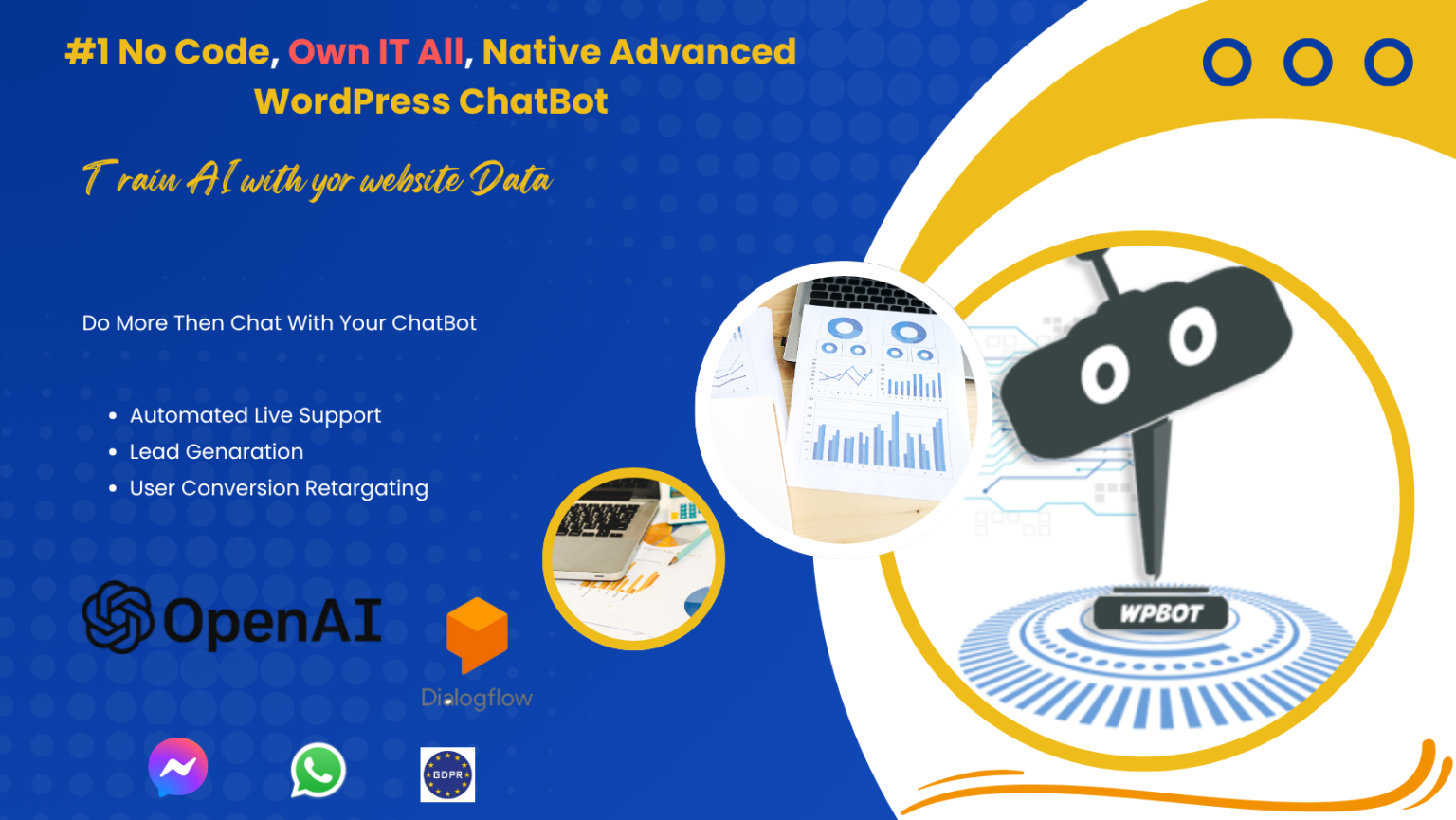
Best Chatbot Solutions for Web Design Agencies to Automate Client SupportWPBot is a WordPress-native AI chatbot plugin designed specifically for business websites, WooCommerce stores, and service providers.

For agencies, WPBot works because it’s:

· Self-hosted

· Flexible

· Scalable

· Easy to customize per client

Key Reasons WPBot Works So Well for Web Design Agencies

Let’s get specific.

1. One Plugin, Many Clients

You can:

· Install WPBot on 50 client sites

· Reuse chatbot flows

· Customize messaging per industry

No rebuilding from scratch every time.

2. No Forced Monthly SaaS Fees

This is huge.

Agencies hate explaining SaaS costs to clients.

With WPBot:

· One-time license options

· Predictable pricing

· Easy markup for agency profit

You stay in control.

3. Fully WordPress Native

WPBot works inside WordPress, not around it.

Benefits:

· Uses WordPress database

· Works with themes and plugins

· No external dashboard dependency

Perfect for long-term site management.

4. Works for Both Simple and AI Use Cases

You’re not locked into “AI only”.

WPBot supports:

· Button-based conversations

· Keyword-triggered replies

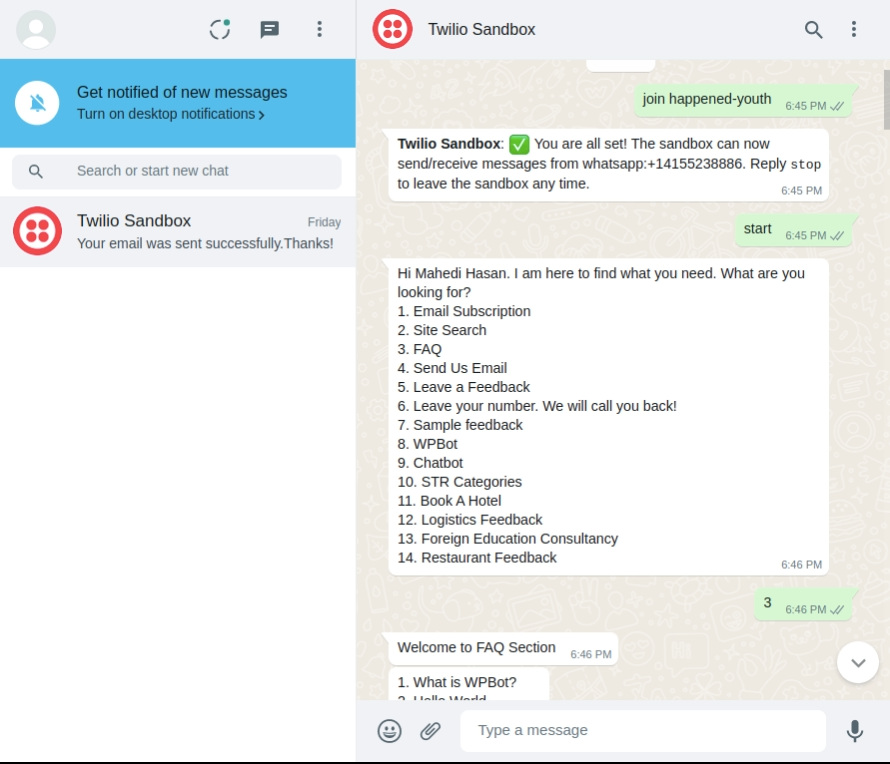
· FAQ automation

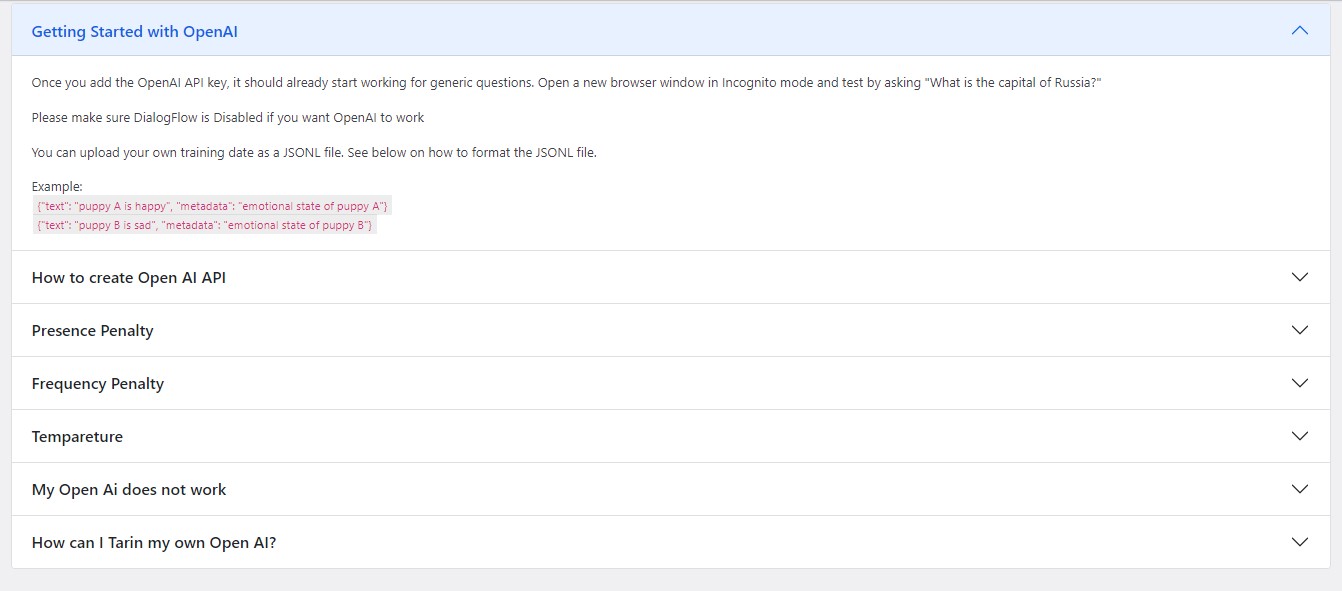
· AI-powered responses (OpenAI, etc.)

This matters because:

· Some clients want simple bots

· Others want full AI assistants

Same plugin. Different setups.

WPBot Features Agencies Actually Use

Let’s skip the marketing fluff and focus on real agency use.

Core Features That Matter

· Visual chatbot flow builder

· Custom welcome messages per site

· Page-specific triggers

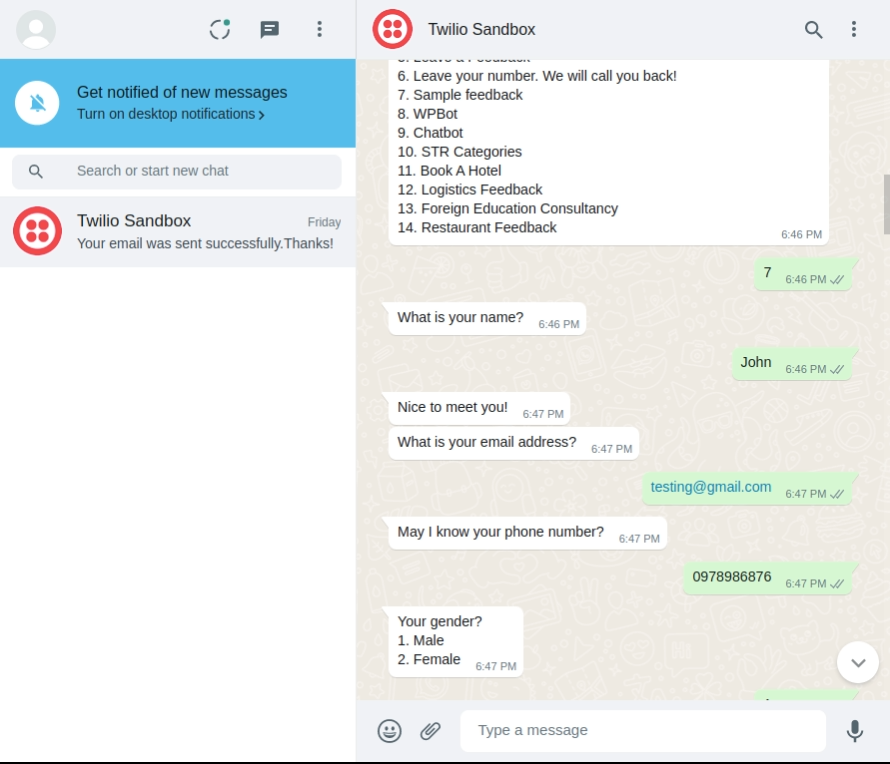
· Lead capture forms

· Email notifications

· Chat history storage

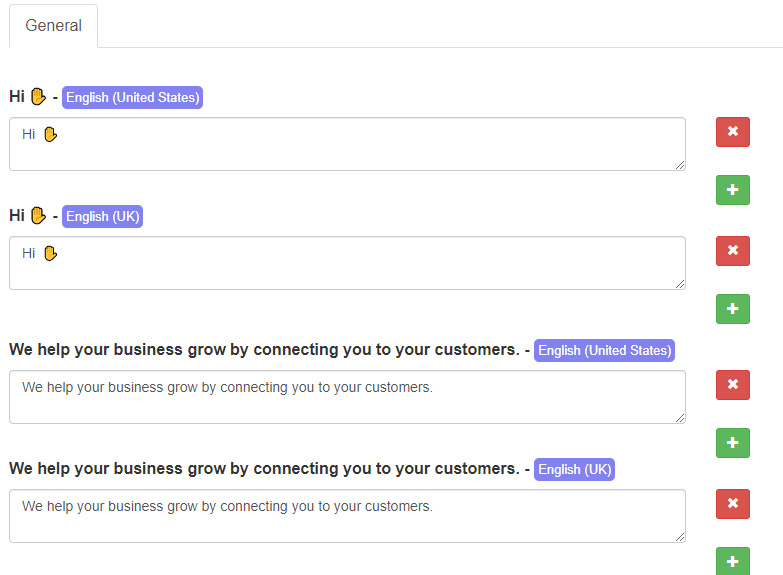
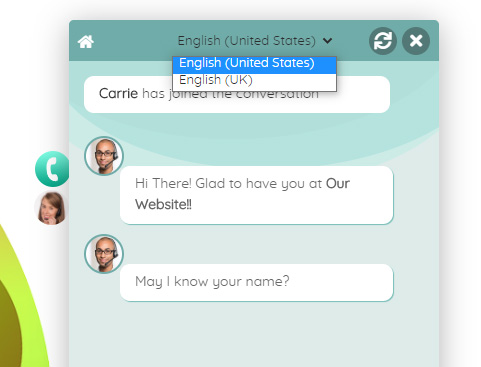
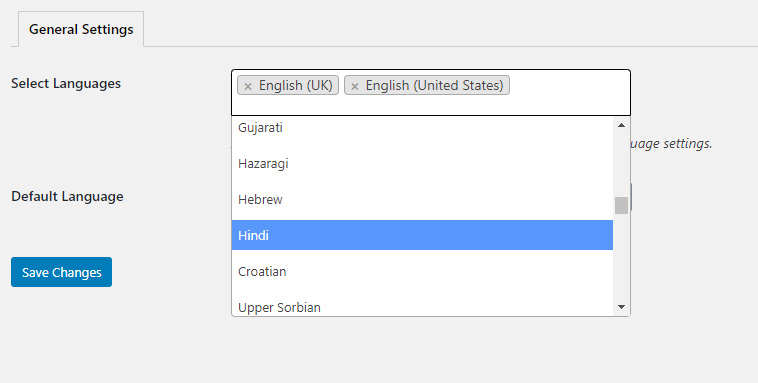
· Multilingual support

WooCommerce Support (Huge Bonus)

For eCommerce clients:

· Product search inside chat

· Order tracking

· Cart recovery prompts

· Upsell suggestions

That alone can justify chatbot installation.

Comparing WPBot with Other Chatbot Tools

Here’s a simple comparison agencies understand.

Feature

WPBot

SaaS Chatbots

Custom AI Bots

WordPress Native

One-Time Pricing

Easy Client Setup

⚠️

White Label Friendly

⚠️

WooCommerce Support

⚠️

⚠️

Agency Scalability

⚠️

How Agencies Can Package Chatbots as a Service

This is where revenue grows.

Popular Agency Packages

· Website + Chatbot Setup

· Monthly Chatbot Maintenance

· Lead Generation Optimization

· AI Assistant Add-On

Clients don’t need to know how it works. They only care that it works.

Best Practices for Deploying Chatbots on Client Sites

Don’t just install and forget.

Do This Instead

· Customize welcome messages per niche

· Add chatbot to high-intent pages

· Keep responses short and helpful

· Use quick reply buttons

· Track common questions

A chatbot should reduce friction, not add confusion.

Security, Privacy, and Client Trust

Clients ask about this. Be ready.

WPBot advantages:

· Self-hosted data

· GDPR-friendly setup

· No forced third-party tracking

· Works with consent plugins

This is a big selling point for EU clients.

When WPBot Might Not Be Enough

Let’s be honest.

WPBot may not be ideal if:

· Client needs enterprise live chat teams

· Deep CRM automation is required

· Complex multi-language AI training is needed

But for 90% of agency clients, WPBot does the job—and then some.

FAQs

What is the best chatbot for web design agencies?

For WordPress-based client sites, WPBot is one of the best chatbot solutions due to its flexibility, pricing, and agency-friendly setup.

Can agencies resell chatbot services?

Yes. Many agencies bundle chatbots as part of website maintenance or lead generation services.

Do chatbots really reduce client support requests?

Yes. Chatbots handle repetitive questions, freeing agencies and clients from manual support.

Is WPBot suitable for non-technical users?

Yes. WPBot includes visual builders and predefined flows suitable for beginners.

Can WPBot work with AI like ChatGPT?

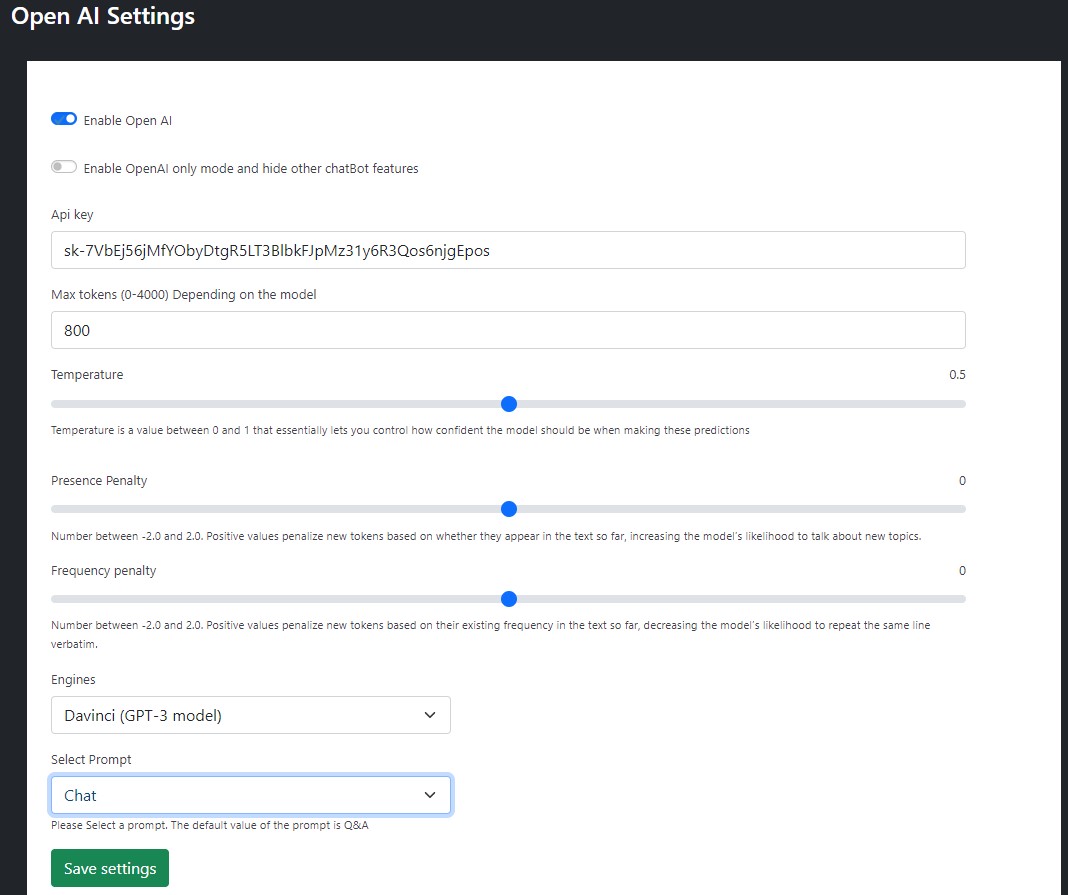
Yes. WPBot supports OpenAI integration for AI-powered responses.

Final Thoughts: Which Chatbot Should Agencies Choose?

If you’re a web design agency managing multiple WordPress client sites, the goal isn’t flashy tech.

The goal is:

· Reliability

· Scalability

· Profitability

· Simplicity

WPBot delivers all four.

It lets agencies:

· Automate support

· Add value

· Increase recurring revenue

· Keep full control

And that’s exactly what modern agencies need.

Leave a Reply

Got more questions?

Contact our ChatBot Support Heroes. They’ll provide you with all the information you need.
Contact us

Customer support is very responsive and professional. The script is awesome and with many features, including A.I. from Dialogflow. High quality.
Newpolaris

If have a 7 Stars won’t hesitate to rate that chatbot as a 7stars+++ Very helpful prompt team support Cannot find enough words express my happiness for purchasing that CHATBot Good Luck for you and your items

Ahsmartsolutions

X
Let's chat if you need any help finding the right product or need support.
FAQEmail SubscriptionSend Us Email

Build Conversations & Dynamic Forms for WPBot Pro

Create conditional conversations and forms for a native WordPress ChatBot experience  Build Standard Forms, Dynamic Forms with conditional fields, Calculators, Appointment booking etc. Comes with 7 ready templates built-in. Saves form data into database, auto response, conditional fields, variables, saved revisions and more!

This Addon requires the WPBot Pro V 9.2.0+

What is the Conversational Forms?

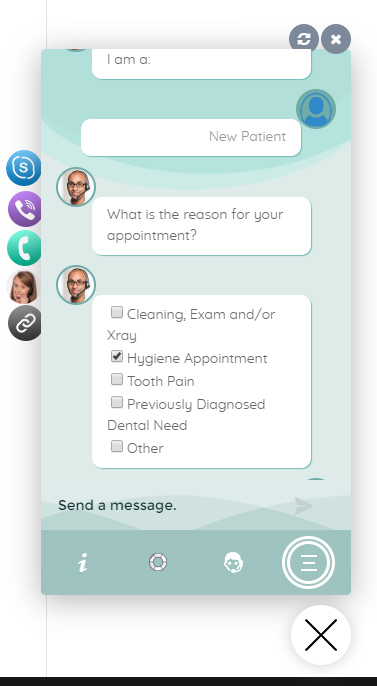
Conversational Forms is a powerful Addon for WPBot. It extents WPBot’s functionality and adds the ability to create conditional conversations and/or forms for the WPBot. It is a visual, drag and drop form builder that is easy to use and very flexible. Supports conditional logic and use of variables to build all types of forms or just menu driven conversations with if else logicConversations or forms can be eMailed to you and saved in the database.

What Can You Do with it?

Conversation Forms Pro allows you to create a wide variety of forms, that might include:

  • Conditional Menu Driven Conversations
  • Standard Contact Forms
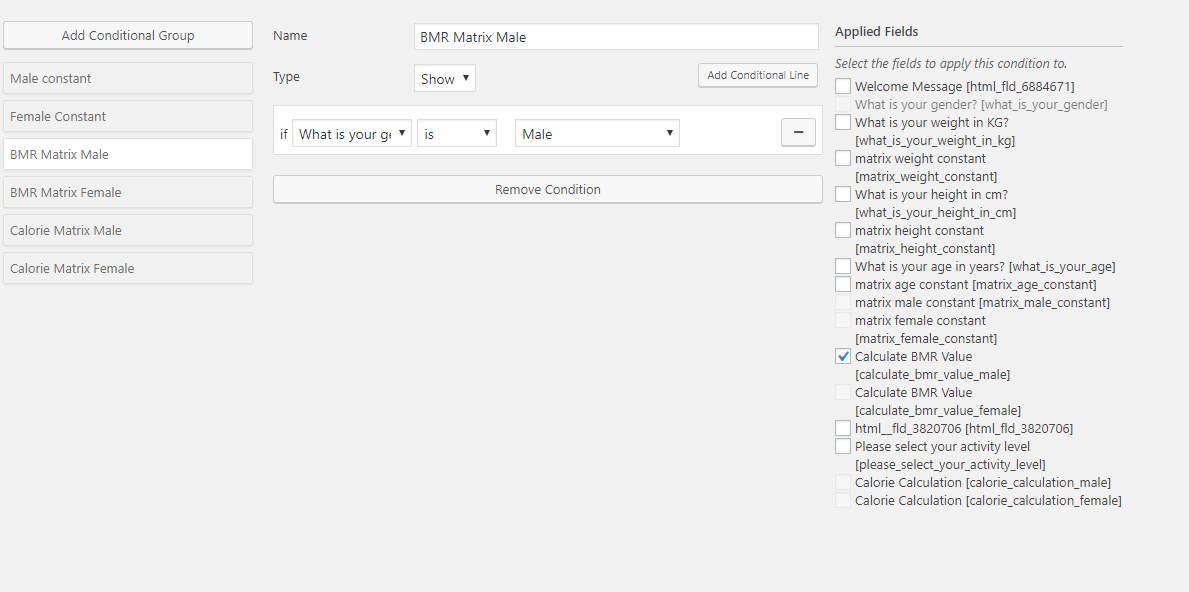
  • Dynamic, conditional Forms – where fields can change based on the user selections
  • Job Application Forms
  • Lead Capture Forms
  • Various types of Calculators
  • Feedback Survey Forms etc.

How it Works?

After creating a Conversation or form, you can show it in the ChatBot in different ways.

  • Add it to the Start menu
  • Invoke the form intent with a system command to start inside ChatBot any time
  • Load the single intent/form inside a ChatBot widget on any page
  • Load the intent/form inside the ChatBot using a Click to Chat button that can be placed anywhere inside your content on any page.

Conversational Form Features

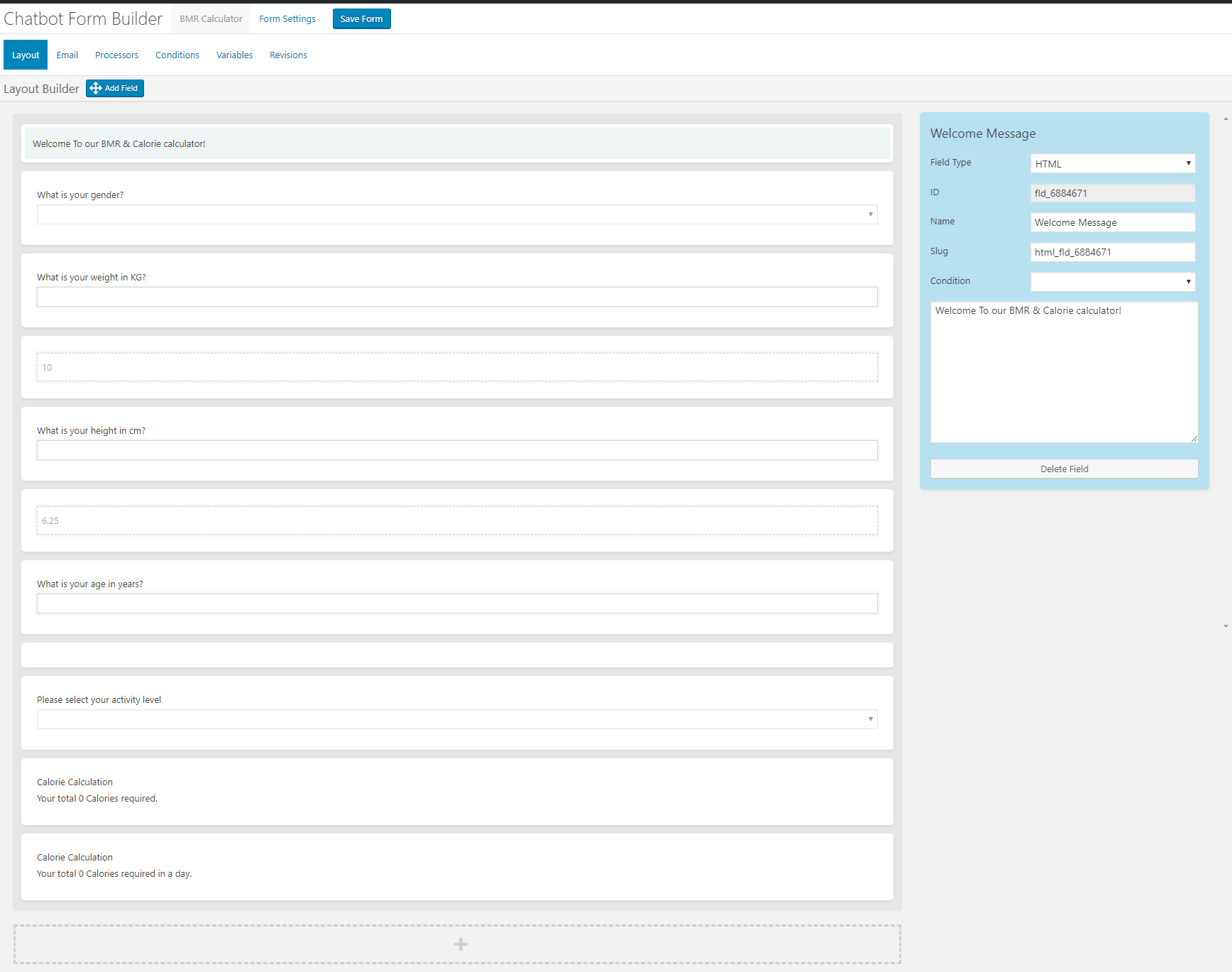
  • Easy to use visual drag and drop conversations and form builder
  • Create conversational form or just conversation using the HTML element
  • Add text fields, single option selection or multiple option selection with checkboxes
  • Add HTML contents inside the conversation forms
  • eMail conversations or forms to the admin at the end of conversation
  • Set different recipient email addresses for different conversation forms
  • Clone form
  • Export/Import Forms
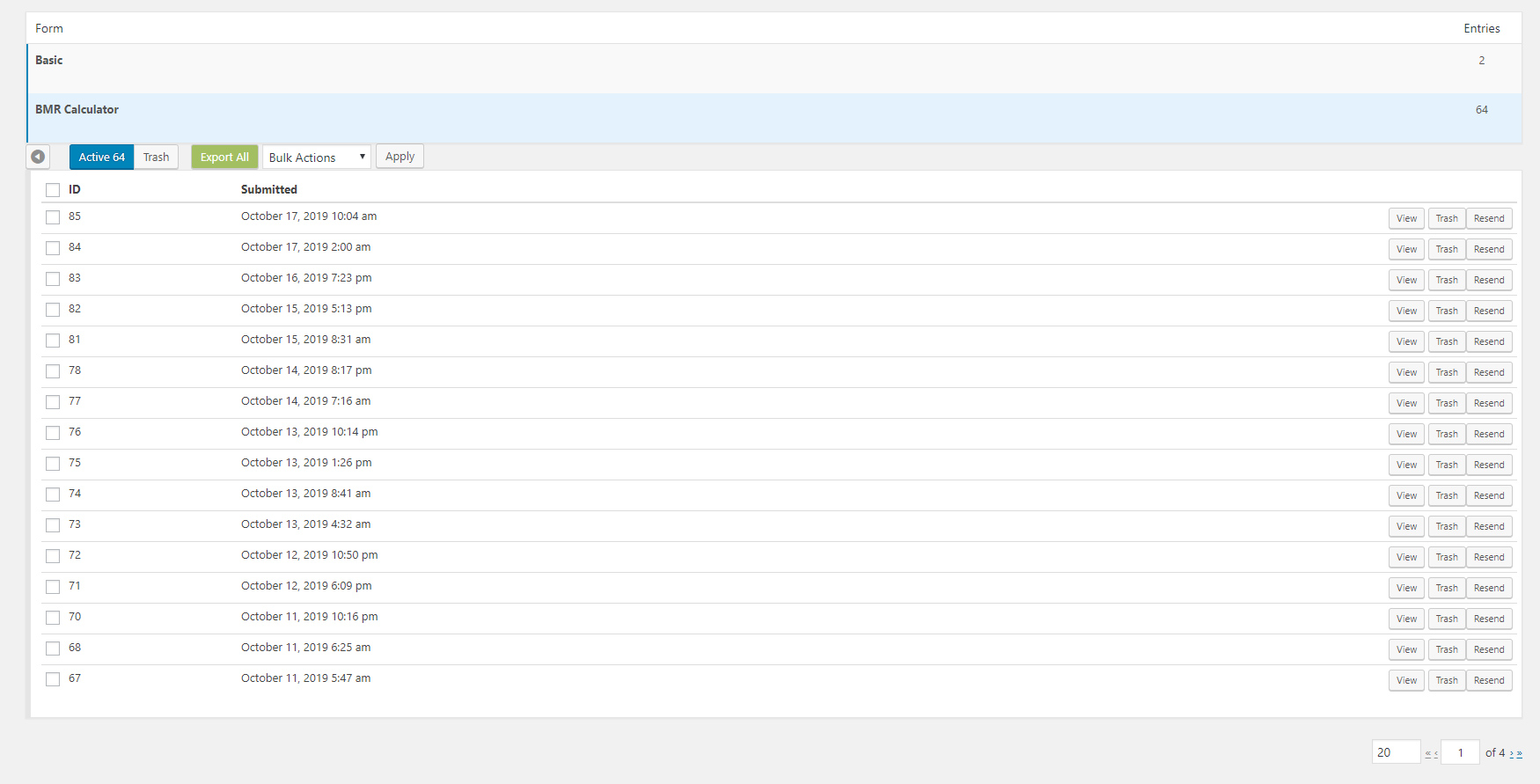
  • Form Entries saved into database
  • Export Form Entries as CSV
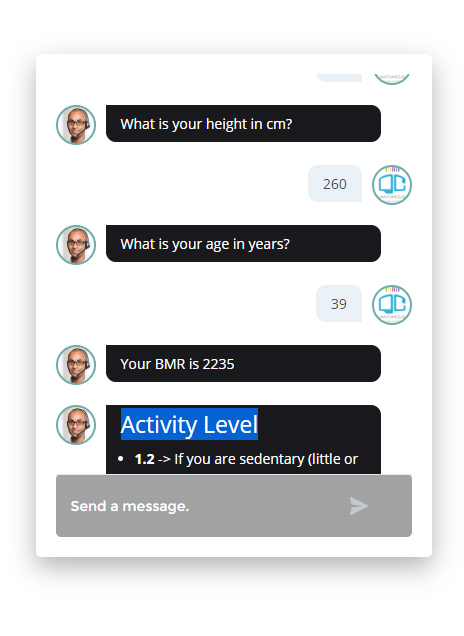
  • 12 Ready Form Templates to Get Started with (Contact Form, Feedback form. Survey Form, BMR Calculator, Appointment Request, Booking Form, Room Area Calculator)
  • 10 Input Fields (Simple Text, Hidden, Email Address, Number, URL, Calculation, Select Option, Checkbox, DateTime Picker, HTML, Image Upload)
  • Processor – Auto Responder – Send an auto response e-mail for form submission
  • Unlimited Conditional Field creation
  • Unlimited Variables creation
  • Form Revisions
  • Create system command to initiate form for ChatBot
  • Add form to Start Menu

Main Features

  • Easy to use visual drag and drop conversations and form builder
  • Create conversational form or just conversation using the HTML element
  • Add text fields, single option selection or multiple option selection with checkboxes
  • Add HTML contents inside the conversation forms
  • eMail conversations or forms to the admin at the end of conversation
  • Set different recipient email addresses for different conversation forms

What is the Bargaining Bot?

Bargaining ChatBot for WoowBot

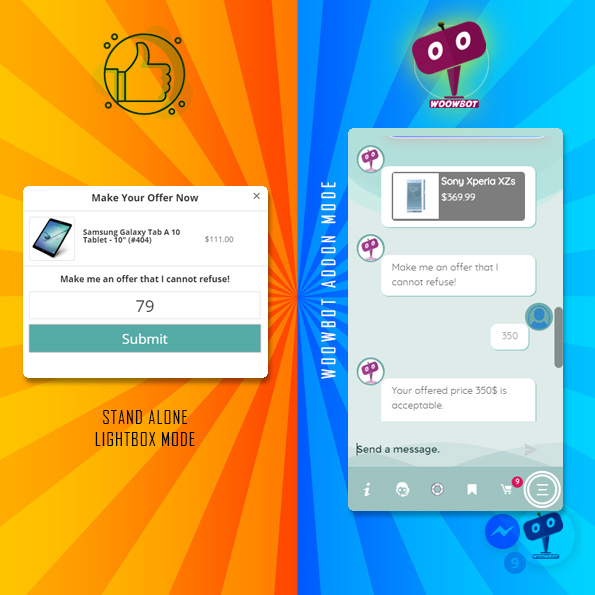
Say goodbye to the old and boring way of offering discounts for the sake of it. Let your customers haggle for it. Bargaining Bot is the World’s first negotiation bot for WooCommerce. Shoppers are more likely to take advantage of their discount if they have to “work” for it. It makes the shopping experience much more lively and interactive.

Once a deal is made by the Bargaining Bot, the shopper can complete the checkout with the discounted price.

If no deal is made, the ChatBot offers to email the shopper’s last offered price to the shop admin. Admin can then email the Customer to complete the deal.

Why do I need a Bargaining Bot?

Price is the most important factor in a shopper’s decision to buy, yet most shoppers leave because your fixed price is a few dollars too high. The Bargaining Bot lets you capture more sales because the price is negotiated based on what the customer is willing to pay and the minimum price at which you are willing to sell.

Here is why the Bargain Bot will earn you higher revenue and profit margins:

  • Higher Engagement – the Bot creates a new engagement point for shoppers to interact with your products instead of leaving
  • Capture the WooCommerce shoppers while they have a high intent to purchase. This addon helps keep them on your site to finalize a price deal
  • Higher conversions – shoppers love to feel like they are getting a great deal – this addon allows them to pay less than the listed price and therefore convert to a sale
  • All offers are responded to in seconds based on a minimum price point that you set
  • Super easy to install – no coding necessary
  • Super easy to configure – apply the addon in seconds
  • Bargain bot automatically pops up if a user wants to close the browser window from your product single page.
  • Offers do NOT require shoppers to enter their email address to make an offer so you get many more offers made, more offers accepted, and more sales
  • Once shoppers buy one thing using this method, they want to buy more items the same way

HOW IT WORKS FOR THE SHOPPERS?

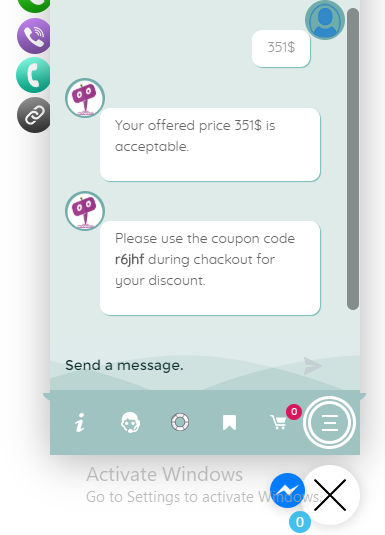
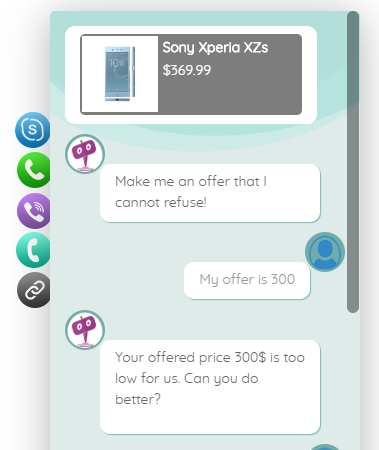
In addition to your Add to Cart button, the Bargaining Bot enables a Make Your Offer Now button. After clicking this button, shoppers can enter an Offer Price. If their Offer Price is at or above your Minimum Acceptable price, then the Bargaining Bot accepts the offer.

If the Offer Price is below your minimum acceptable price, the Bot will automatically ask the shopper for a better price. If the price is too low, the Bot will make the last offer at your Minimum Acceptable price. If the shopper accepts it then the Bot will apply a product-specific discount and ask to checkout.

If the shopper denies the offer, Bot will ask for the shopper’s email that will be sent to the shop admin with details about the product and the last offer by the shopper.

HOW IT WORKS FOR MERCHANTS?

Once you install the Bot, you may apply the Make Your Offer Now button to any specific product or all products in your store with just one click. You can set up the Minimum Acceptable price for an individual product or set a Global discount percentage from the Bot settings. When you set a Minimum Acceptable price for the individual product the individual pricing will override the global setting.

With our Bot, price negotiation can happen on any product! The main benefits are increased engagement and conversion because you can allow shoppers to stay on your site, make a Price Offer, and your pricing rules will enable them in many cases to buy when they want to buy – now. Sell more, sell faster, and sell at higher margins with the Bargaining Bot! Also, there is the Exit intent detection feature…

Exit Intent Detection to Activate Bargain Bot

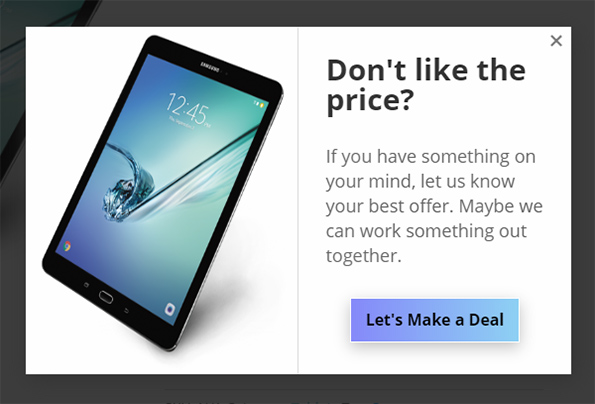
If a shopper is on your product single page and wants to close the browser window or leave your website, Bargain bot will come into action. Bargain Bot will detect the shopper’s exit intent and ask to offer their own price instead of just leaving.

Bargaining ChatBot for WoowBot
  • Enable/Disable Bargaining Bot (hide the make your offer button on the product single page)
  • Exclude sale items (If enabled Bargaining button will not display for products that are already on sale)
  • Enable for specific product/s by adding Minimum Acceptable Prices or enable globally
  • Enable global maximum acceptable discount for all products (one click set up)
  • Exclude categories from Global discount
  • Exclude products on sale
  • Maximum Bargaining Allowed Limit
  • Minimum product quantity required for bargaining
  • Exit Intent Detection to activate bargain bot. Bargain bot comes to action if shopper intends to leave the site or close window.
  • Option to enable the Bargain Bot for only Exit Intent (not show the Make offer button)
  • Option to ask for phone number instead of email in final step
  • Shortcode to show Bargain button on any page of your website
  • Set how many Bargaining is allowed before accepting the admin set minimum price
  • Send final offer set by admin by email
  • Disable sending the final offer by email
  • Change quantity on the Bargain window
  • Allow only logged-in users to Bargain.
  • Option to re-position the Make your offer button
  • Change admin email and subject
  • Custom CSS area to modify button or lightbox design using your own CSS code
  • Define Minimum Acceptable Price under individual product to Override the global discount value.
  • Options to change all languages from the plugin settings (bargaining bot can be used with any language)
  • Supports both woocommerce Simple Products and Variable products.
  • Compatible with with WoowBot Pro

**Product variations set by 3rd party plugins may not work. Woocommerce product variations is supported fully.

Main Features

  • Enable/Disable Bargaining Bot (hide the make your offer button on the product single page)
  • Enable for specific product/s by adding Minimum Acceptable Prices or enable globally
  • Options to change all languages from the plugin settings (bargaining bot can be used with any language)
  • Supports both woocommerce Simple Products and Variable products.
  • Compatible with the WoowBot Lite version
    (Product variations set by 3rd party plugins may not work)