


















WPBot Pricing

Choose the plan that’s right for you. WPBot pricing offers the best value for multiple pricing plans. Only pay for what you need!

Yearly
Lifetime
Save up to 46%
35% off
STARTER

$230.00

$149 - Lifetime
Core WPBot Pro
Chat Sessions and Histories
Extended Search Module
LLM AIs & DialogFlow
RAG Vector Knowledge Base for AI (Basic)
FREE ChatBot Theme
 
5 WordPress Sites
Premium Technical Support
Product Lifetime Updates
Best for Personal Websites or Blogs
41% off
PROFESSIONAL

$480.00

$279 - Lifetime
Everything from STARTER
Simple text Responses Pro Module
Conversational Forms Pro Module
WooCommerce Module
OpenAI Pro (Training, Fine Tuning, Assistant)
RAG Vector Knowledge Base for AI (Advanced)
 
10 WordPress Sites
Premium Technical Support
Product Lifetime Updates
Best for Business & eCommerce Sites
46% off
MASTER

$680.00

$369 - Lifetime
Everything from PROFESSIONAL
Live (Human) Chat with Slack
OpenAI Pro (Training, Fine Tuning, Assistant)
RAG Vector Knowledge Base for AI (Advanced)
WebHook & Mailing List Module
White Label Module
Multi Language Module
FacebBook Messenger Module
Instagram Module
AI Powered Support Ticket (new)
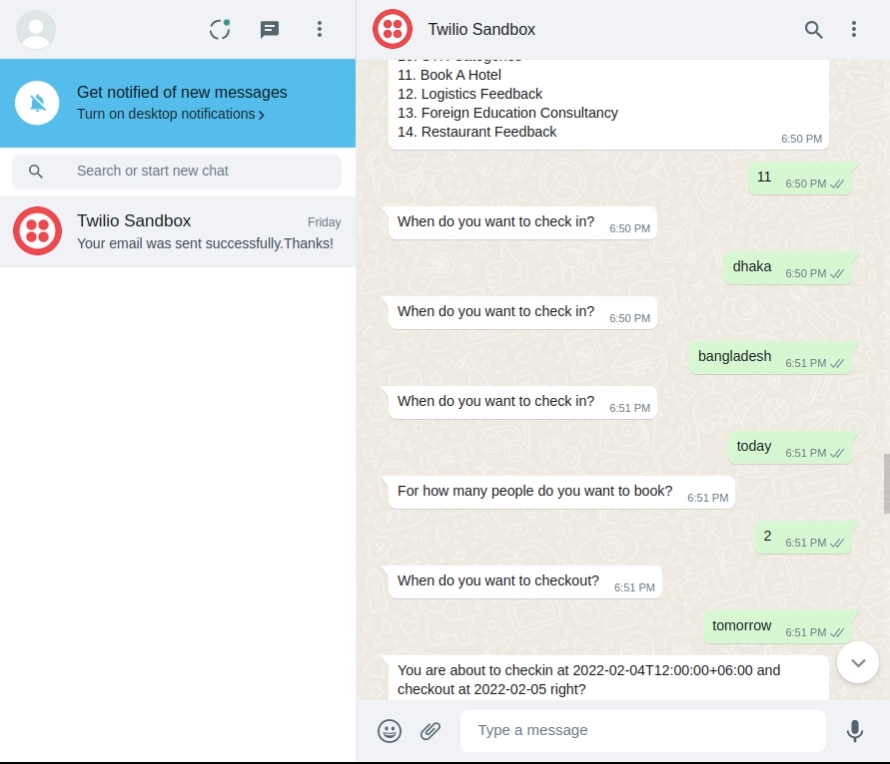
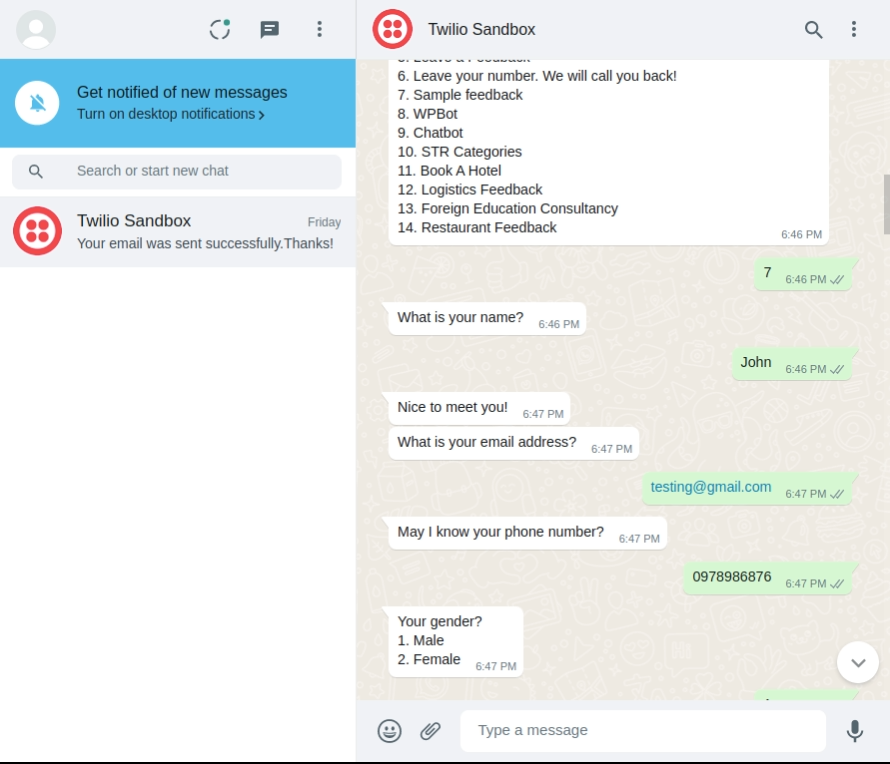
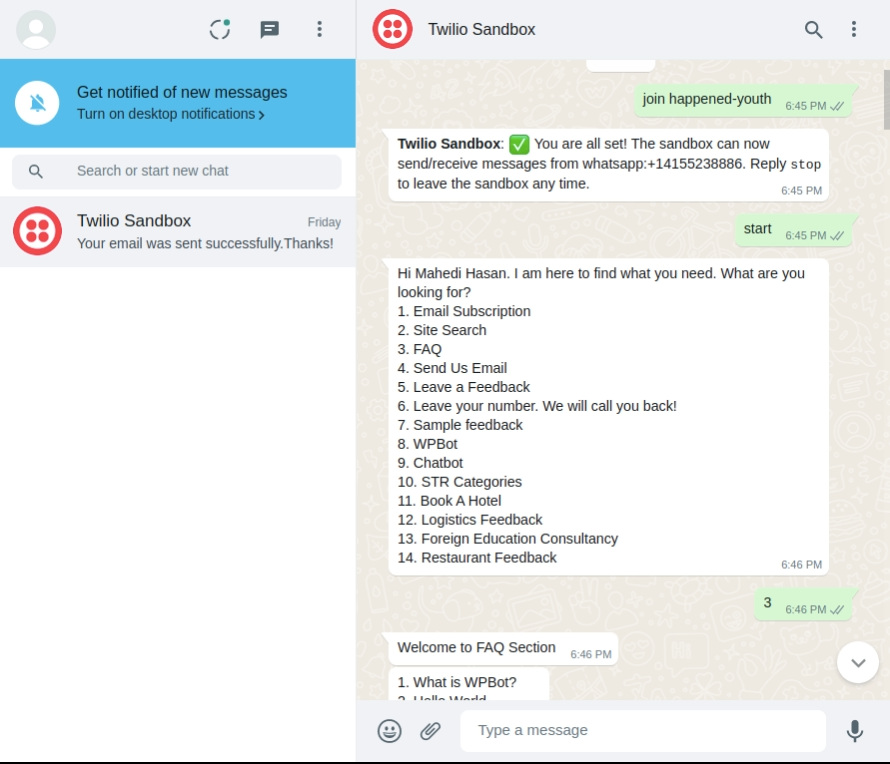
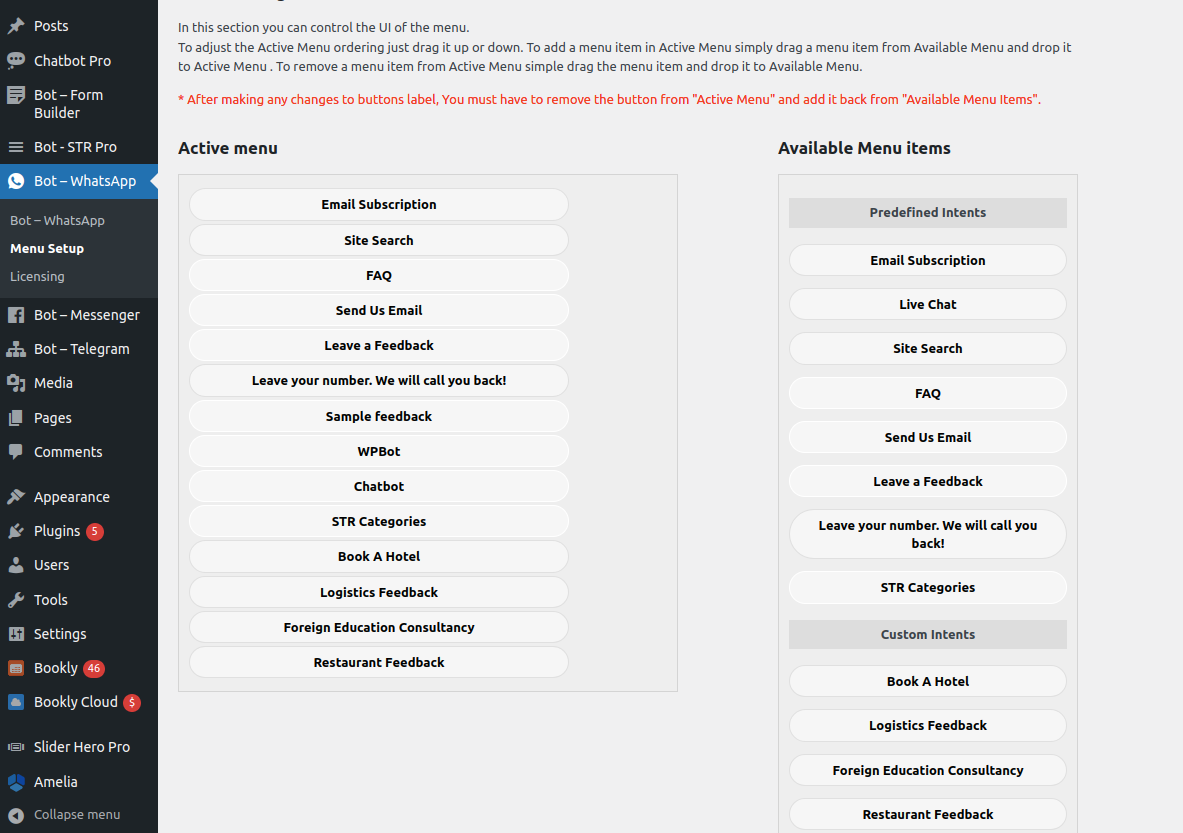
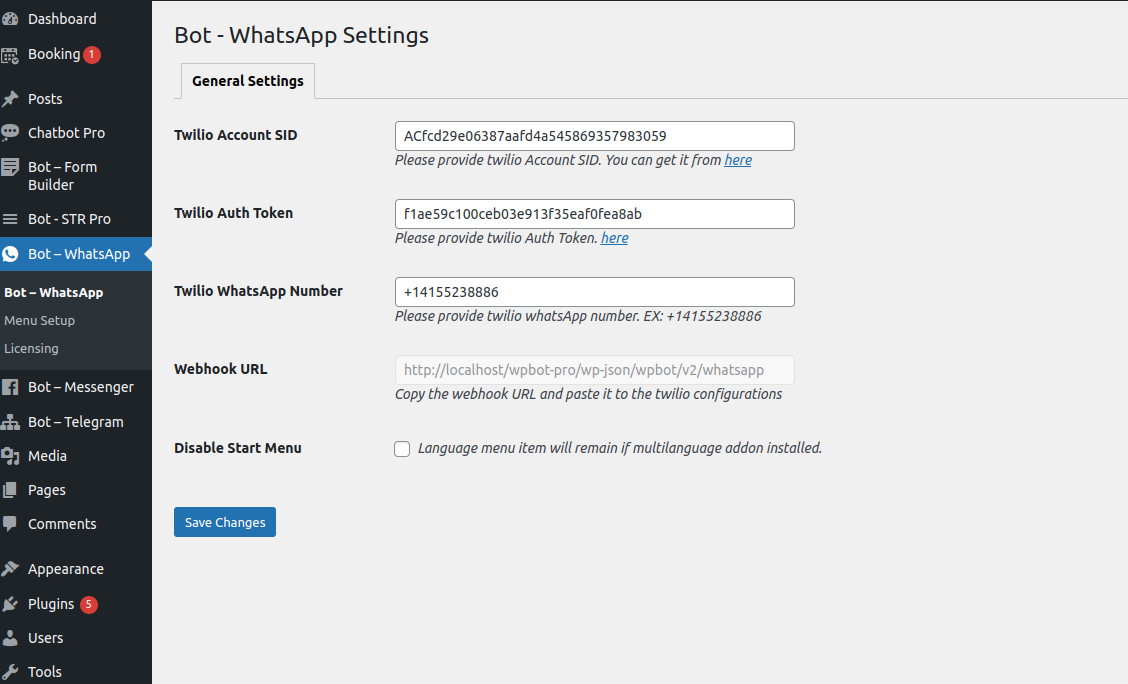
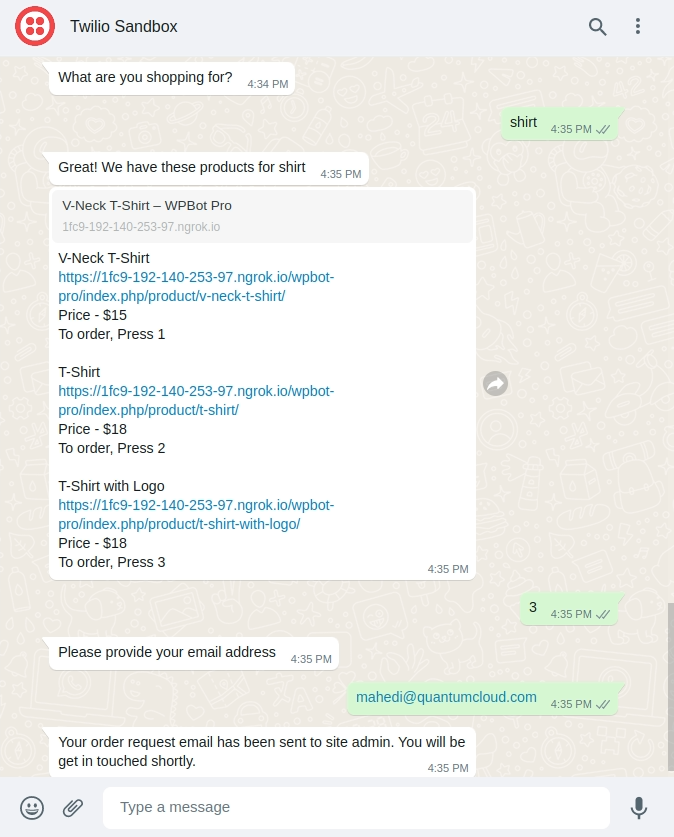
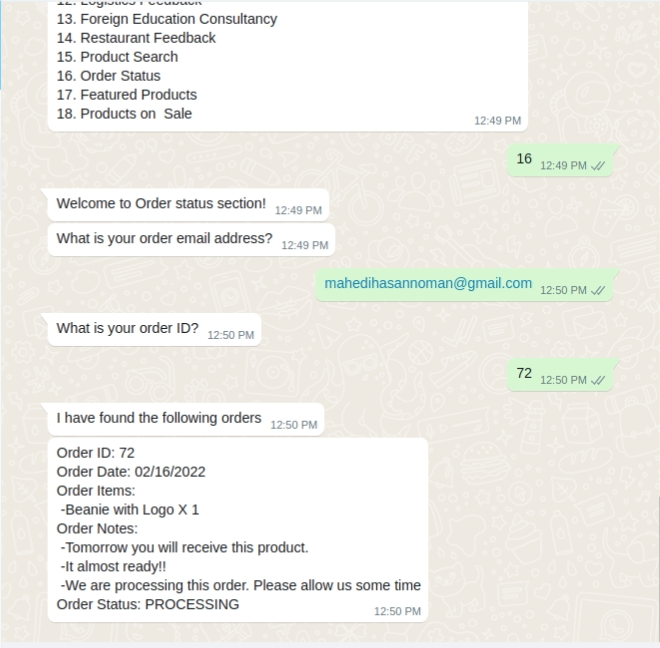
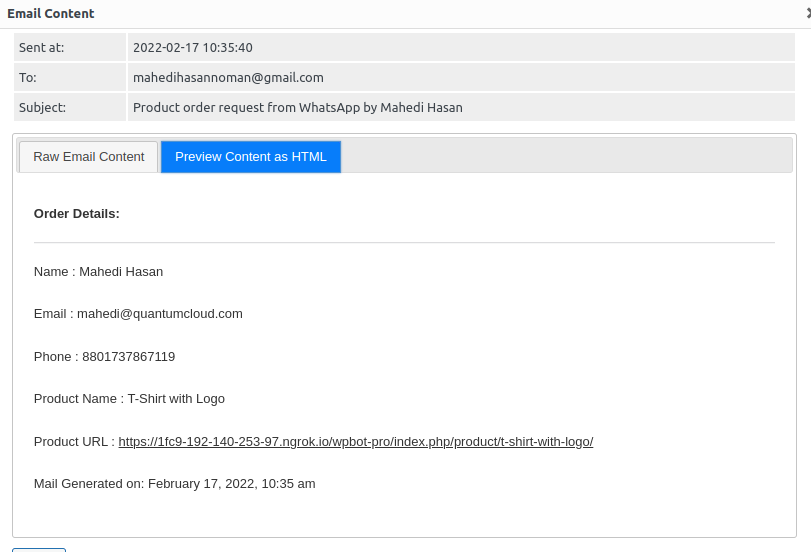
WhatsApp through Meta/Twilio
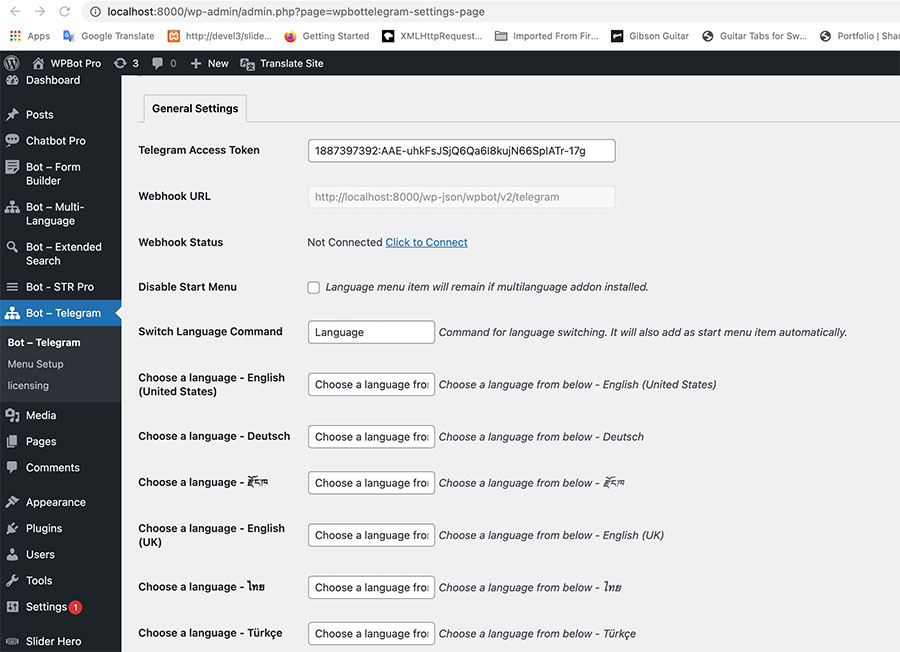
Telegram Module
Voice Message Module
Voice Chat Module (OpenAI Whisper, Google Cloud TTS, STT)
Extended UI Module
Settings Export Import Module
 
50 WordPress Sites
Priority Technical Support
Product Lifetime Updates
Best for Power Users & Agencies
STARTER
$39 - Lifetime
Core WPBot Pro
Chat Sessions and Histories
Extended Search Module
LLM AIs & DialogFlow
RAG Vector Knowledge Base for AI (Basic)
FREE ChatBot Theme
 
1 WordPress Site
Premium Technical Support
Best for Personal Websites or Blogs
PROFESSIONAL
$99 - Lifetime
Everything from STARTER
Simple text Responses Pro Module
Conversational Forms Pro Module
WooCommerce Module
OpenAI Pro (Training, Fine Tuning, Assistant)
RAG Vector Knowledge Base for AI (Advanced)
 
2 WordPress Sites
Premium Technical Support
Best for Business & eCommerce Sites
MASTER
$189 - Lifetime
Everything from PROFESSIONAL
Live (Human) Chat with Slack
OpenAI Pro (Training, Fine Tuning, Assistant)
RAG Vector Knowledge Base for AI (Advanced)
WebHook & Mailing List Module
White Label Module
FaceBook Messenger Module
Instagram Module
WhatsApp through Meta/Twilio
Telegram Module
Multi Language Module
AI Powered Support Ticket Module (new)
Voice Message Module
Voice Chat Module (OpenAI Whisper, Google Cloud TTS, STT)
Extended UI Module
Settings Export Import Module Tavily Search API Module
 
5 WordPress Sites
Priority Technical Support
Best for Power Users & Agencies

Included Features with the Core WPBot

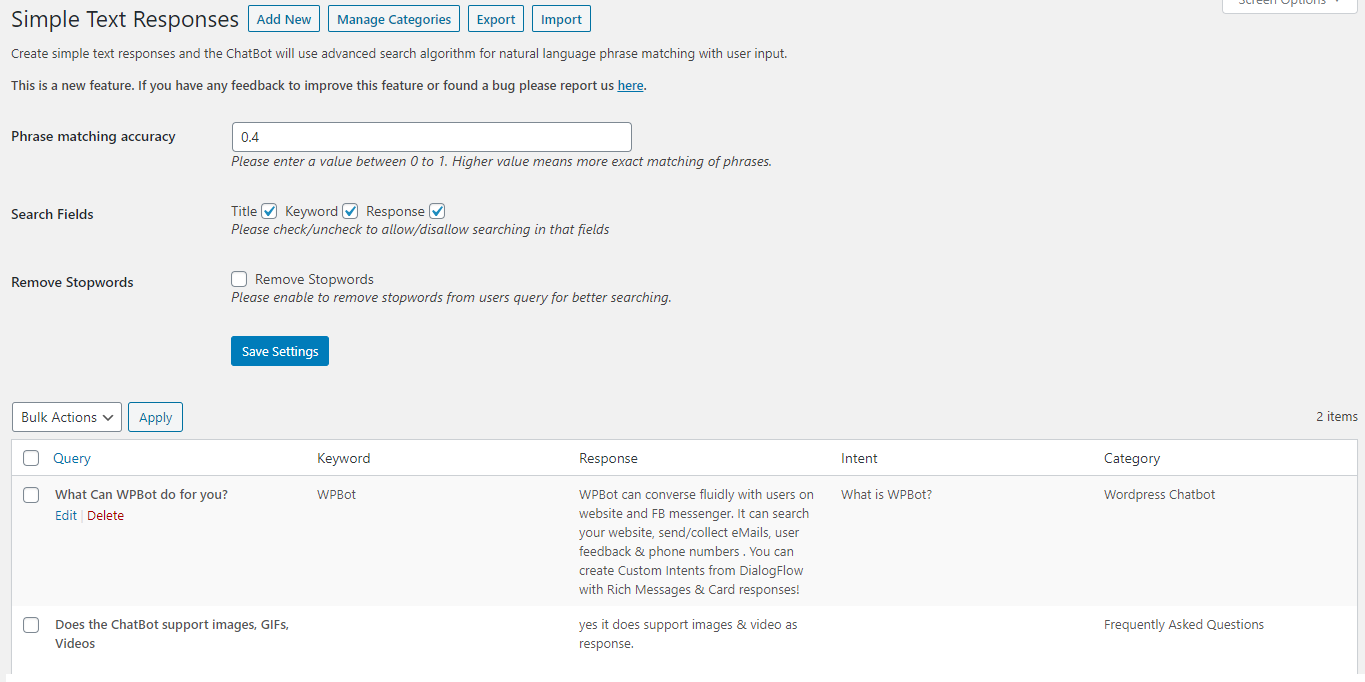
  • Create simple text responses easily from your WordPress backend.
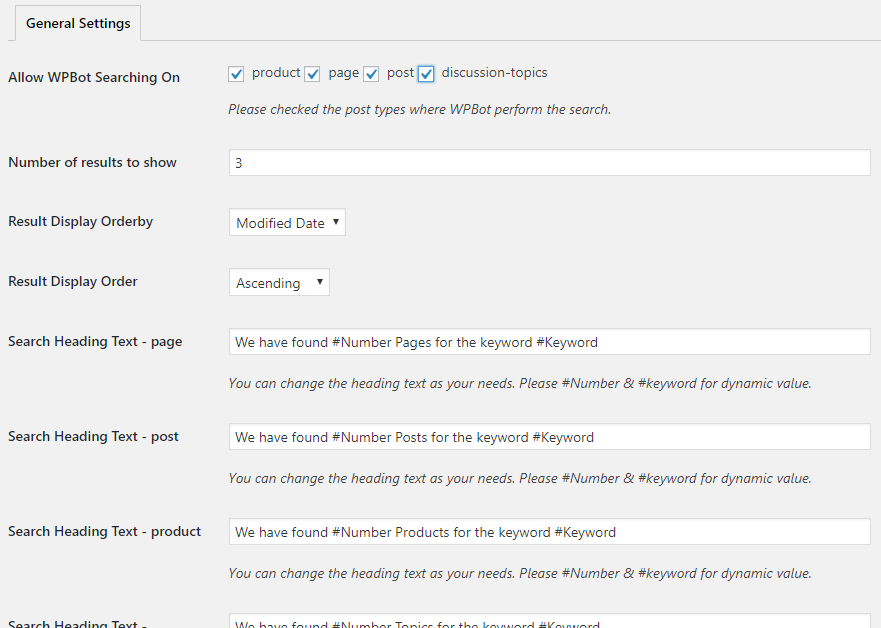
  • Advanced search algorithm for natural language phrase matching with user input.
  • Adjust the Phrase matching accuracy according to your need
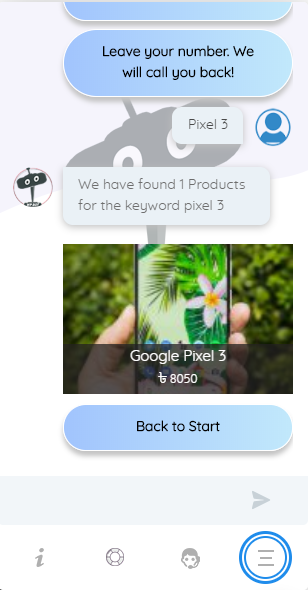
  • Advanced, fast Site search of your pages and posts to answer user questions
  • Create FAQ area with multiple questions and answers (supports html)
  • Send eMail, Call Me Back & Feedback Collection
  • Collect Customer Feedback by email option.
  • Collect User eMail for newsletter Subscription
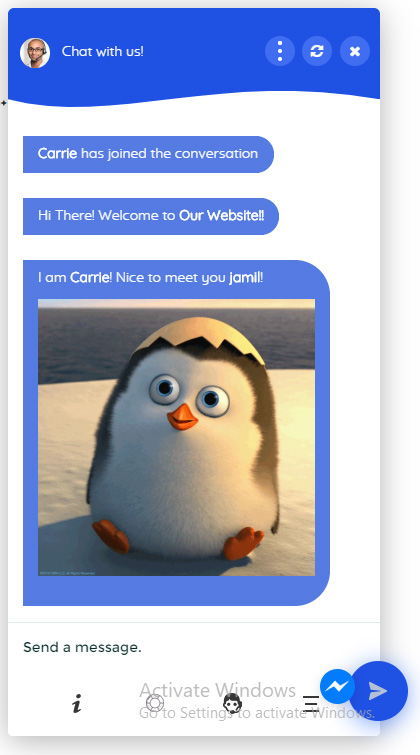
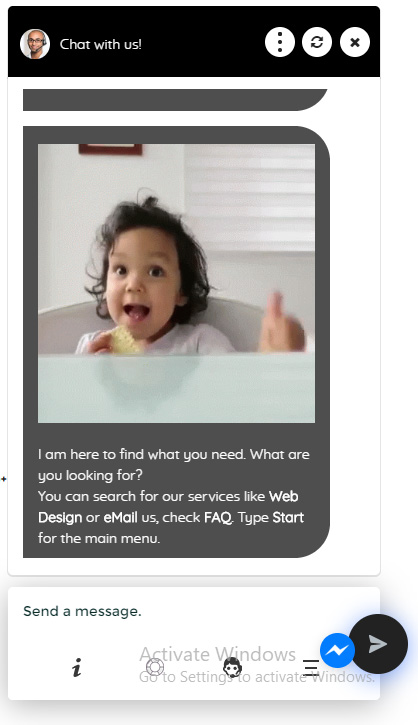
  • Automatically supports images (jpgs, animated gifs) and Youtube Videos from ChatBot Language Settings Responses
  • Simply paste any image (jpg or gif) or youtube video’s full link
  • Add images from your WordPress media library or Giphy animated gif images easily and quickly from the ChatBot language center with the floating image options
  • Add video in Support area just by pasting Youtube link
  • Option to Disable Persistent Chat History across pages
  • Option to Skip Greeting and Asking Name and eMail
  • Option to Skip Greeting for logged in users only.
  • Skip Greetings and Trigger an Intent (like a Custom Form)
  • Skip Greetings and Show Start Menu
  • Show Start Menu After Greetings
  • Option to enable/disable asking for eMail address after asking name
  • Enable Asking for Phone Number
  • Quick access to Support ares of the ChatBot
  • Quick Help for commands that can be used in-chat
  • Admin customizable chat commands
  • Fine tune WPBot icon position by pixels or percentages
  • Option to choose on which pages WPBot should load
  • Option to disable WPBot on Mobile Devices
  • Option to Auto Open Chatbot Window For First Time Page Load
  • Upload custom ChatBot icon
  • Upload custom Agent icon
  • Choose from 6 design templates for ChatBot interface
  • Customize primary colors to match your site
  • Upload your own background image
  • Turn animations on/off
  • Upload custom loading image for bot response
  • Keyboard shortcut (ctrl+b) to open chatbot
  • Customize bot response time
  • Option to Keep ChatBot window open when browsing
  • Hide/Show Icons at the bottom of ChatBot window
  • Option to Enable Reset & Close Button at Top
  • Add multiple site notifications to show above the ChatBot icon
  • Select an Intent for Click Action
  • Show or Hide Opening Notifications
  • Add links to any Intent in the Notification area so user can directly browse to the useful parts
  • Set Interval between notifications.

Extend the Start Menu with the powerful (free or pro) Conversational Forms Addon. It is a visual, drag and drop form builder. Conversations or forms can be eMailed to you and saved in the database (pro feature). You can create:

  • Conditional Menu Driven Conversations
  • Standard Contact Forms
  • Dynamic, conditional Forms – where fields can change based on the user selections
  • Job Application Forms
  • Lead Capture Forms
  • Various types of Calculators
  • Feedback Survey Forms etc.
  • Embed code to use the ChatBot  on any other website including static HTML website
  • Widget Shortcode with the possibility to Load specific Intent (forms etc.) on a page or post.
  • Shortcode for Click to Chat Button with the possibility to Load specific Intent (forms etc.) on a page or post
  • Shortcode for WPBot on a Page or post (without floating icon)
  • Persistent chat history over shopper session on website
  • Option to Disable persistent chat history (Chat history is reset in every page)
  • Remember chat history in browser local storage and greet returning users
  • Option to Open pages in new or same window from search results
  • GDPR compliance (message with link to Privacy page)
  • Unsubscibe Command
  • Schedule day and time when WPBot will run. Make WPBot work with other Live chat software.
  • Plugin Auto Upgrades from WordPress backend
  • Priority Support
  • Support for the latest OpenAI, Gemini, GROK, OpenRouter (GPT, Claude, Grok, Cohere, DeepSeek, Mistral, Llama etc.)
  • RAG, Vector Database. Supports custom post types, PDF, CSV, XML file upload
  • Supports GPT Assistants (Professional/Master licenses)
  • Fine Tune an OpenAI model (Professional/Master licenses)
  • Convert Website Data to Train an OpenAI model in one click
  • Show Relevant page links from your website with the Responses from OpenAI
  • Connect to OpenAI based on Keyword inclusion/exclusion
  • Generate contents using OpenAI AI
  • Generate Images using OpenAI AI models
  • Full integration with Google Artificial Intelligence, Machine Learning or AI Engine DialogFlow
  • Natural Language Processing through Google’s DialogFlow
  • Automatically supports Custom Intents and Responses You Create in Dialog Flow
  • Automatically supports Follow Up Intents and step by step Question Answers through Dialogflow custom Intents
  • Automatically supports Rich Message Response & Card Responses from Dialogflow as FaceBook messenger app
  • Automatically supports images (jpgs, animated gifs) and Youtube Videos from DialogFlow Intent Responses
  • Advanced Name Recognition with DialogFlow
  • Sample DialogFlow Agent for quick import
  • Onsite and Offsite retargeting and remarketing to increase customer conversion rate.
  • Show retargeting messages for customer on Exit Intent, After Scrolling Down “X” Percent, Or after “X” seconds.
  • Trigger Retargetting on All Pages, Selected Pages Only or Page Wise
  • Create different Reargeting messages for different pages
  • Collect User eMail for newsletter Subscription
  • Prompt User for eMail subscription with Retargeting Message
  • Export eMail Addresses as CSV
  • Enable/Disable retargeting message sound
  • Out of focus Browser tab flashing with custom message for retargeting messages
  • Custom Background color for retargeting messages.
  • Connect retargeting messages with any custom intent created in DialogFlow
  • Collect Customer Feedback by email option.
  • Offsite Retargeting – Recover Abandoned Cart
    Bring Back Lost Sales – Automatically. Every store loses sales to cart abandonment. But with our Offsite Retargeting feature for WooCommerce, you can win them back—automatically.
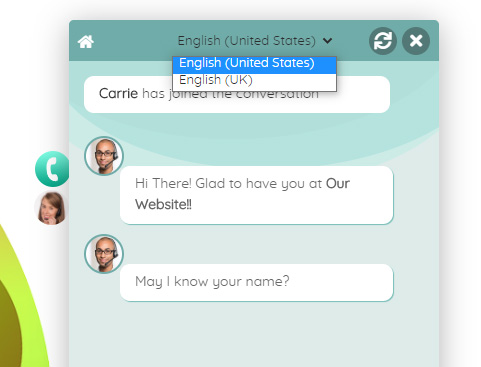
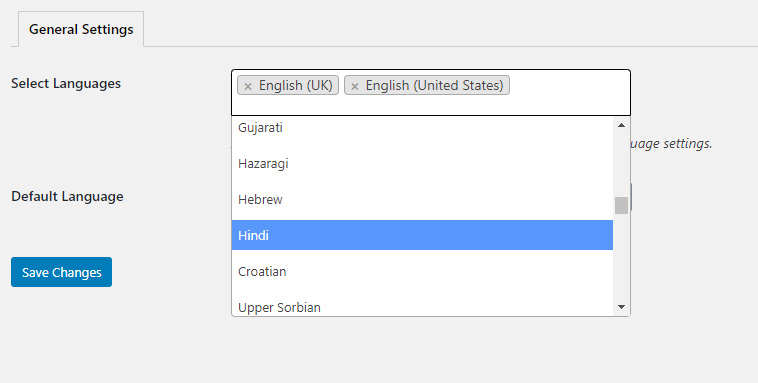
  • Works with any language (multiple language support is actively being worked on).
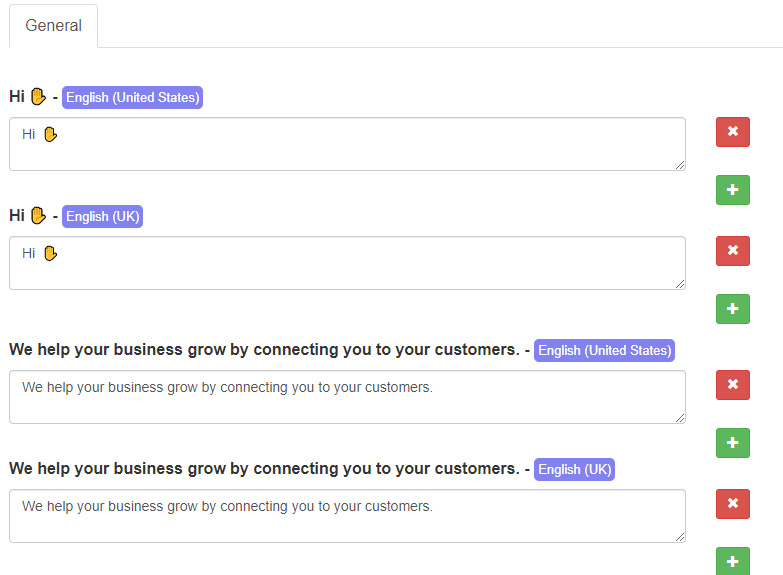
  • Advanced Language Center to edit and change every WPBot responses, System languages, stop words and info messages!
  • Stop Words dictionary included and editable by admin. Bot will automatically exclude stop words from search criteria and chat commands
  • Add multiple variations of ChatBot responses for each node. They will be used randomly and give an appearance of more human like responses.
  • mo/pot file included so you can translate backend to any language
  • RTL support
  • Full Integration with FaceBook Messenger for Customer Live Chat as a floating button
  • Light Integration with Skype, WhatsApp, Viber, Web Link & Phone Call
  • Integrate with 3rd party Live Chat services that provides a stand alone chat page link like Tawk.to

Some Modules are only part of the Professional or Master Licenses. Check the Pricing page for more details.

  • WooCommerce
  • Simple text responses pro
  • Conversational Forms Pro
  • Live Human Chat with Slack
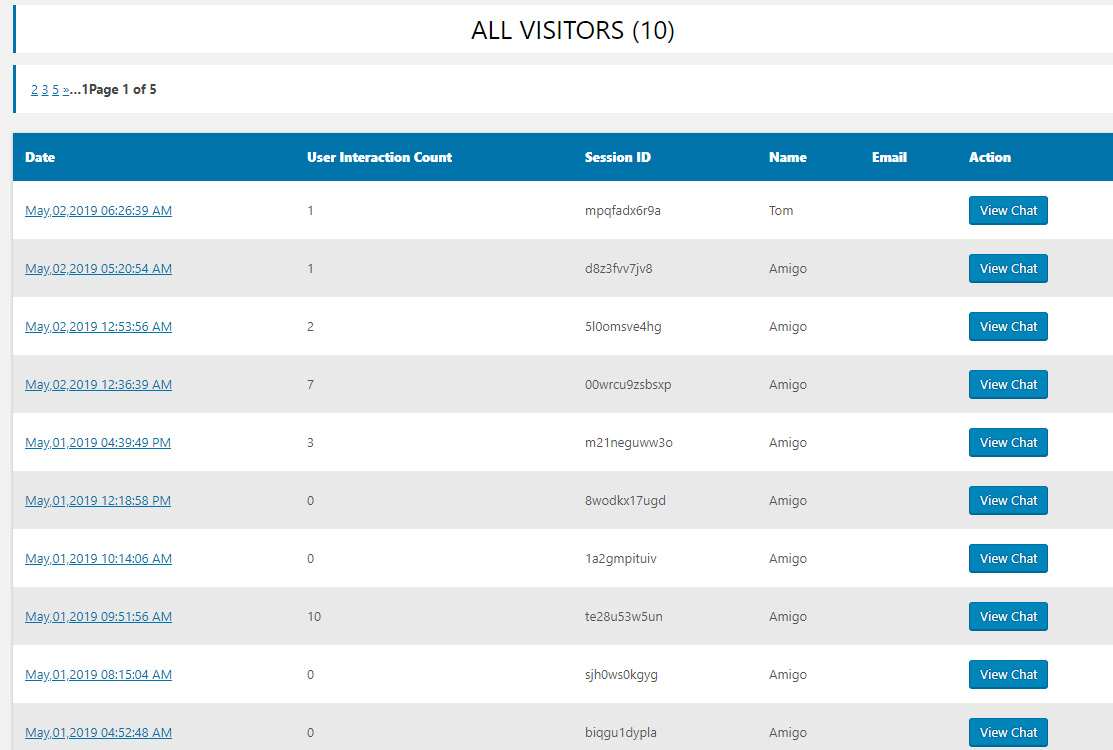
  • Chat Sessions, Histories, and Analytics
  • FacebBook Messenger/Instagram
  • WhatsApp 
  • Telegram
  • Voice Chat
  • Multi Language
  • Extended Search
  • White Label
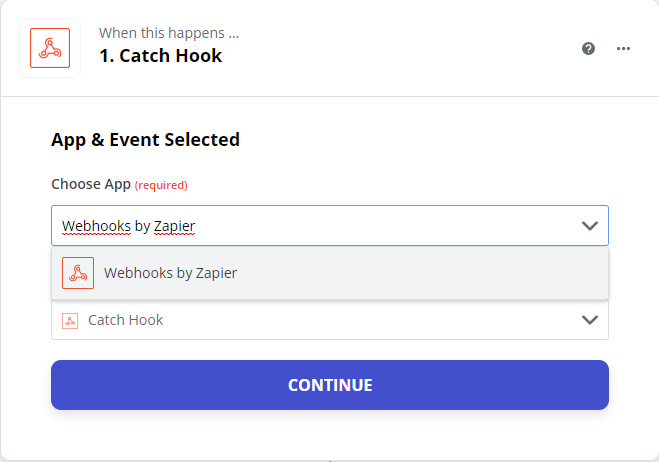
  • WebHooks and CRMs
  • Extended UI
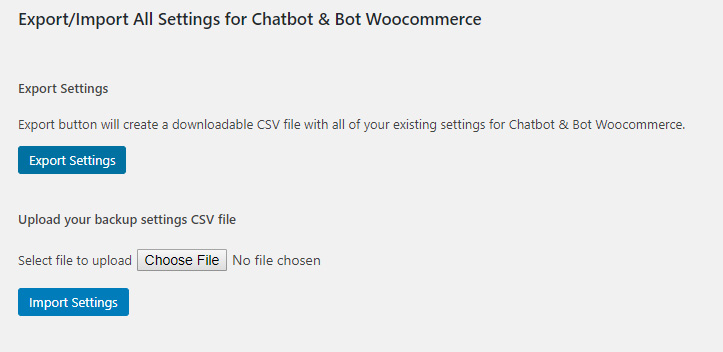
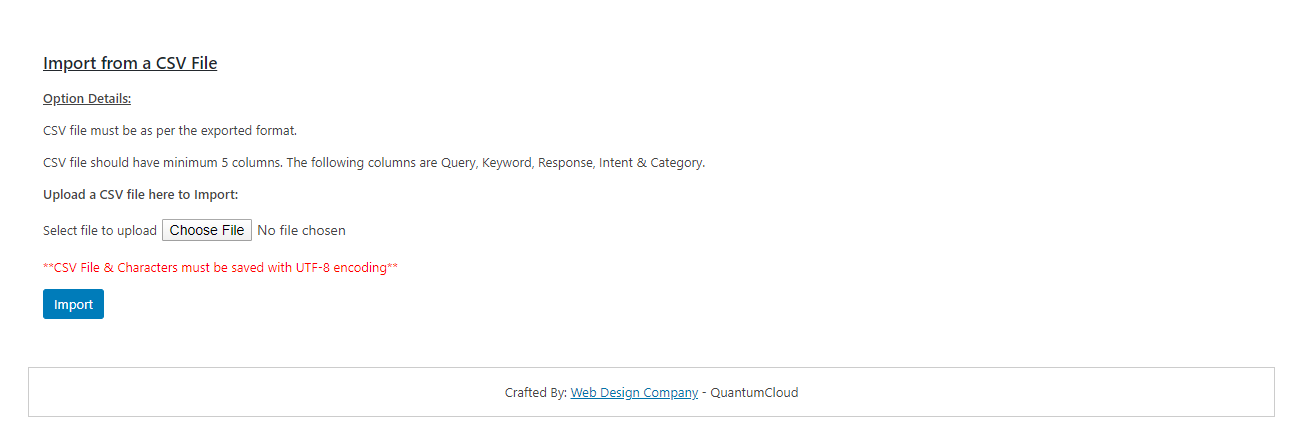
  • Settings Import/Export

Available Additional Modules with WPBot

Frequently Asked Questions

If your question is not listed here, please contact us.

No, we do not.

You can test drive the plugin by visiting the live demo site. You will find a link to the demo on the main product page for each plugin.

Each of our plugin has a Lite version. Trying that you will get a very good general idea of how the plugin works. The pro version simply has more features but the general principle is usually the same.

If you have any question about some feature – simply let us know!

Thanks for buying the pro version of the plugin.

First, you need to deactivate and delete the free version. Then install and activate the pro version and you are ready to go!

Any setting and data from the Free/Lite version will remain safe. No worries.

We have tested the product with a wide range of free and premium themes and are confident it will look great with your theme. Our plugin support includes fixing any theme-related conflicts.

We can not guarantee compatibility with all 3rd party plugins as the WordPress eco system is vast and there are over 100,000 plugins – some of them are not coded according to standard. However, if there is a conflict with any other plugin, we will do our very best to resolve the conflict or find a work around for you.

Simply contact us from our Support area.

We welcome new feature requests and any feedback you might have for any of our products! Please send your feature suggestion by filling out the form on this page.


It is fully tested with the latest version of WordPress. We always recommend running the most up-to-date version of WordPress for security reasons. But we the plugin should work with an 4.5.x+ version.

PHP version on the server must be at least 5.6+. PHP 7.x is recommended.

They are downloadable product so you can access them almost instantly after your payment is approved. After downloading the product please follow the documumentation for instructions on how you can install it on your website and get started. There video tutorials that you can follow inside the documentations for quick set up.


Here are some tips to speed up your website:

Shared hosting v/s VPS or Dedicated hosting:
Because if you are using a shared hosting your server resources will be shared with other websites which are relying on the same server. On the other hand, if you are using a VPS or dedicated server then your server resources will be available for your website and it will reduce server response time. For small websites with little traffic it is usually not an issue. But it can become an issue if you get a lot of traffic.

Remove Unnecessary plugins:
Visit your plugins page from the back end and remove all unnecessary and unused plugins from there.

Optimize Database Tables:
It’s very important and necessary to optimize your site’s database on a regular basis in order to speed up your site. For example, you can remove all unnecessary junk files such as spam comments, post revisions etc. which are not needed or expired.

Optimize images:
Crop and resize all uploaded images based on your site’s configuration and optimize images for faster loading.

Use CDN: The meaning of CDN is a content delivery network. Most of the popular sites nowadays are using CDN such as MaxCDN to deliver content from their site.

Reduce Redirects:
Please don’t use any redirects if not required. Redirects may cause slow page loading.

Memory Limit: Sometimes increasing the memory limit variable of the php.ini file also helps in loading your site faster.

Add Expires Caching Rules:
Add expires caching by inserting the codes inside of the .htaccess file.

## EXPIRES CACHING ##
<IfModule mod_expires.c>
ExpiresActive On
ExpiresByType image/jpg “access plus 1 year”
ExpiresByType image/jpeg “access plus 1 year”
ExpiresByType image/gif “access plus 1 year”
ExpiresByType image/png “access plus 1 year”
ExpiresByType text/css “access plus 1 month”
ExpiresByType application/pdf “access plus 1 month”
ExpiresByType text/x-javascript “access plus 1 month”
ExpiresByType application/x-shockwave-flash “access plus 1 month”
ExpiresByType image/x-icon “access plus 1 year”
ExpiresDefault “access plus 2 days”
</IfModule>
## EXPIRES CACHING ##

All of the above tips are really very easy to implement to your site. And if you regularly follow then your site will be faster than other sites and you will see better performance.

Please check your spam folder for the missing email.

You can also download the plugin files  directly from your account page on our website page.

Very rarely it may take extra time to generate the order email for additional verification by the payment gateway. If you have not received a email with download link and confirmation after an hour please contact us through our support portal.

If you’re having problems when you try to upload the file via Plugins -> Add New -> Upload Plugin, please check the following:

  • You should be uploading the .zip file – do NOT extract the files from inside the zip file and try to upload them directly.
  • Is there sufficient space on your server or hosting account?
  • If you’re getting a permissions error, you need to contact your web host or server administrator to make sure you have permission to upload plugins.
  • You may need increase the maximum file upload size in your server for PHP. The following value will need to be increased for PHP settings:
    upload_max_filesize = 64M
    post_max_size = 64M
    max_execution_time = 300

    Please contact the hosting company support if you need help.

If you are unable to upload the plugin via the WordPress admin then please follow the instructions in the WordPress Codex to install the plugin manually via FTP.

All prices listed for the WPBot packages are excluding Tax.
The tax amount is automatically calculated based on the Customer’s region by our payment gateway.

Yes, you can. Just send us a email to [email protected] and we will arrange a discount code for the previous purchase so you won’t have to pay the full price again.

Got more questions?

Contact our ChatBot Support Heroes. They’ll provide you with all the information you need.

Contact us

Customer support is very responsive and professional. The script is awesome and with many features, including A.I. from Dialogflow. High quality.


Newpolaris

If have a 7 Stars won’t hesitate to rate that chatbot as a 7stars+++ Very helpful prompt team support Cannot find enough words express my happiness for purchasing that CHATBot Good Luck for you and your items

Ahsmartsolutions

X
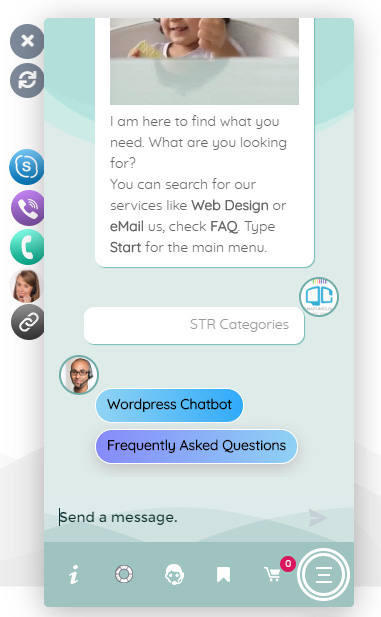
Let's chat if you need any help finding the right product or need support.
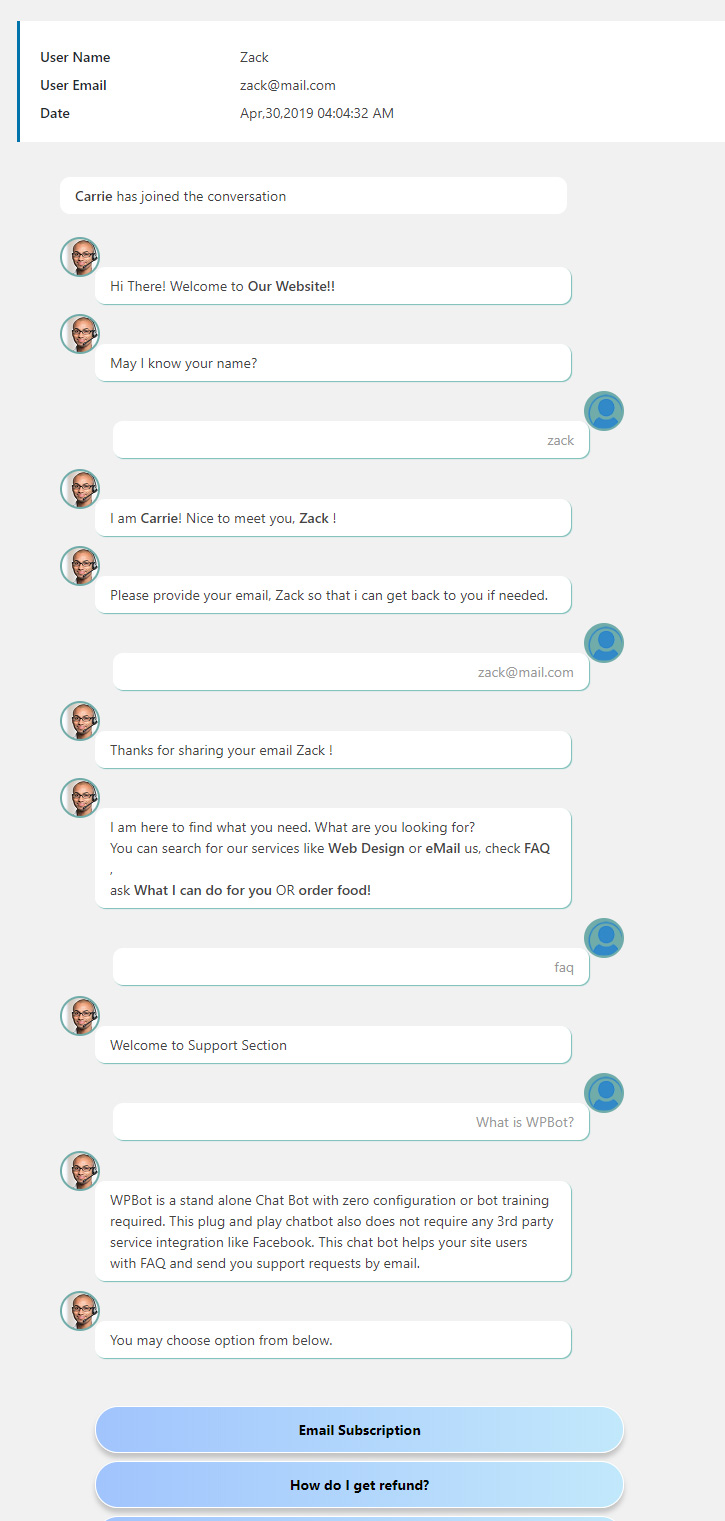
FAQEmail SubscriptionSend Us Email

Build Conversations & Dynamic Forms for WPBot Pro

Create conditional conversations and forms for a native WordPress ChatBot experience  Build Standard Forms, Dynamic Forms with conditional fields, Calculators, Appointment booking etc. Comes with 7 ready templates built-in. Saves form data into database, auto response, conditional fields, variables, saved revisions and more!

This Addon requires the WPBot Pro V 9.2.0+
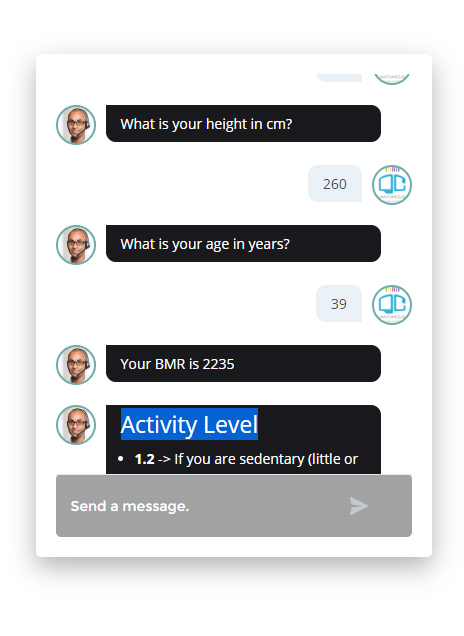
What is the Conversational Forms?

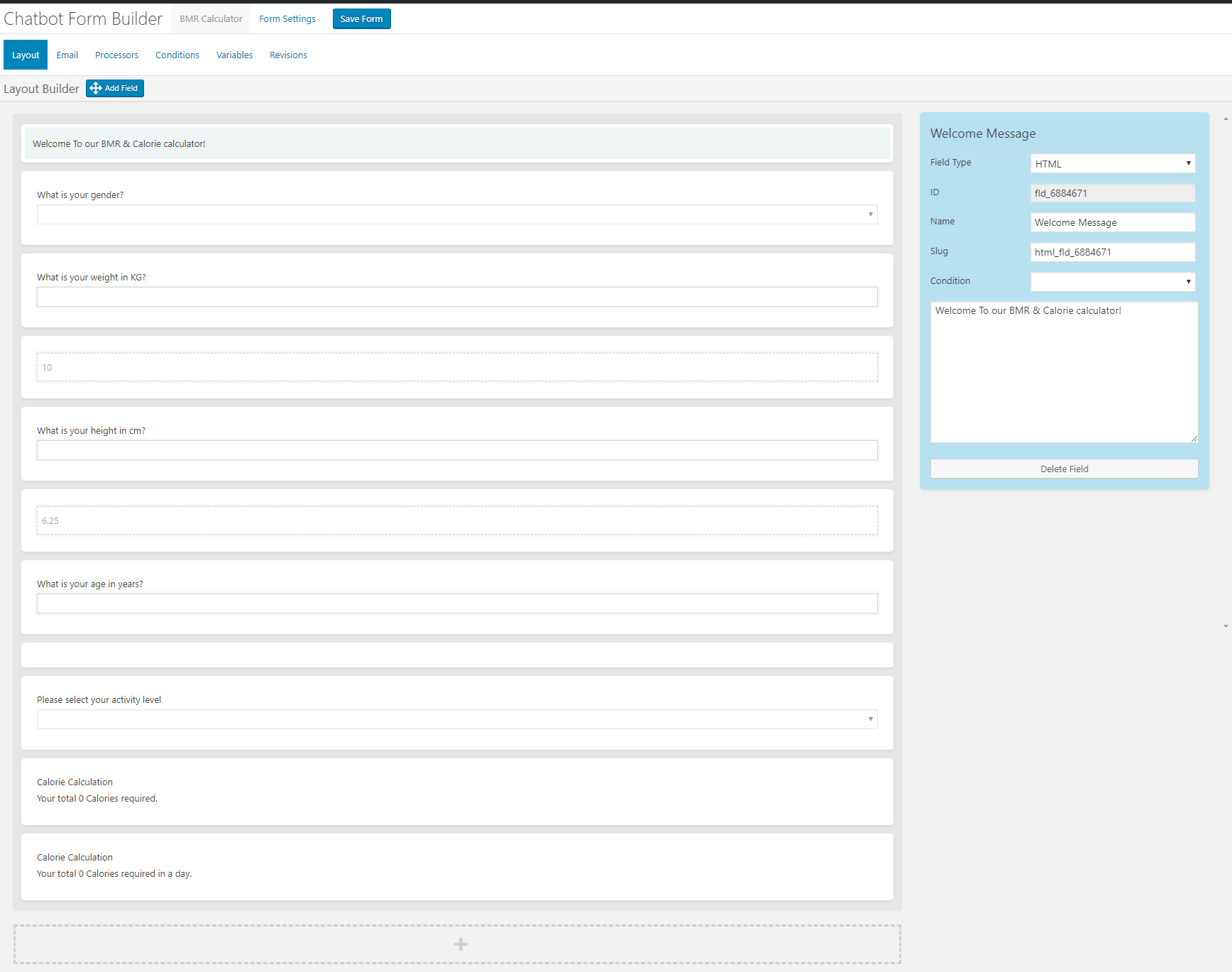
Conversational Forms is a powerful Addon for WPBot. It extents WPBot’s functionality and adds the ability to create conditional conversations and/or forms for the WPBot. It is a visual, drag and drop form builder that is easy to use and very flexible. Supports conditional logic and use of variables to build all types of forms or just menu driven conversations with if else logicConversations or forms can be eMailed to you and saved in the database.

What Can You Do with it?

Conversation Forms Pro allows you to create a wide variety of forms, that might include:

  • Conditional Menu Driven Conversations
  • Standard Contact Forms
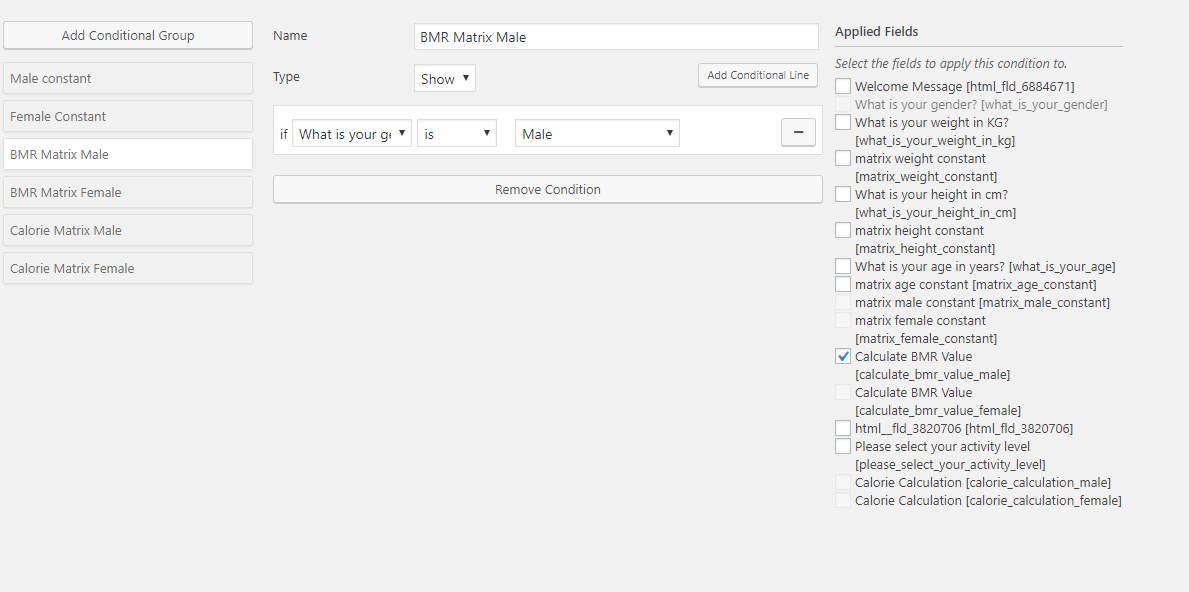
  • Dynamic, conditional Forms – where fields can change based on the user selections
  • Job Application Forms
  • Lead Capture Forms
  • Various types of Calculators
  • Feedback Survey Forms etc.

How it Works?

After creating a Conversation or form, you can show it in the ChatBot in different ways.
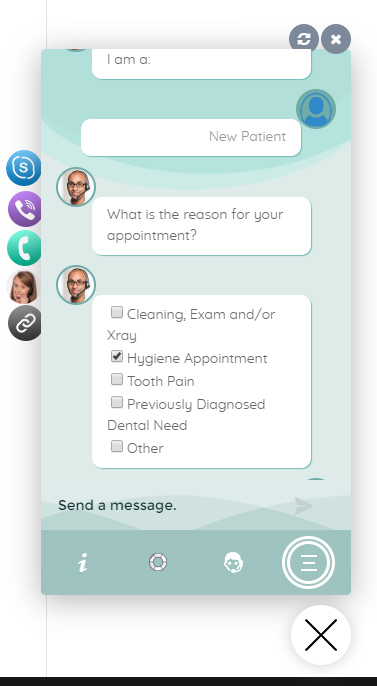
  • Add it to the Start menu
  • Invoke the form intent with a system command to start inside ChatBot any time
  • Load the single intent/form inside a ChatBot widget on any page
  • Load the intent/form inside the ChatBot using a Click to Chat button that can be placed anywhere inside your content on any page.

Conversational Form Features

  • Easy to use visual drag and drop conversations and form builder
  • Create conversational form or just conversation using the HTML element
  • Add text fields, single option selection or multiple option selection with checkboxes
  • Add HTML contents inside the conversation forms
  • eMail conversations or forms to the admin at the end of conversation
  • Set different recipient email addresses for different conversation forms
  • Clone form
  • Export/Import Forms
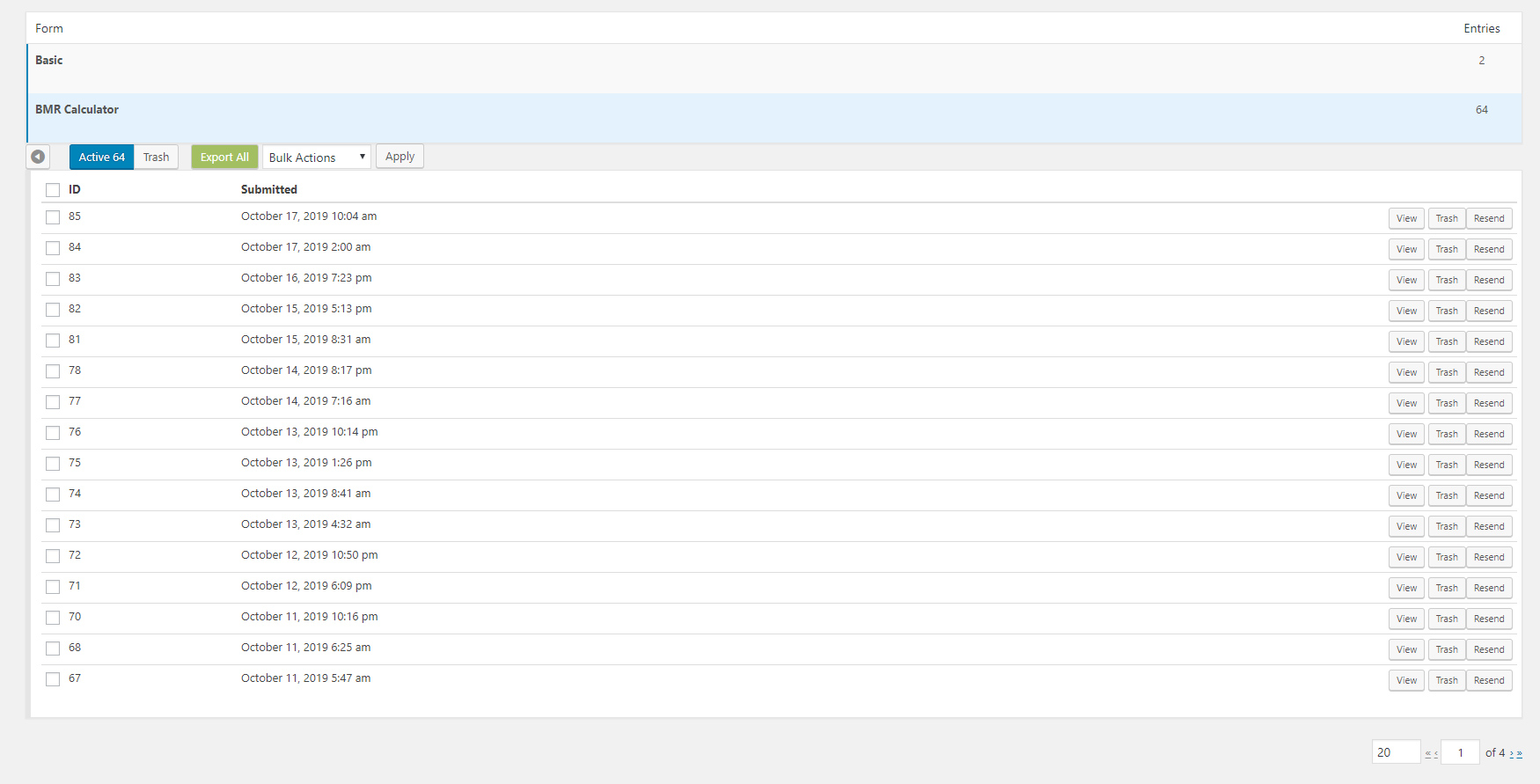
  • Form Entries saved into database
  • Export Form Entries as CSV
  • 12 Ready Form Templates to Get Started with (Contact Form, Feedback form. Survey Form, BMR Calculator, Appointment Request, Booking Form, Room Area Calculator)
  • 10 Input Fields (Simple Text, Hidden, Email Address, Number, URL, Calculation, Select Option, Checkbox, DateTime Picker, HTML, Image Upload)
  • Processor – Auto Responder – Send an auto response e-mail for form submission
  • Unlimited Conditional Field creation
  • Unlimited Variables creation
  • Form Revisions
  • Create system command to initiate form for ChatBot
  • Add form to Start Menu

Main Features

  • Easy to use visual drag and drop conversations and form builder
  • Create conversational form or just conversation using the HTML element
  • Add text fields, single option selection or multiple option selection with checkboxes
  • Add HTML contents inside the conversation forms
  • eMail conversations or forms to the admin at the end of conversation
  • Set different recipient email addresses for different conversation forms

What is the Bargaining Bot?

Bargaining ChatBot for WoowBot

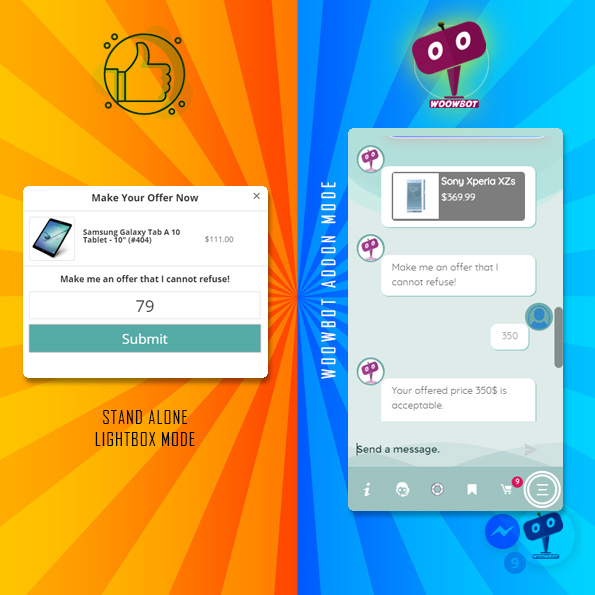
Say goodbye to the old and boring way of offering discounts for the sake of it. Let your customers haggle for it. Bargaining Bot is the World’s first negotiation bot for WooCommerce. Shoppers are more likely to take advantage of their discount if they have to “work” for it. It makes the shopping experience much more lively and interactive.

Once a deal is made by the Bargaining Bot, the shopper can complete the checkout with the discounted price.

If no deal is made, the ChatBot offers to email the shopper’s last offered price to the shop admin. Admin can then email the Customer to complete the deal.

Why do I need a Bargaining Bot?

Price is the most important factor in a shopper’s decision to buy, yet most shoppers leave because your fixed price is a few dollars too high. The Bargaining Bot lets you capture more sales because the price is negotiated based on what the customer is willing to pay and the minimum price at which you are willing to sell.

Here is why the Bargain Bot will earn you higher revenue and profit margins:

  • Higher Engagement – the Bot creates a new engagement point for shoppers to interact with your products instead of leaving
  • Capture the WooCommerce shoppers while they have a high intent to purchase. This addon helps keep them on your site to finalize a price deal
  • Higher conversions – shoppers love to feel like they are getting a great deal – this addon allows them to pay less than the listed price and therefore convert to a sale
  • All offers are responded to in seconds based on a minimum price point that you set
  • Super easy to install – no coding necessary
  • Super easy to configure – apply the addon in seconds
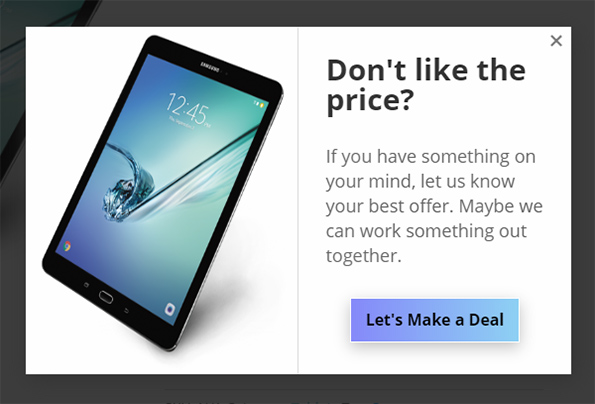
  • Bargain bot automatically pops up if a user wants to close the browser window from your product single page.
  • Offers do NOT require shoppers to enter their email address to make an offer so you get many more offers made, more offers accepted, and more sales
  • Once shoppers buy one thing using this method, they want to buy more items the same way

HOW IT WORKS FOR THE SHOPPERS?

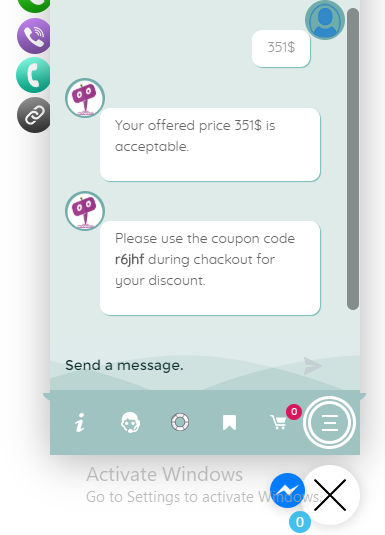
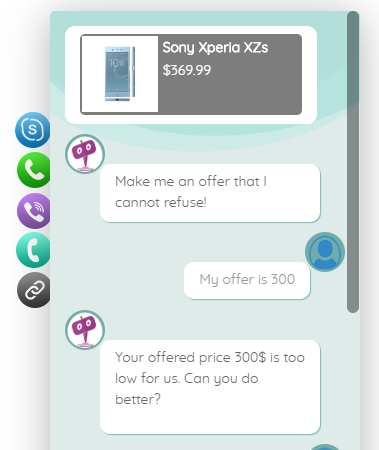
In addition to your Add to Cart button, the Bargaining Bot enables a Make Your Offer Now button. After clicking this button, shoppers can enter an Offer Price. If their Offer Price is at or above your Minimum Acceptable price, then the Bargaining Bot accepts the offer.

If the Offer Price is below your minimum acceptable price, the Bot will automatically ask the shopper for a better price. If the price is too low, the Bot will make the last offer at your Minimum Acceptable price. If the shopper accepts it then the Bot will apply a product-specific discount and ask to checkout.

If the shopper denies the offer, Bot will ask for the shopper’s email that will be sent to the shop admin with details about the product and the last offer by the shopper.

HOW IT WORKS FOR MERCHANTS?

Once you install the Bot, you may apply the Make Your Offer Now button to any specific product or all products in your store with just one click. You can set up the Minimum Acceptable price for an individual product or set a Global discount percentage from the Bot settings. When you set a Minimum Acceptable price for the individual product the individual pricing will override the global setting.

With our Bot, price negotiation can happen on any product! The main benefits are increased engagement and conversion because you can allow shoppers to stay on your site, make a Price Offer, and your pricing rules will enable them in many cases to buy when they want to buy – now. Sell more, sell faster, and sell at higher margins with the Bargaining Bot! Also, there is the Exit intent detection feature…

Exit Intent Detection to Activate Bargain Bot

If a shopper is on your product single page and wants to close the browser window or leave your website, Bargain bot will come into action. Bargain Bot will detect the shopper’s exit intent and ask to offer their own price instead of just leaving.
Bargaining ChatBot for WoowBot
  • Enable/Disable Bargaining Bot (hide the make your offer button on the product single page)
  • Exclude sale items (If enabled Bargaining button will not display for products that are already on sale)
  • Enable for specific product/s by adding Minimum Acceptable Prices or enable globally
  • Enable global maximum acceptable discount for all products (one click set up)
  • Exclude categories from Global discount
  • Exclude products on sale
  • Maximum Bargaining Allowed Limit
  • Minimum product quantity required for bargaining
  • Exit Intent Detection to activate bargain bot. Bargain bot comes to action if shopper intends to leave the site or close window.
  • Option to enable the Bargain Bot for only Exit Intent (not show the Make offer button)
  • Option to ask for phone number instead of email in final step
  • Shortcode to show Bargain button on any page of your website
  • Set how many Bargaining is allowed before accepting the admin set minimum price
  • Send final offer set by admin by email
  • Disable sending the final offer by email
  • Change quantity on the Bargain window
  • Allow only logged-in users to Bargain.
  • Option to re-position the Make your offer button
  • Change admin email and subject
  • Custom CSS area to modify button or lightbox design using your own CSS code
  • Define Minimum Acceptable Price under individual product to Override the global discount value.
  • Options to change all languages from the plugin settings (bargaining bot can be used with any language)
  • Supports both woocommerce Simple Products and Variable products.
  • Compatible with with WoowBot Pro

**Product variations set by 3rd party plugins may not work. Woocommerce product variations is supported fully.
Main Features

  • Enable/Disable Bargaining Bot (hide the make your offer button on the product single page)
  • Enable for specific product/s by adding Minimum Acceptable Prices or enable globally
  • Options to change all languages from the plugin settings (bargaining bot can be used with any language)
  • Supports both woocommerce Simple Products and Variable products.
  • Compatible with the WoowBot Lite version
    (Product variations set by 3rd party plugins may not work)