

Connect Google Search Console and YouTube to AI Writer
On this page
Open WPBot Pro → AI Writer → Settings & AI Provider → Connections.
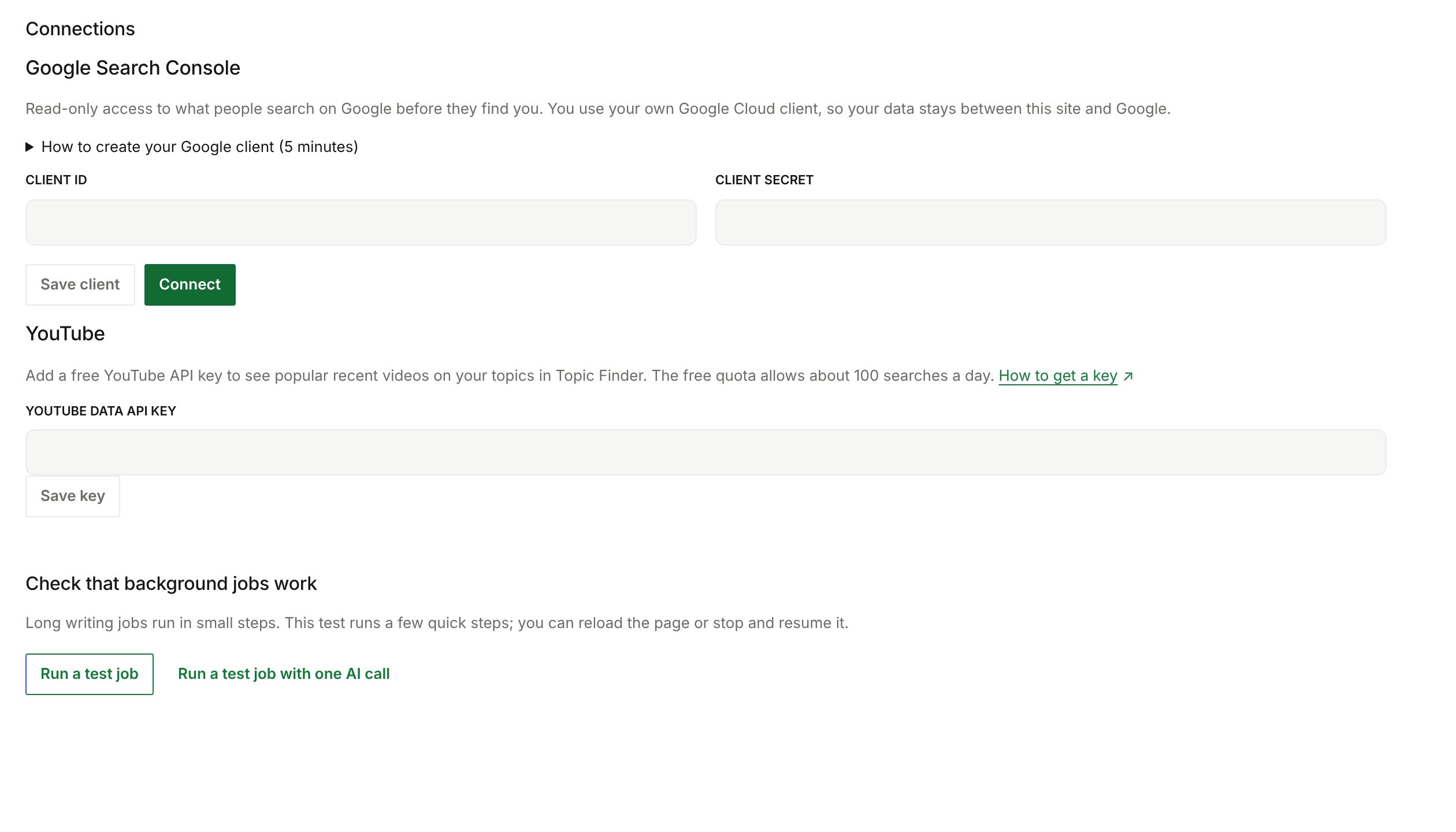
Connections: Google Search Console and YouTube.
Google Search Console
Search Console tells AI Writer what people search on Google before they find you: rising searches, searches with no matching page on your site, and pages losing clicks. Access is read-only. You use your own Google Cloud client, so your data stays between your site and Google.
The connection is shared: SEO & AI Search and AI Writer use the same Google connection, so you connect once. If you already connected it in SEO & AI Search, it shows Connected here.
Set it up (about 5 minutes):
- Open How to create your Google client (5 minutes) and follow the link to Google Cloud. Enable the Google Search Console API (create a project if asked).
- Under APIs & Services > OAuth consent screen, choose External, add your email, and add yourself as a test user.
- Under Credentials, create an OAuth client ID of type Web application.
- Add the Authorized redirect URI shown on the screen. It is an address on your own site.
- Copy the Client ID and Client secret into AI Writer, click Save client, then Connect and allow read-only access.
- Choose the Search Console property, or keep Match this site automatically.
For a detailed walk-through, including Google Analytics and the "unverified app" warning, see Connect Google Search Console and Google Analytics.
What it adds: the Search Console source in Topic Finder, the SEO & AI Search opportunities source, decay alerts in Improve Content, and search numbers on the brief.
YouTube
Add a free YouTube API key to see popular recent videos on your topics in Topic Finder. The free quota allows about 100 searches a day. How to get a key opens Google's instructions. Paste it into YOUTUBE DATA API KEY and click Save key.
Availability
The Search Console connection is in every edition, including WPBot Free. The YouTube source and its key are AI Writer Pro, in Starter, Professional and Master.
Was this article helpful?
Sorry about that. Get help another way:











