

Help Center address and general settings
Open WPBot Pro → Help Center → Settings. The General tab holds the address, the glossary switch and the shortcodes; Design holds the look (see Help Center design and layouts).
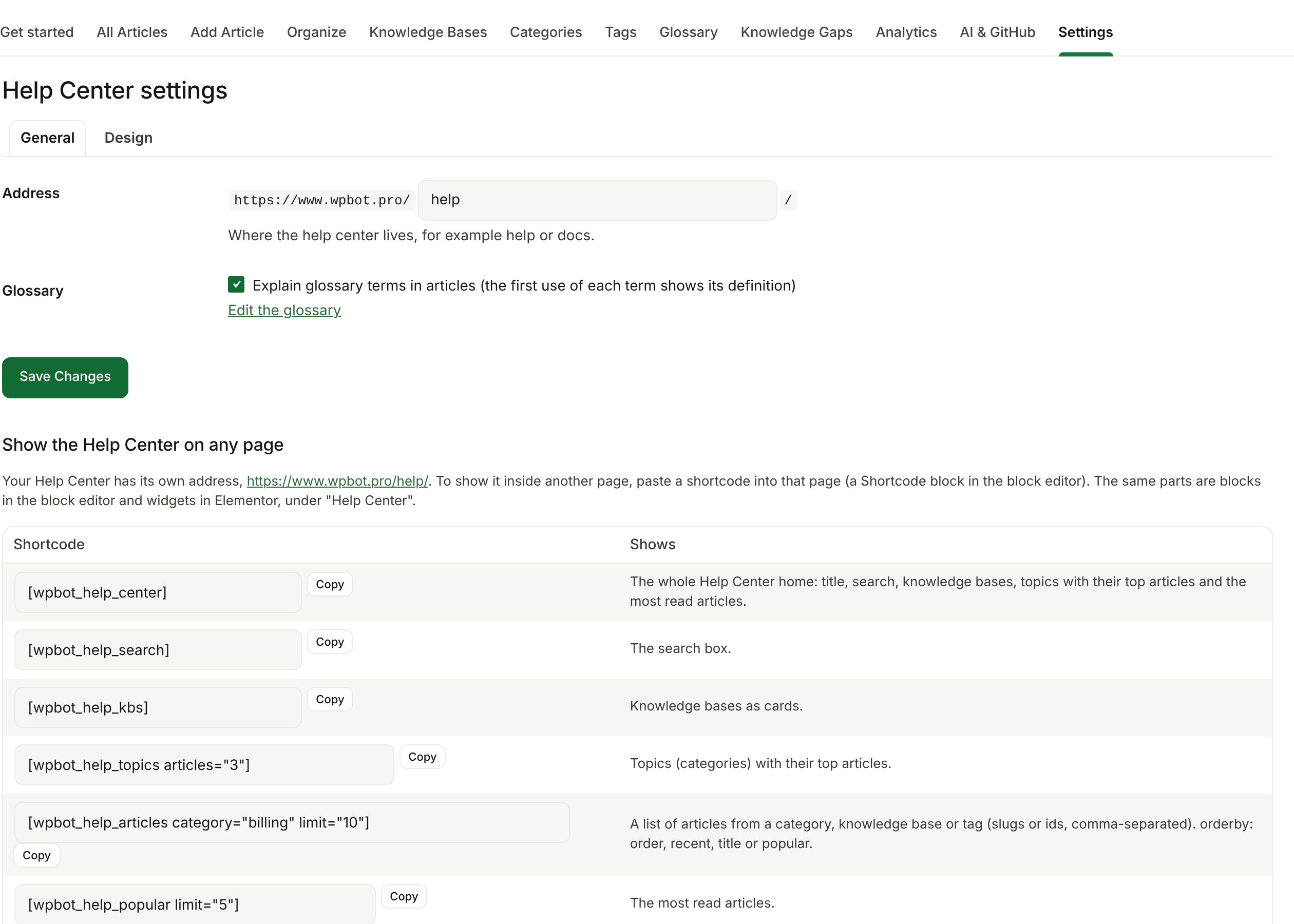
Help Center settings, General tab.
Address
Address is where the help center lives, for example help or docs. With help:
| Page | Address |
|---|---|
| Home | /help/ |
| Article | /help/<article-slug>/ |
| Knowledge base | /help/kb/<slug>/ |
| Category | /help/category/<slug>/ |
| Tag | /help/tag/<slug>/ |
| Glossary | /help/glossary/ |
| llms.txt | /help/llms.txt |
When you save, the Help Center checks that the address is free. It refuses an address that WordPress already uses, that a page or post already has, that another content type or taxonomy uses, or that is a folder in your site root (for example a separate WordPress install).
Note
If you change the address later, old links keep working: a visit to an old Help Center address that finds nothing is redirected (301) to the same path under the new address.
Glossary
Explain glossary terms in articles (the first use of each term shows its definition) turns the glossary popovers on or off. Edit the glossary opens the terms. See Glossary: explain terms in every article.
Show the Help Center on any page
The table lists every Help Center shortcode with a Copy button and what it shows. See Show the Help Center on any page: shortcodes, blocks and Elementor widgets.
Choosing a good address
helpordocsare short and clear, and tell search engines and AI assistants what the pages are.- Pick it before you publish many articles, so other sites link to the final address.
- Do not reuse the address of an existing FAQ page; move that page's content into articles instead (see Build your help center from what you already have).
Availability
In every edition, including WPBot Free.
Was this article helpful?
Sorry about that. Get help another way:











