

Build your help center from what you already have
On this page
An empty help center is the hardest part. Get started fills it with drafts from what your site already has. Nothing is published until you publish it.
Open WPBot Pro → Help Center → Get started. While the Help Center has no articles, the dashboard and the Help Center screens also show Your help center is empty. with Build my help center (and Not now).
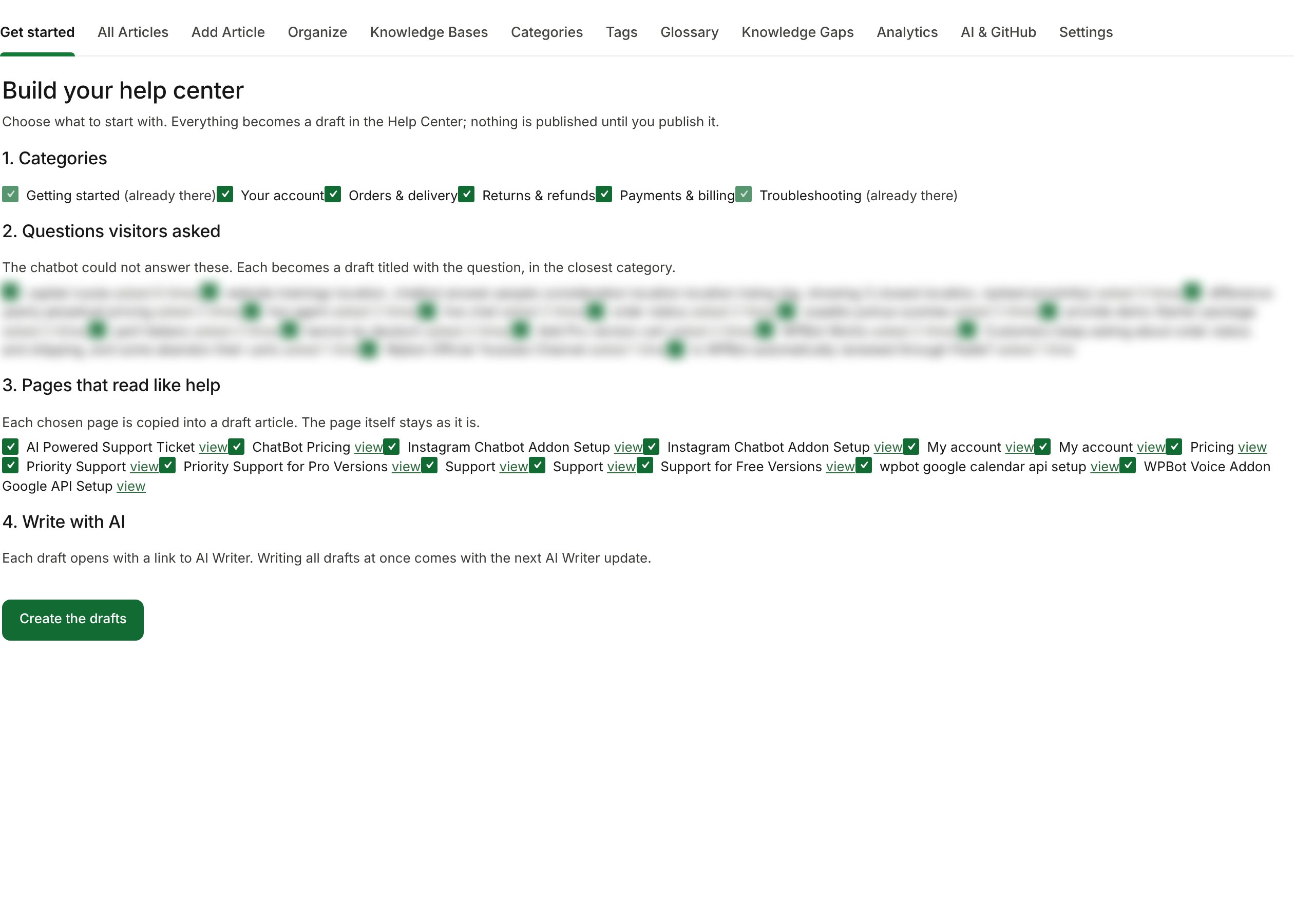
Build your help center. The questions visitors asked are blurred here.
The four steps
- Categories: starter categories to tick: Getting started, Your account, Orders & delivery, Returns & refunds, Payments & billing and Troubleshooting. With WooCommerce active, your shop categories are offered instead. Categories you already have are marked already there.
- Questions visitors asked: questions the chatbot could not answer, with how often each was asked. Each becomes a draft titled with the question, in the closest category.
- Pages that read like help: pages such as FAQ, shipping, returns, warranty or guides. Each chosen page is copied into a draft article. The page itself stays as it is.
- Write with AI: each draft opens with a link to AI Writer, so you can write it with AI.
Tick what you want and click Create the drafts. The screen then says how many drafts are ready, with Open the drafts.
Finish the drafts
- Open each draft in All Articles. Drafts made from questions show what visitors asked and how often, with Draft it with AI Writer.
- Rewrite copied pages as help articles: a question as the title, the answer first, then steps.
- Choose the knowledge base and category, then publish. You can publish several at once with Bulk actions → Publish in All Articles.
Tip
Start with the questions asked most often. Each one you answer is a question the chatbot can answer from now on, and a page that can bring visitors from search.
Availability
In every edition, including WPBot Free. The AI Writer link needs AI Writer, which is in every WPBot Pro edition and in WPBot Free.
Was this article helpful?
Sorry about that. Get help another way:











