

Chat window and bot response options
Two panels on WPBot Pro → ChatBot → Basics control how the chat window behaves once it is open: Bot Response Options and ChatBot Window Options.
Bot Response Options
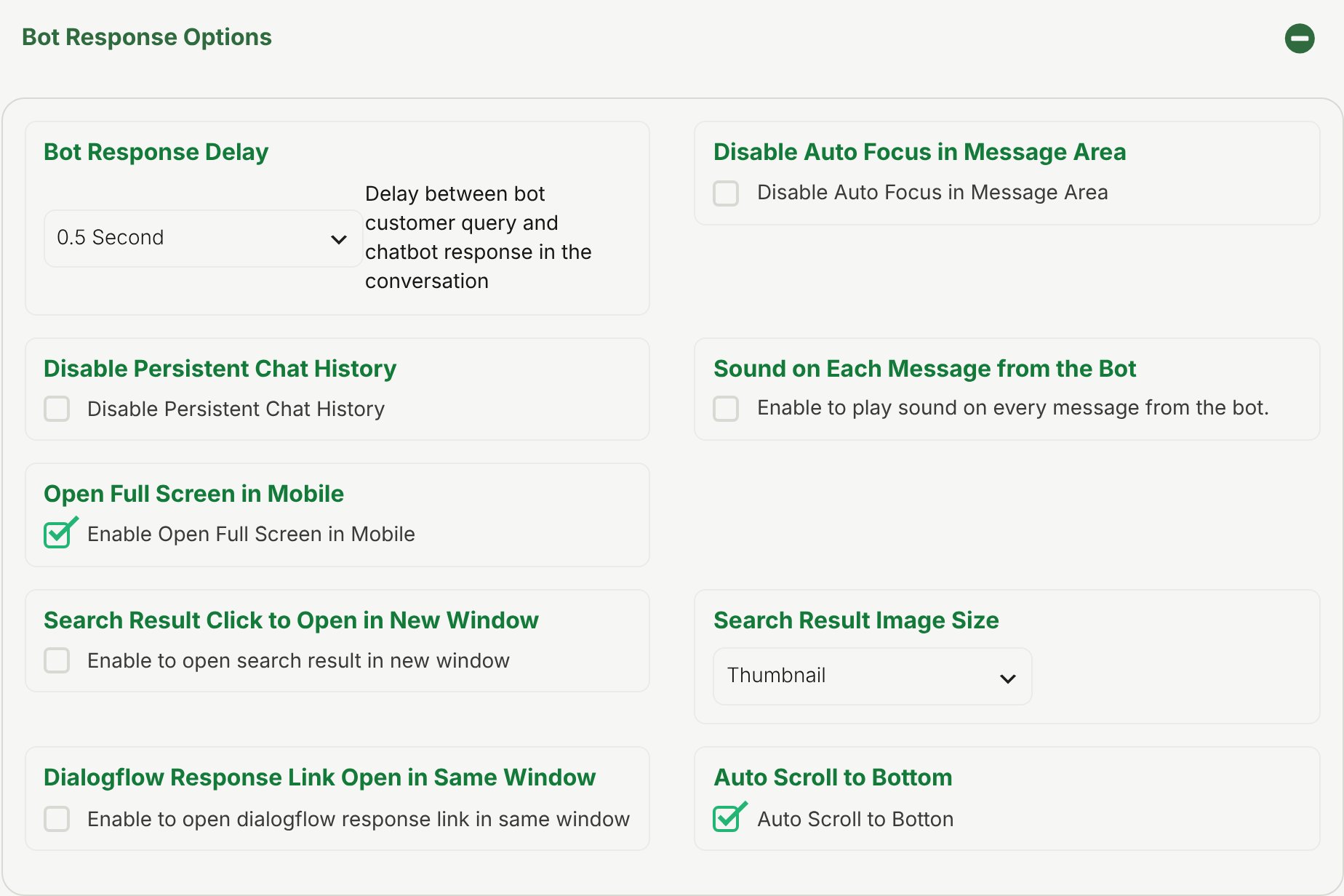
Bot Response Options.
| Setting | What it does |
|---|---|
| Bot Response Delay | The pause between the visitor's message and the bot's reply (0 to 7 seconds). A short pause of 0.5 to 1 second feels natural. |
| Disable Auto Focus in Message Area | The cursor does not jump into the message box when the chat opens. Useful on phones, where the keyboard would pop up. |
| Disable Persistent Chat History | Each page load starts a fresh conversation. The visitor's name, email, phone and earlier messages are not kept in their browser. |
| Sound on Each Message from the Bot | Plays a sound with every bot message. |
| Open Full Screen in Mobile | The chat fills the screen on phones. Recommended. |
| Search Result Click to Open in New Window | Links from site search results open in a new tab, so the visitor keeps the chat. |
| Search Result Image Size | Thumbnail, Medium resolution, Large resolution or Full resolution for pictures in search results. |
| Dialogflow Response Link Open in Same Window | Links in Dialogflow answers open in the same tab. |
| Auto Scroll to Bottom | The window scrolls to the newest message. |
ChatBot Window Options
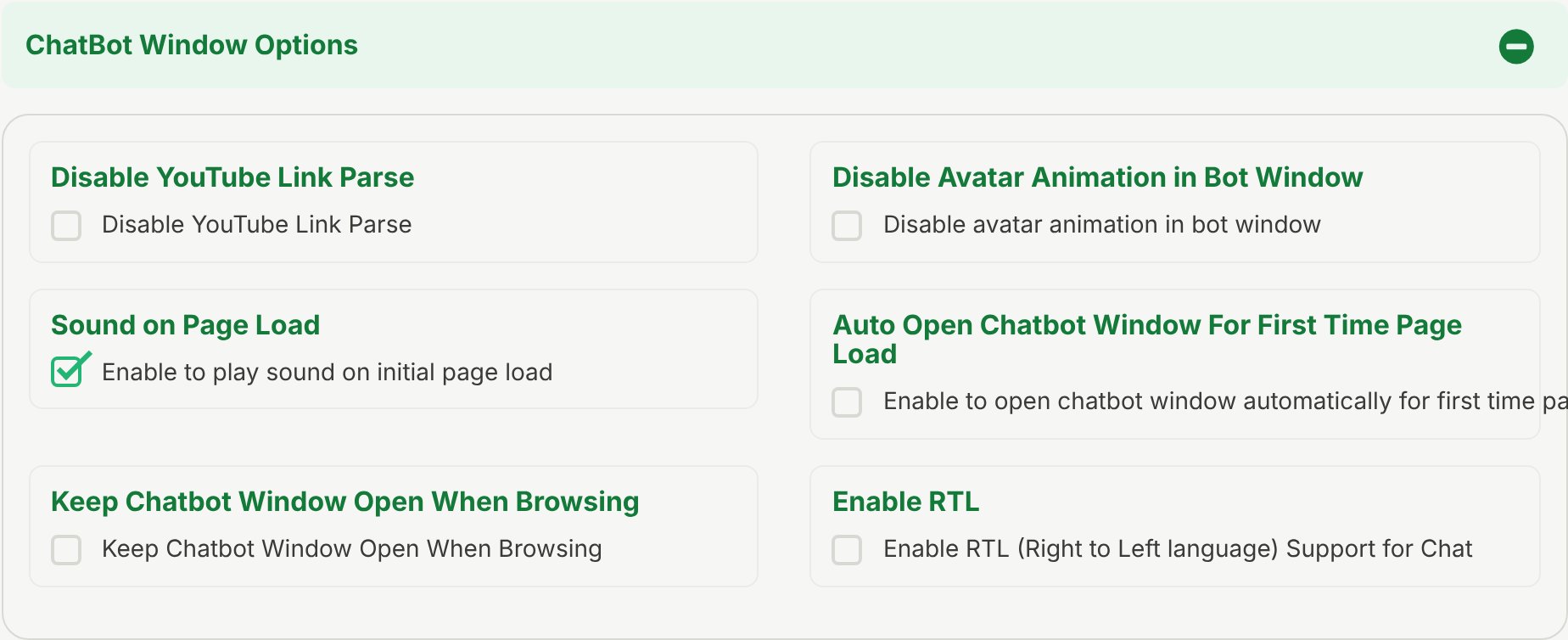
ChatBot Window Options.
| Setting | What it does |
|---|---|
| Disable YouTube Link Parse | YouTube links in answers stay links instead of becoming embedded videos. |
| Disable Avatar Animation in Bot Window | Stops the agent picture's animation inside the window. |
| Sound on Page Load | Plays a sound when the page loads. |
| Auto Open Chatbot Window For First Time Page Load | Opens the chat by itself after the delay set under Floating Icon and Notification Box. A visitor sees it at most once every 12 hours. |
| Keep Chatbot Window Open When Browsing | If the visitor opened the chat, it stays open on the next page they visit. |
| Enable RTL | Right-to-left layout for Arabic, Hebrew, Persian and other RTL languages. |
Tip
Turn on Keep Chatbot Window Open When Browsing and leave Persistent Chat History on. A visitor who clicks a source link to a product page can read it with the conversation still open, and ask the next question there. That is how a question becomes a sale.
Sounds and an automatic opening on every page can annoy visitors. If you use them, limit them to pages where visitors need help, with Choose where the chatbot shows.
Related settings
- How the window looks (design, colours, motion): Design the chat window.
- Reactions, report, share and the reset and close buttons: Chat window buttons: reactions, report, share, reset and close.
- The icon and notification box: Floating icon, notification box and chat bar.
Availability
In every WPBot Pro edition. WPBot Free has Bot Response Delay, Enable RTL and Links in New Window on its Basics tab; the other options here are Pro.
Was this article helpful?
Sorry about that. Get help another way:











