

Channel versions and campaigns: share every piece everywhere
A new article only brings visitors when people see it. Channel versions turns every finished piece into social, email, video and audio versions, each with a tracked link back to the article. This is the hand-off from Create to Share in the Growth Loop.
Open WPBot Pro → AI Writer → Channel versions.
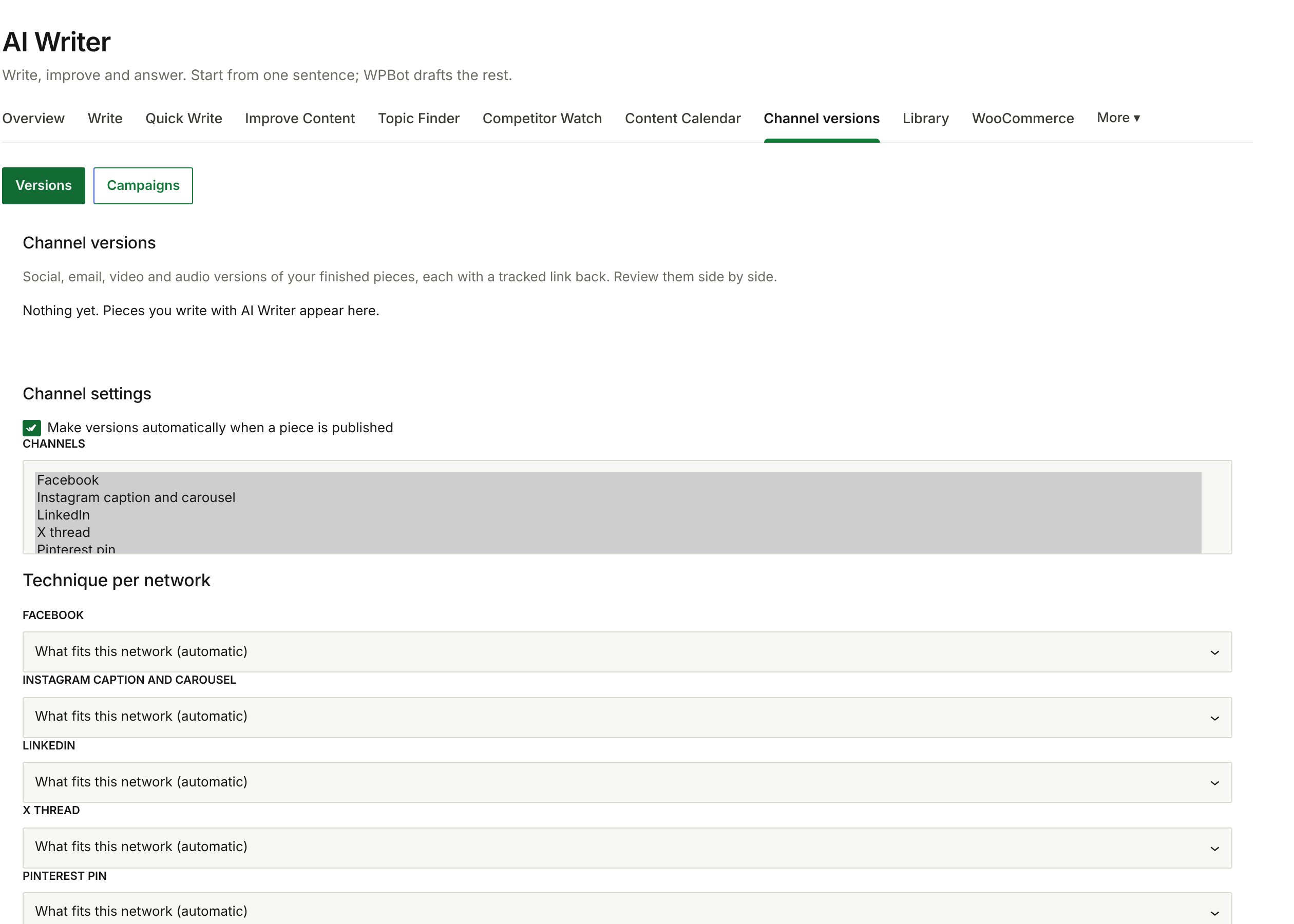
Channel versions and Channel settings.
Channel settings
- Make versions automatically when a piece is published: a version for each chosen channel is written as soon as a piece goes live. You can also make them on request.
- CHANNELS: Facebook, Instagram caption and carousel, LinkedIn, X thread, Pinterest pin, Google Business Profile, Newsletter item, Short video script, Audio narration, Threads, Telegram, WhatsApp, Medium, Nextdoor, Quora, Snapchat, Reddit, Bluesky, Mastodon, Discord and TikTok. Threads, Telegram and WhatsApp are added by the Social module.
- Technique per network: What fits this network (automatic), or a fixed persuasion technique for each network.
Versions use your voice's channel variants, for example more casual on Instagram (see Brand Voice: make AI Writer sound like you).
Review the versions
Versions lists your finished pieces with how many versions are approved. Open a piece to review its versions side by side. For each version you can:
- edit it and see its characters against the network's limit
- Approve, Turn off, Schedule or Copy it
- Compare techniques to write it another way
- Make more versions for other channels
Download all saves every version at once.
Send to Social
Click Send to Social on a version: it becomes a draft in Social, with the suggested time kept but not scheduled. Open it in Social to schedule and post it. If Social is not active yet, copy or download the versions and post them yourself.
Each version carries its own tracked (UTM) link. Compare channels by clicks (Start with tracked links) shows which channel brings the most visitors in Results → A/B tests. It is an indicator only: the audiences differ.
Campaigns
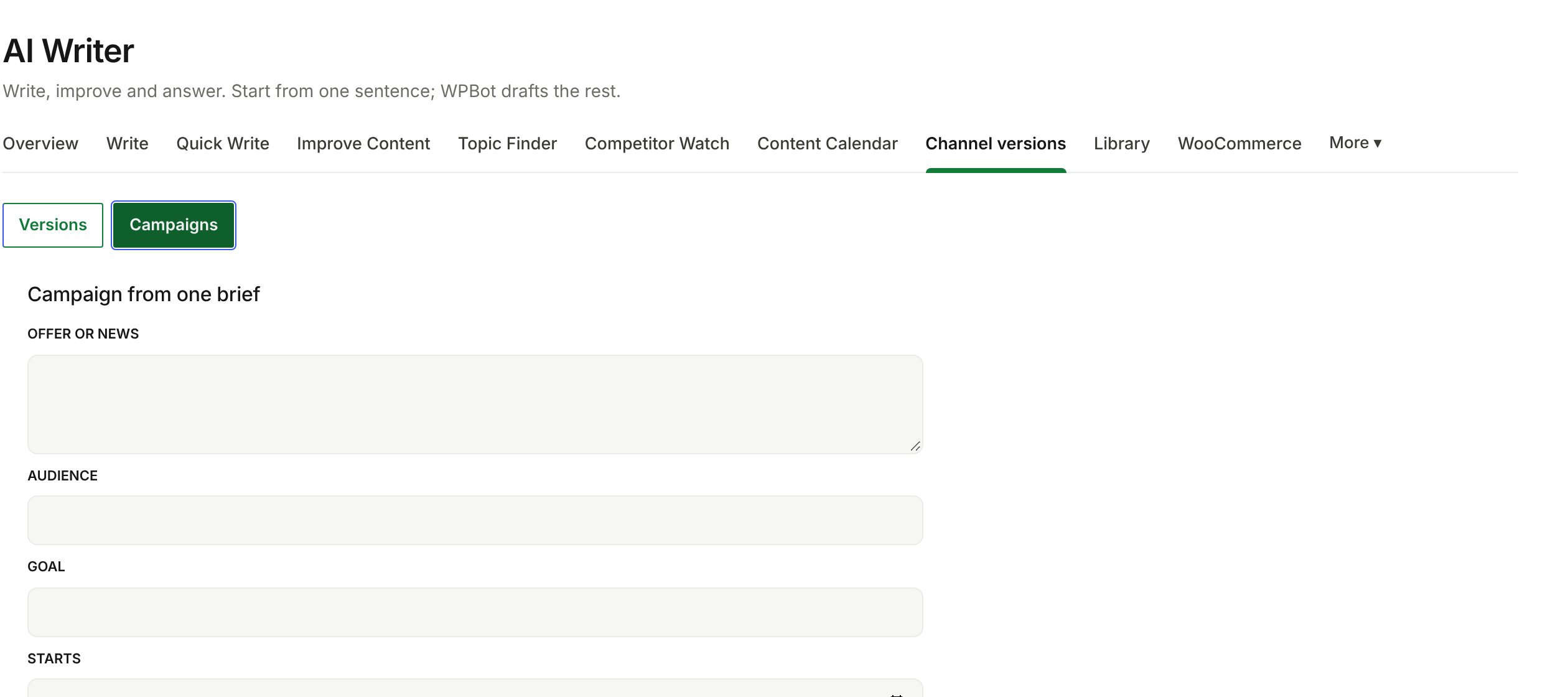
Campaign from one brief.
A campaign is one offer or news item told everywhere at once. Open Campaigns and fill in:
| Field | What to enter |
|---|---|
| OFFER OR NEWS | For example "20% off bike fitting in May". |
| AUDIENCE | Who it is for. |
| GOAL | What people should do. |
| STARTS / ENDS | The campaign dates. |
Click Write the campaign. AI Writer writes a Campaign name, a Landing page section, an Article title, a social post per network, an Email subject and Email, and Ad copy. Edit what you like and click Place on the calendar. Your campaigns lists them, and Quick Write pieces on the calendar shows their dates.
Tip
Use the campaign's email in AI Marketing and its ad copy in your ad account, so the offer reads the same everywhere.
Availability
Channel versions, Send to Social and Campaigns are AI Writer Pro, in Starter, Professional and Master. WPBot Free shows them as a preview. Social's own features depend on your edition: Social Pro is Master only.
Was this article helpful?
Sorry about that. Get help another way:











