

Results, headline tests and A/B tests
Writing more is easy. Writing more of what works is what grows a site. Results closes the Growth Loop: it shows what each topic earned, and Topic Finder uses it to rank similar topics higher.
Open WPBot Pro → AI Writer → Results (under More ▾).
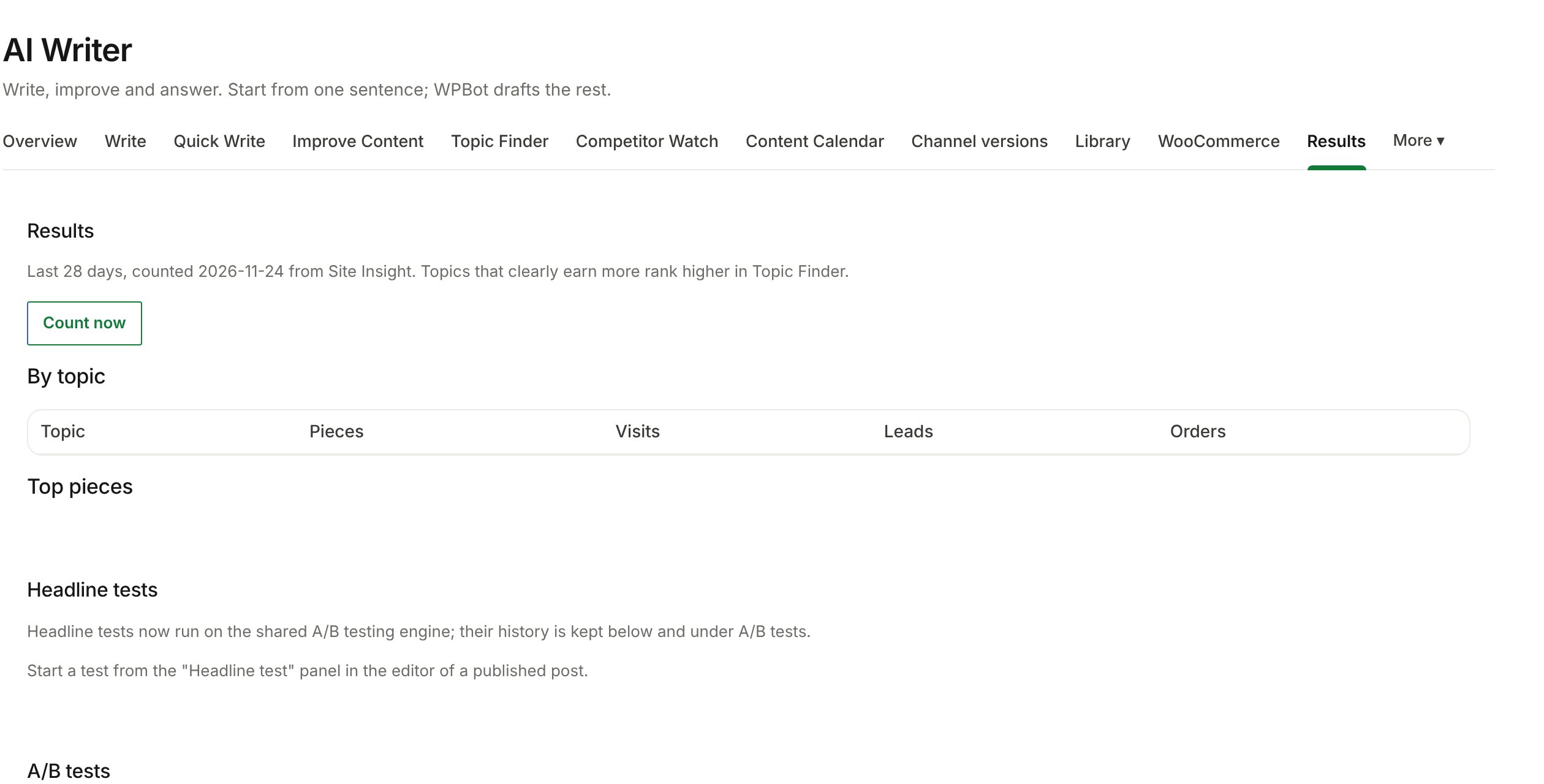
Results by topic, headline tests and A/B tests.
Results by topic
Results are counted weekly for the last 28 days, from Site Insight (or from Search Console clicks and your other connected modules). Count now counts at once.
- By topic: each Topic with its Pieces, Visits, Leads and Orders. Topics that clearly earn more are marked Proven and rank higher in Topic Finder.
- Top pieces: your best pieces with their visits, leads and orders.
Tip
Read Results every Friday. Write the next pieces on your Proven topics, and improve the pieces that get visits but no leads: they need a clearer call to action.
Headline tests
Test two titles on a published post to see which one gets more clicks.
- Open the published post in the block editor.
- In the AI Writer sidebar, open Headline test.
- Enter the Second title to test and click Start the test.
The test shows clicks and views for each title and runs until a set date. When there is a Clear winner, click Use title …. Stop the test ends it early. Headline tests run on the shared A/B testing engine; their history is kept in Results and under A/B tests.
A/B tests
Test up to three new versions of a piece of copy against the current one on a published page.
- Open Compare techniques on a published page and write the versions (see How it persuades: reader stage, frameworks and Compare techniques).
- Click Send to an A/B test. The current text is version A.
- Choose what decides the winner under Measure by: Clicks from lists to the page, Clicks on tracked links, Call-to-action clicks, Read to the end (scroll depth), Stayed 30 seconds (time on page), Add to cart, Orders or Search click-through rate (for search titles).
- Choose Winner: I apply the winner myself or Apply a clear winner automatically, and the Longest run (days).
- How long will it take? estimates the duration from your visitors per day (or Search Console).
- Click Start the test and follow it under Results → A/B tests.
What has worked here lists the techniques that won on your site, so your next pieces start from proven choices.
Email and social tests
- Email subjects: Test subject lines on a campaign sets a subject test on an AI Marketing draft campaign. Each recipient gets one subject; opens decide.
- Social versions: start from a published post. Each version gets its own tracked link; post each one at a different time. Results are an indicator only, because the audiences differ.
Availability
Results, headline tests and A/B tests are AI Writer Pro, in Starter, Professional and Master. WPBot Free shows Results as a preview. Visits, leads and orders need Site Insight; Orders and Add to cart need WooCommerce. Email subject tests need AI Marketing.
Was this article helpful?
Sorry about that. Get help another way:











