

The Library and the review workflow
Open WPBot Pro → AI Writer → Library.
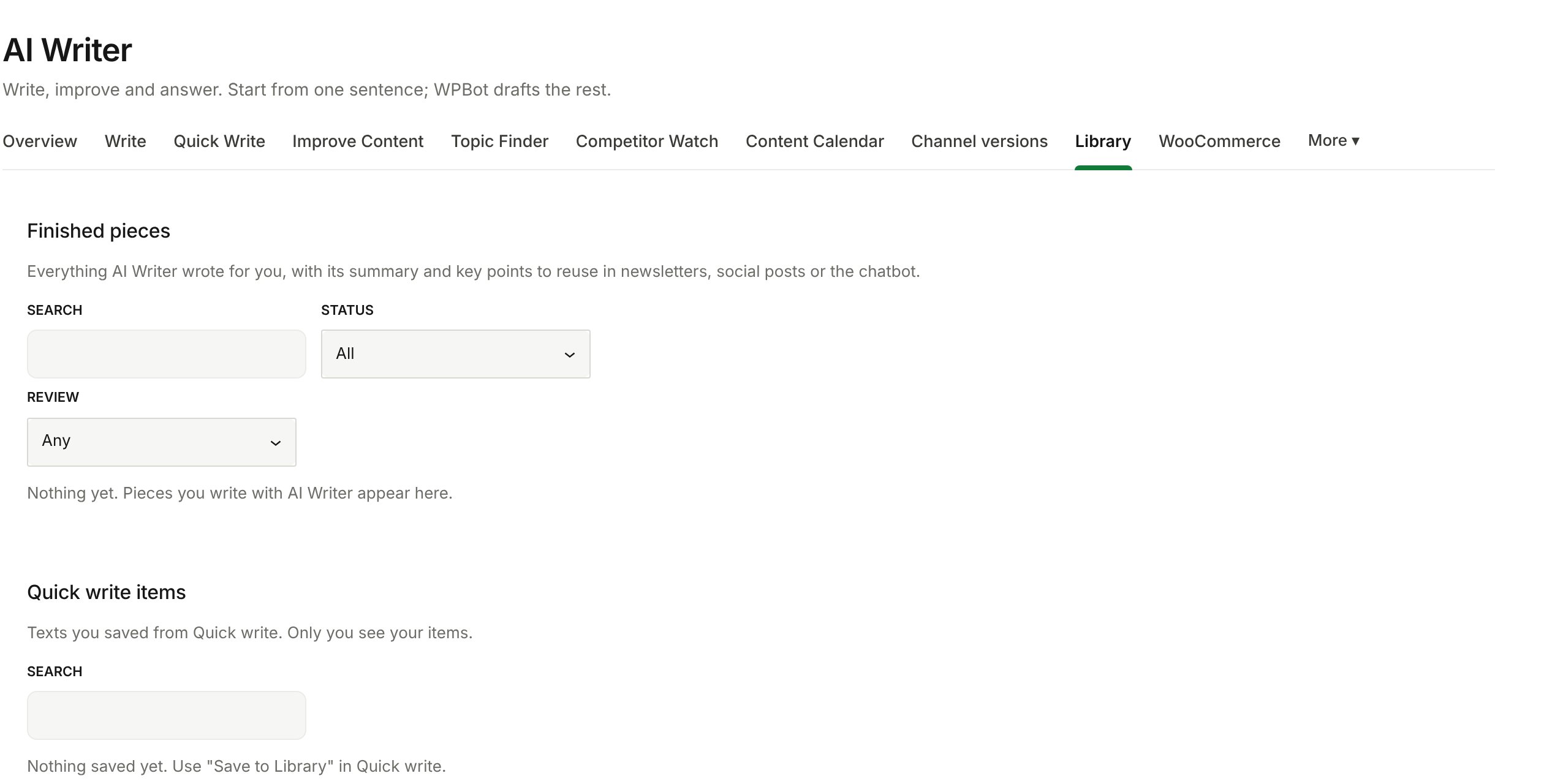
The Library: finished pieces and Quick write items.
Finished pieces
Everything AI Writer wrote for you, with its summary and key points to reuse in newsletters, social posts or the chatbot. Each piece shows its words and when it changed, the visitor question it answers (if any), and Edit, View and Improve.
- SEARCH by title.
- STATUS: All, Draft, Pending review, Scheduled, Published or Private.
- REVIEW (Pro): Any, Needs review or Approved.
Regenerate several (Pro) rewrites selected pieces at once. See Write many articles, interview mode and the Headline lab.
Quick write items
Texts you saved from Quick write with Save to Library. Only you see your items. Copy one to use it, or Delete it.
The review workflow (Pro)
When more than one person writes, let a second person check AI drafts before they go live.
- Drafts written in bulk always need review. Turn on Every AI draft needs review in Brand & Business → Brand Voice → Pro writing to mark every AI draft Needs review.
- In the block editor, the Review panel of the AI Writer sidebar has Ask for review, a Note for the team with Add note, and Approve.
- The Library shows a Needs review or Approved badge on each piece.
- With Schedule finished drafts for their day on in Calendar settings, an approved draft is scheduled for its planned day.
Who may publish is set in WPBot Pro → Permissions, in the AI Writer table (Publish or send). See Permissions: who can see, use and change each tool.
Tip
Give writers Use and editors Publish or send. Writers draft and ask for review; editors approve and publish.
Availability
The Library and Quick write items are in every edition, including WPBot Free. The review workflow, the REVIEW filter and Regenerate several are AI Writer Pro, in Starter, Professional and Master.
Was this article helpful?
Sorry about that. Get help another way:











