

Organize the order of categories and articles
Open WPBot Pro → Help Center → Organize. It shows your docs tree: categories with their subcategories and articles.
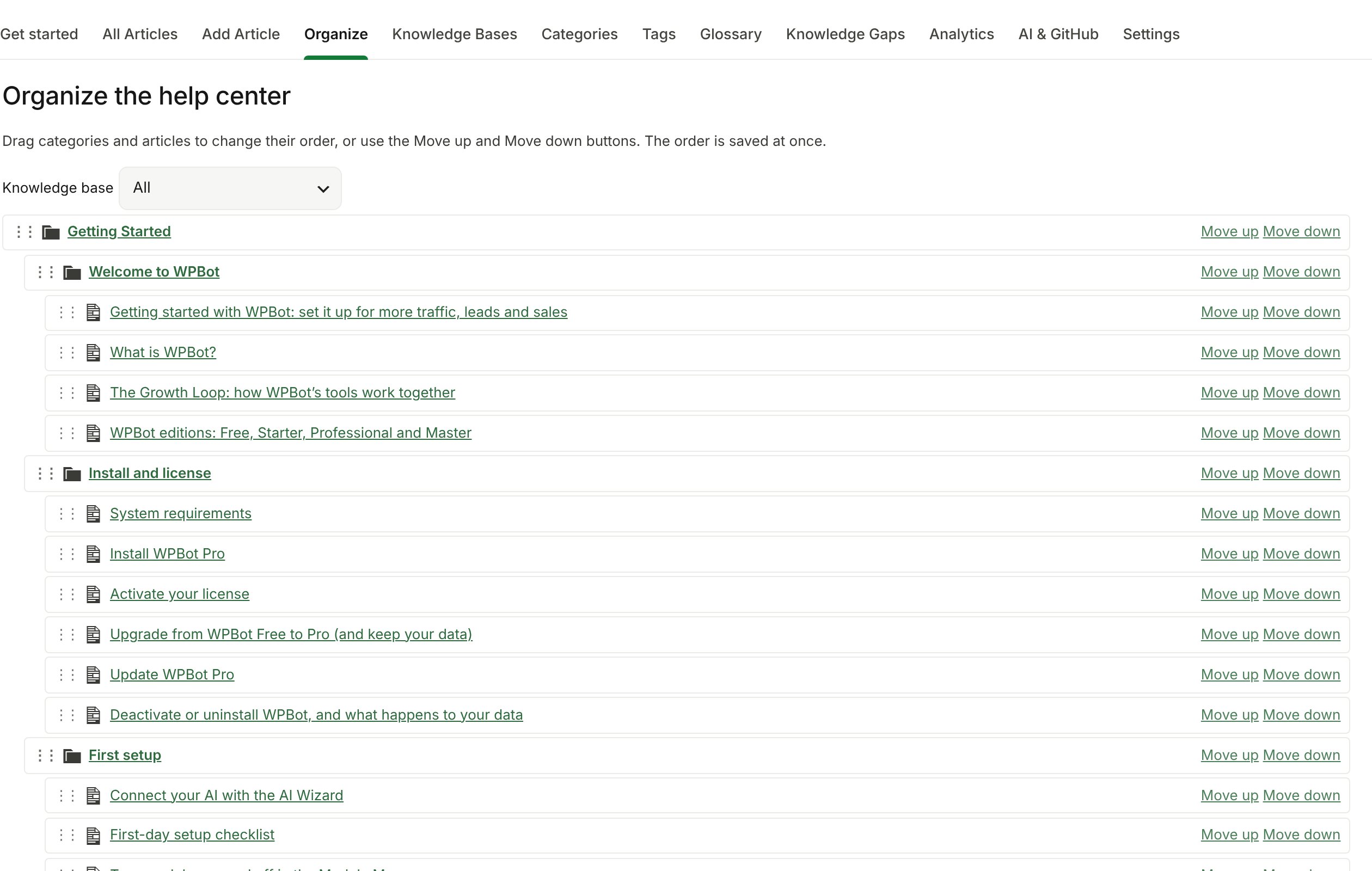
Organize the help center: drag rows or use Move up and Move down.
Change the order
- Drag a category or an article by its handle to a new place.
- Or use Move up and Move down on each row, for example with the keyboard.
The order is saved at once. There is no Save button.
Use the Knowledge base menu to show one knowledge base, or All. Articles that have no category are listed under Articles without a category.
Where the order is used
- The topics and their top articles on the Help Center home.
- The navigation tree in the Docs layout and the category pages.
- Previous and Next at the bottom of each article.
- The Help Center order option of the Help articles block and shortcode.
Good order
- Put the getting-started article first in each knowledge base.
- Order articles the way a new customer meets them: install, set up, use, fix.
- Put troubleshooting and reference last.
Note
Changing the order of articles needs the right to publish help articles; changing the order of categories needs the right to manage categories. See Who can write, publish and manage the Help Center.
Availability
In every edition, including WPBot Free.
Was this article helpful?
Sorry about that. Get help another way:











