

Live chat: answer visitors in the Inbox and on your phone
On this page
Your chatbot answers first. When it cannot help, or a visitor asks for a person, the chat moves to your team. The visitor stays in the same chat window, and your agent sees everything the visitor already said to the bot.
Live chat is on after WPBot Pro Master is installed or updated. It has its own Live Chat menu in the WordPress admin sidebar: Inbox, History, Reports, Settings, Legacy Database and Help.
Who answers
- Administrators answer chats.
- Agents: add a user in Users → Add New with the role Live chat agent, or give an existing user that role. Agents see only the Inbox, History and Help. They cannot open Reports or Settings, block visitors or train the bot.
- Departments (optional) give each team its own agents and office hours. See Live chat settings: when to offer a person, departments, Slack, Telegram and Teams.
Answer chats in the Inbox
Open Live Chat → Inbox.
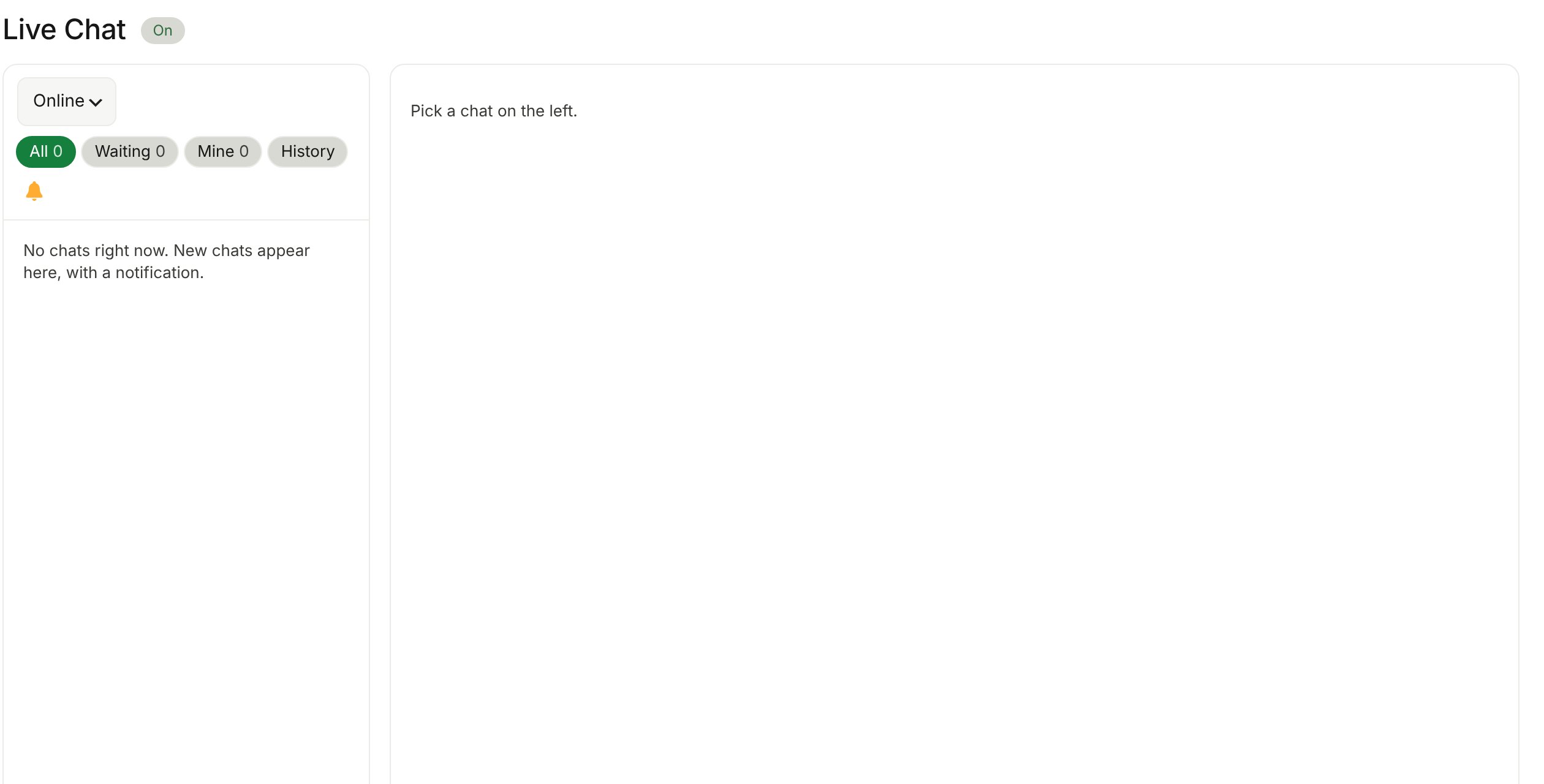
The Inbox: your status, the chat filters and the open chat.
- Set yourself Online at the top. Choose Away when you step out.
- New chats appear under Waiting. Open one and click Take this chat. Mine shows your chats, All every chat.
- Reply with Enter (Shift+Enter for a new line). Type
/and a shortcut, then a space, to insert a saved reply. - Add private notes that only agents see, transfer the chat to another agent or department, or close it when you are done. The visitor can rate the chat.
With an AI provider set up, agents also get AI buttons: suggest a reply, summarize, make it shorter or friendlier, and translate.
The bell next to the filters mutes or unmutes the sound for new chats in this browser. Browsers play sound only after you click once on the page.
Notifications on computers
In the Inbox, click Turn on notifications and allow them when the browser asks. Do this once on each computer and browser. You then get a system notification for a new chat, a new message in your chats and a chat transferred to you, even when the Inbox is closed, as long as the browser is running. It works in Chrome, Edge and Firefox, and in Safari 16 or later on macOS.
Answer on your phone
Agents can install the Inbox as an app from your website, with real phone notifications. No app store is needed, and your site must use https.
- Android: open the app address from Live Chat → Help in Chrome, sign in, tap Install the app on this phone, then Turn on notifications.
- iPhone and iPad: open the app address in Safari, sign in, tap Share → Add to Home Screen, open it from the home screen and turn on notifications. Apple allows this on iOS 16.4 or later.
Prefer an app you already use? Agents can also answer in Slack, Telegram or Microsoft Teams. See Live chat settings: when to offer a person, departments, Slack, Telegram and Teams.
Visitors who leave
While they wait, visitors see Notify me when we reply. If they allow it, their browser tells them when an agent replies, even after they leave the page. Visitors who gave their email and left get the reply by email two minutes after it.
History, Reports and Legacy Database
- History lists closed chats with a search by name or email.
- Reports shows live chats, missed chats, the handoff rate (live chats out of all bot conversations), first response, time to resolve and the average rating, by agent and department, why visitors asked for a person, and which start-menu items visitors chose.
- Legacy Database keeps the chats of the classic live chat, read only. When the new live chat is on, they are also imported into History.
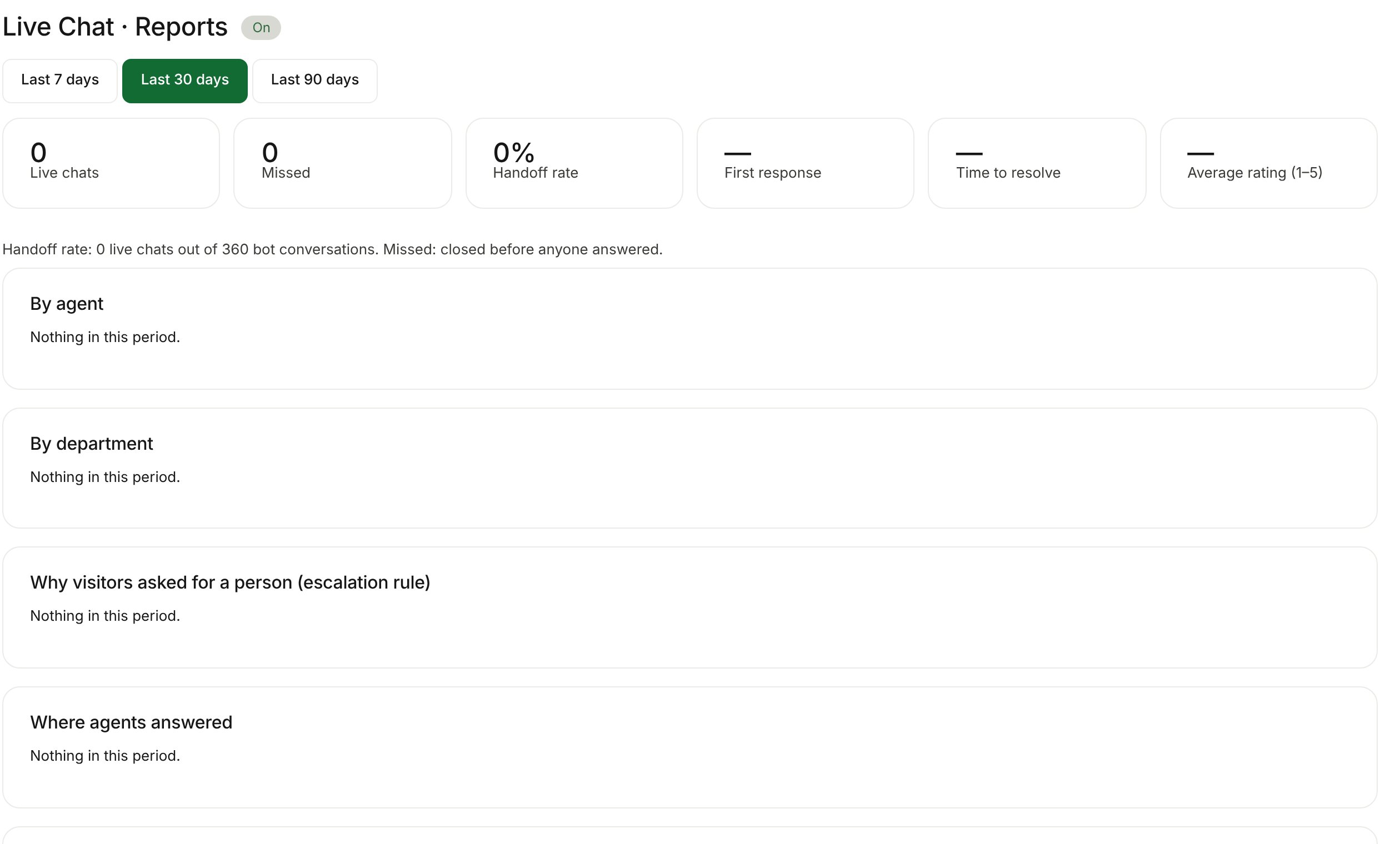
Live chat reports: handoff rate, response times and why visitors asked for a person.
Get more sales from live chat
- Keep someone Online during your busiest hours. A visitor who asks a person a question before buying is close to ordering.
- Use saved replies for prices, delivery and returns, so every agent gives the same accurate answer quickly.
- Watch the handoff rate. If many chats go to a person for the same reason, add that answer to your content and the bot handles it next time.
Availability
Live chat is in Master only. Professional, Starter and WPBot Free do not include it.
Was this article helpful?
Sorry about that. Get help another way:











