

Journeys: automatic email series
On this page
Open WPBot Pro → AI Marketing → Journeys. A journey sends emails and does other steps on its own when something happens, for example a welcome series when someone subscribes. The list shows each Journey, Starts when and its Status.
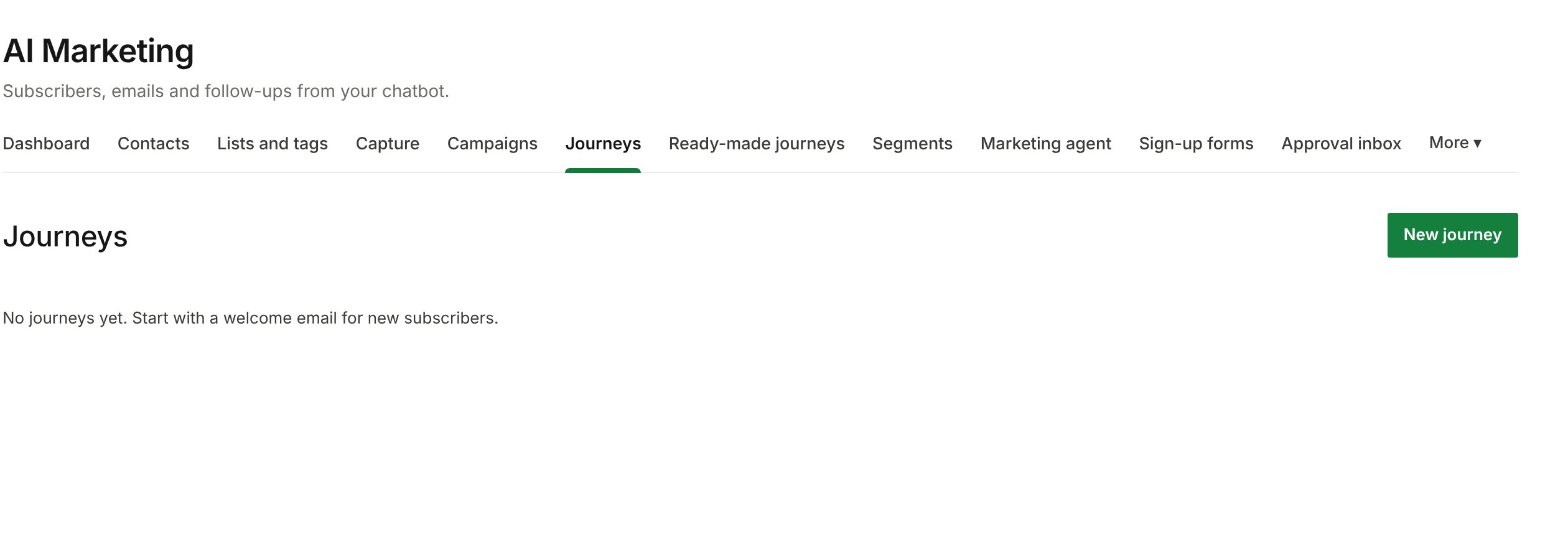
The Journeys list. Start with a welcome email for new subscribers.
Click New journey, or add a ready-made one from Ready-made journeys for your kind of site.
Starts when
| Trigger | Editions |
|---|---|
| Someone subscribes (after confirming, with double opt-in) | All |
| Someone is added to a list (Only for this list or Any list) | All |
| Someone gets a tag (Only for this tag or Any tag) | All |
| Someone leaves an email in the chatbot (Only from a channel, or Any channel) | All |
| Someone fills in a sign-up form | All |
| An order is completed (WooCommerce), with Only when the total is at least | Master |
| A cart is left for an hour (logged-in shoppers) | Master |
| The chatbot could not answer a known contact | Master |
| Someone asks the chatbot for a person | Master |
| A subscriber opened nothing for 90 days | Master |
Steps
Add steps with + Email, + Wait and + Tag:
- Send an email
- Wait a number of minutes, hours or days
- Add a tag, Remove a tag, Add to a list, Remove from a list
With Master you also get:
- + If / else: if the contact opened an email of this journey, clicked an email of this journey, bought something since starting, is in a list, has a tag or is subscribed, then go on with the next step, end the journey or go to step.
- + Wait until a time of day (Continue at (site time)).
- + Email me: a message to you with the contact's details.
- + Webhook: sends the contact as JSON to an address, for example to your CRM.
- + Text or message: a text message or channel message, only to people who opted in there.
- Goal: leave the journey when the contact buys something or clicks an email of this journey.
- A person can start again after (days, 0 = only once).
Click Save and switch on. The journey shows how many people started and finished it. Switch off stops it.
Note
Journeys copied from the earlier AI Marketing automations arrive paused. Check the steps, then switch them on.
Describe a journey (Master)
In Ready-made journeys → Describe a journey, type what it should achieve, for example turn first-time buyers into repeat buyers within 30 days, and click Build the journey. The AI builds the triggers, waits, branches and emails and explains them; check it before you switch it on.
Guardrails
With Master, journey emails follow the Autopilot guardrails: only subscribed contacts, a weekly cap per contact, one automated email a day (the most valuable one goes first), and quiet hours. See Autopilot: one-click setup, modes, guardrails and the kill switch.
Journeys that bring sales
Tip
Three journeys bring most of the money: a welcome series, an abandoned cart reminder and an after the purchase follow-up. Set them up before you write any campaign.
Availability
Journeys with the first five triggers and the basic steps are in every edition, including WPBot Free. Shop and chat triggers, branches, goals, webhooks, text messages and journeys from a description are Master only.
Was this article helpful?
Sorry about that. Get help another way:











