

The Marketing agent: pick a goal, get a plan
On this page
Open WPBot Pro → AI Marketing → Marketing agent. Pick a goal. The agent shows what it will set up; anything that sends email still waits in the Approval inbox and follows your Autopilot modes and limits.
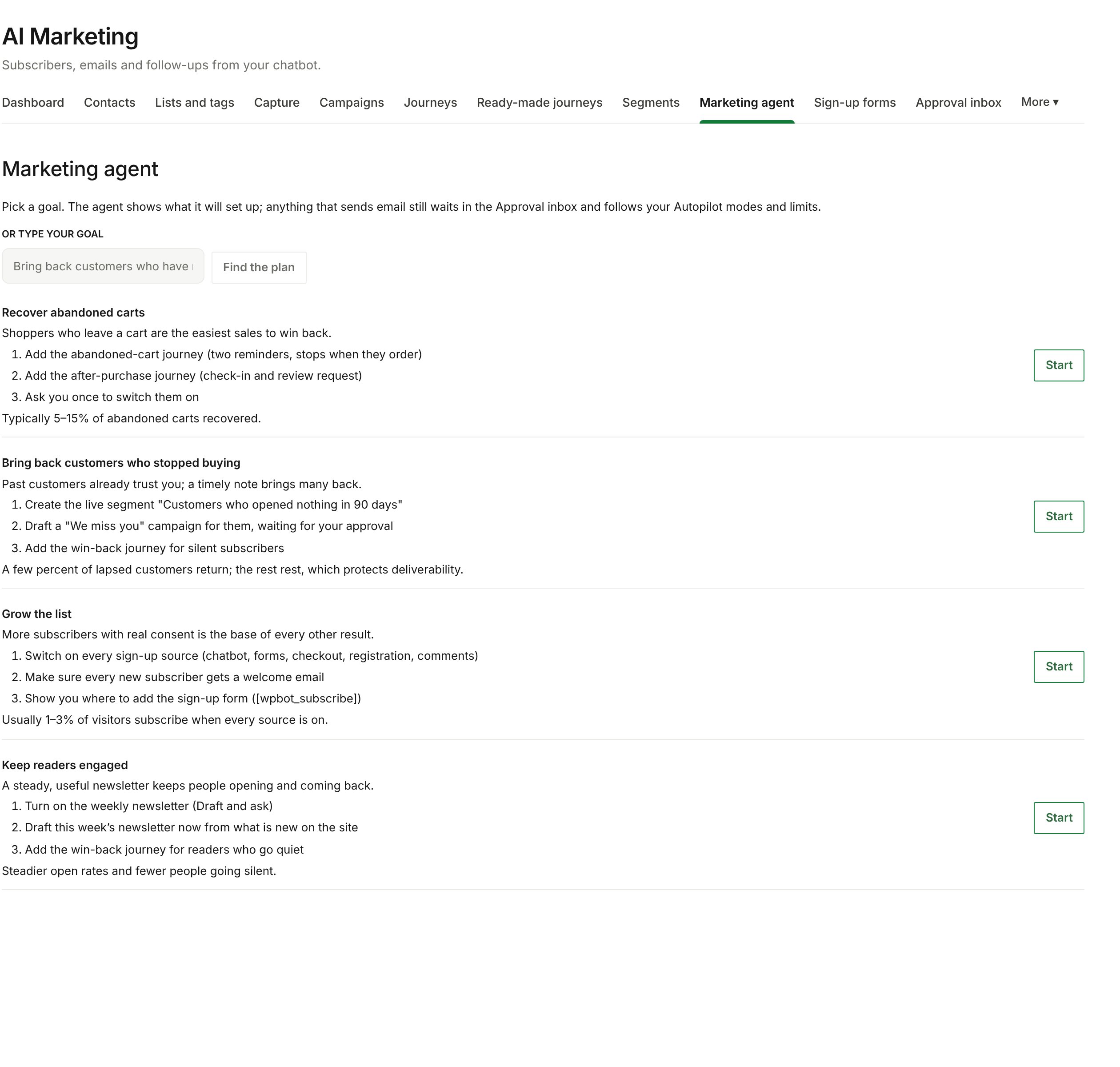
Marketing agent goals, each with its plan and expected result.
The goals
| Goal | What the agent sets up |
|---|---|
| Recover abandoned carts | The abandoned-cart journey (two reminders, stops when they order) and the after-purchase journey, then asks you once to switch them on. Needs WooCommerce |
| Bring back customers who stopped buying | The live segment "Customers who opened nothing in 90 days", a "We miss you" campaign draft for your approval, and the win-back journey |
| Grow the list | Every sign-up source on (chatbot, forms, checkout, registration, comments), a welcome email for every new subscriber, and where to add [wpbot_subscribe] |
| Keep readers engaged | The weekly newsletter on Draft and ask, this week's newsletter drafted now, and the win-back journey for readers who go quiet |
Each goal shows a typical result, for example "Typically 5–15% of abandoned carts recovered". These are typical ranges, not promises.
Click Start. A started goal shows Started and Run again.
Your own goal
Type it in OR TYPE YOUR GOAL and click Find the plan. The agent matches it to the closest plan and shows what it will do before anything starts.
Availability
Master only.
Was this article helpful?
Sorry about that. Get help another way:











