

The Approval inbox
On this page
Open WPBot Pro → AI Marketing → Approval inbox. The menu shows how many items wait for you.
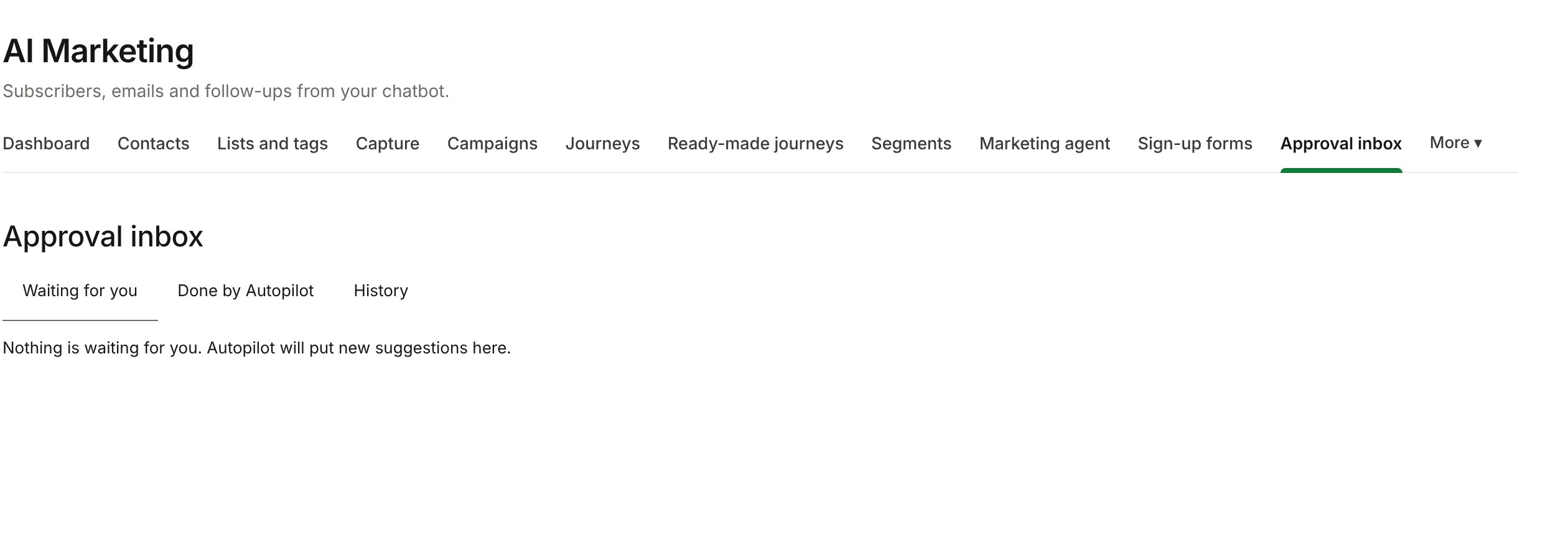
The Approval inbox: Waiting for you, Done by Autopilot and History.
The tabs
- Waiting for you: suggestions that need your OK.
- Done by Autopilot: what Autopilot did on its own, so you can check it.
- History: everything you approved or dismissed.
What arrives here
- New lists from the site scan, when smart lists are on Suggest or Draft and ask.
- Sorting placements Autopilot is not sure about.
- Address fixes such as gmial.com → gmail.com (only you may change an address) and Duplicate records to merge.
- Journeys to switch on, including the welcome journey and ready-made journeys.
- The weekly Newsletter and campaigns for new products, sales and stock.
- Lookalikes: subscribers who behave like your top buyers.
- Safety stop and Journey alert notices.
Actions
Approve, Dismiss, Keep or Undo each item, or Approve all.
Tip
Open the Approval inbox on Monday with the weekly report. Five minutes there keeps Autopilot doing exactly what you want.
Availability
Master only. Starter, Professional and WPBot Free show a preview with Upgrade to Master.
Was this article helpful?
Sorry about that. Get help another way:











