

Write many articles, interview mode and the Headline lab
On this page
Besides One piece, the Write tab has three more modes: Many from a list, Interview me and Headline lab.
Many from a list
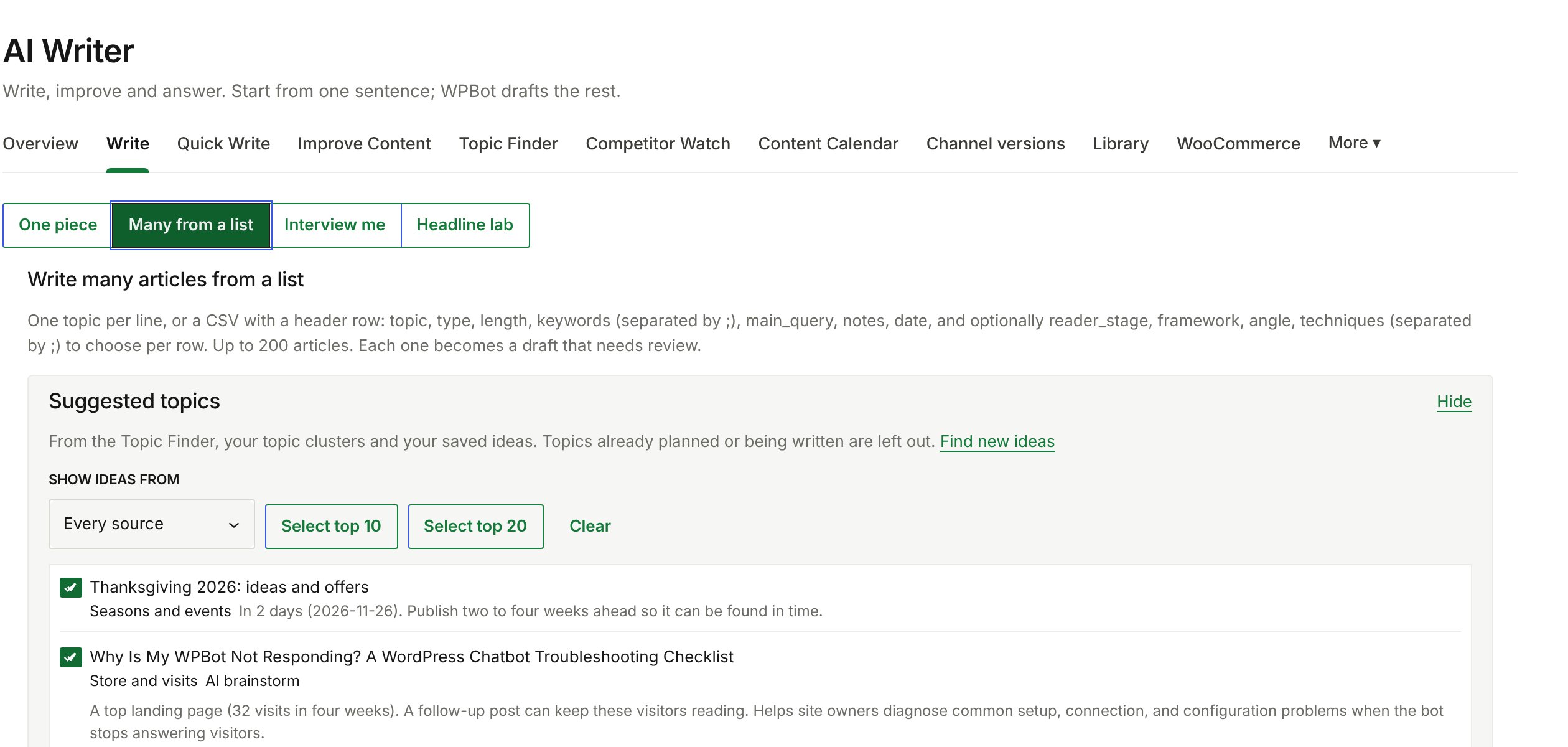
Many from a list, with suggested topics from Topic Finder.
Write up to 200 articles in one job. Each one becomes a draft marked Needs review in the Library.
- Suggested topics lists ideas from Topic Finder, your topic clusters and your saved ideas. Topics already planned or being written are left out. Filter with SHOW IDEAS FROM, click Select top 10 or Select top 20, then Add … topics to the list. Fill the gap in my topic clusters adds the missing topics of your clusters.
- Or type one topic per line under TOPICS, or upload a CSV (up to 512 KB) with a header row:
topic, type, length, keywords(separated by;),main_query, notes, date, and optionallyformat,reader_stage, framework, angle, techniquesper row. - Choose the defaults for rows that do not say: CONTENT TYPE, FORMAT (Suggested for each topic or one format), Length and Create as (Posts or Pages).
- Options: Skip topics my site already covers and Use my chatbot knowledge as a source.
- Techniques for this batch: Automatic for each piece (recommended), The same for all, or Spread to compare (2 to 4 frameworks) to split the rows across frameworks and learn which works best.
- Set Budget for this job (US$). Writing pauses if it reaches this amount; you can raise it and continue. 0 means no limit.
- Check the estimate and click Write articles.
You can close the page: writing continues in the background. The table shows each topic as Waiting, Writing…, Draft ready, Skipped or Failed, and what has been spent.
Note
Original research is not written in bulk, because you approve its numbers first. Those rows are written as normal articles; write original research one at a time.
Tip
A date column (YYYY-MM-DD) dates each draft on that day of the Content Calendar. Fill a month in one job, then review a few drafts each day.
Interview me
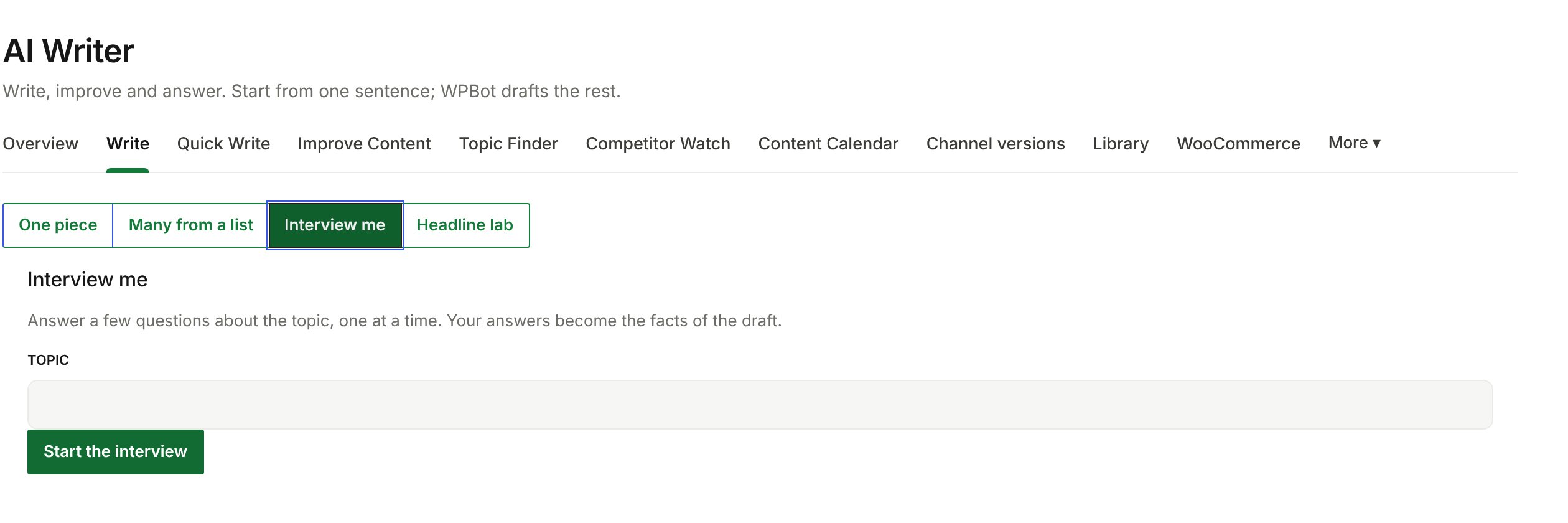
Interview me: your answers become the facts of the draft.
Type the TOPIC and click Start the interview. AI Writer asks a few questions about the topic, one at a time. Answer or Skip each one, then click Write from this interview. Your answers become the facts of the draft, so it contains your experience and examples, not general text. This works well for case studies, tutorials and opinion pieces.
Headline lab for several posts
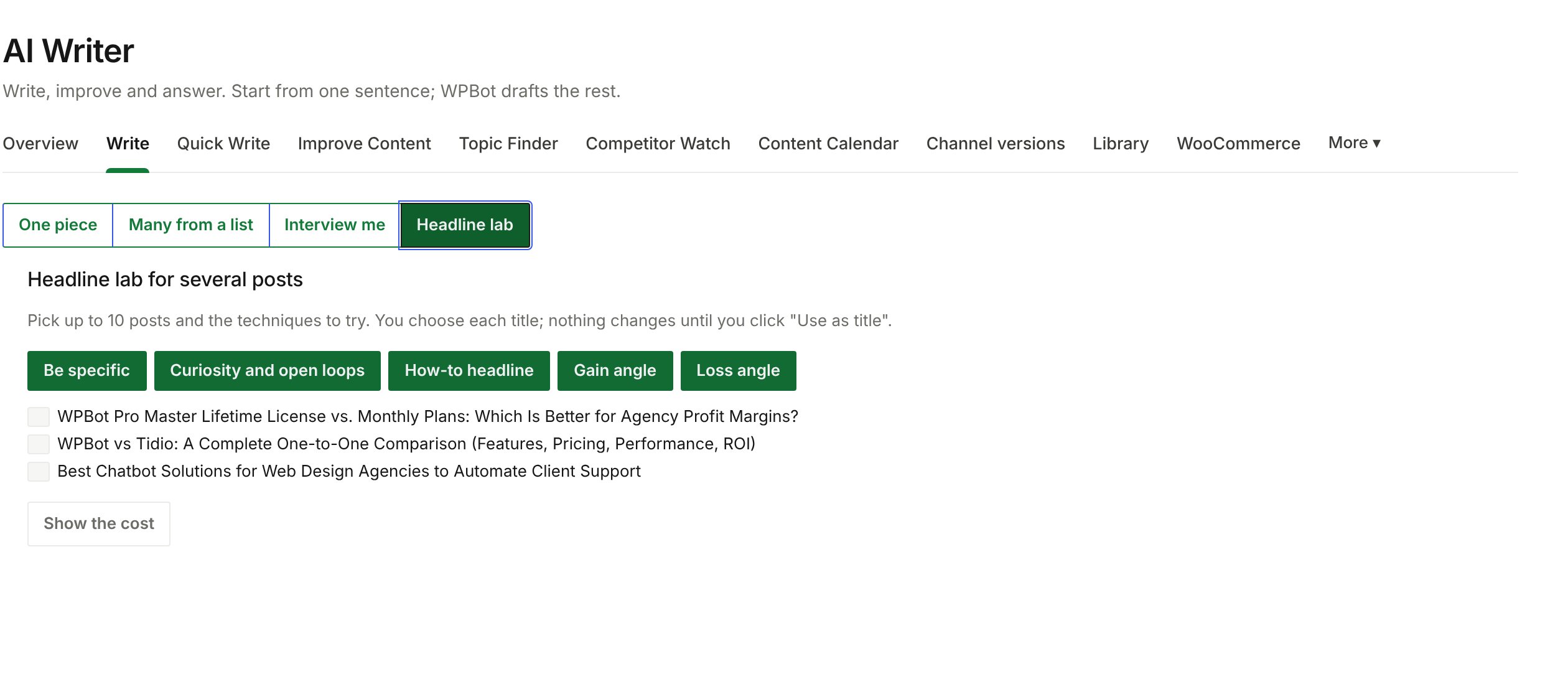
Headline lab: pick posts and techniques, then choose each title.
- Pick up to 10 posts and the techniques to try, for example Be specific, Curiosity and open loops, How-to headline, Gain angle and Loss angle.
- Click Show the cost, then Write the headlines.
- For each post, click Use as title on the one you like. Nothing changes until you do.
A clearer headline can win more clicks from the search results without writing anything new. Test an important one with a headline test (see Results, headline tests and A/B tests).
Regenerate several pieces
In the Library, select pieces and use Regenerate several: Keep the outline, rewrite the sections or Write a new outline. Published pieces arrive as proposed updates to review; drafts are rewritten, with the earlier text kept in Revisions.
Availability
Many from a list, Interview me, the Headline lab for several posts and Regenerate several are AI Writer Pro, included in Starter, Professional and Master. WPBot Free writes one piece at a time.
Was this article helpful?
Sorry about that. Get help another way:











