

Plan posts on the Calendar
Open WPBot Pro → Social → Calendar. The month view shows every post on the day it is scheduled or was published. Use ‹ and › to move between months and Today to come back.
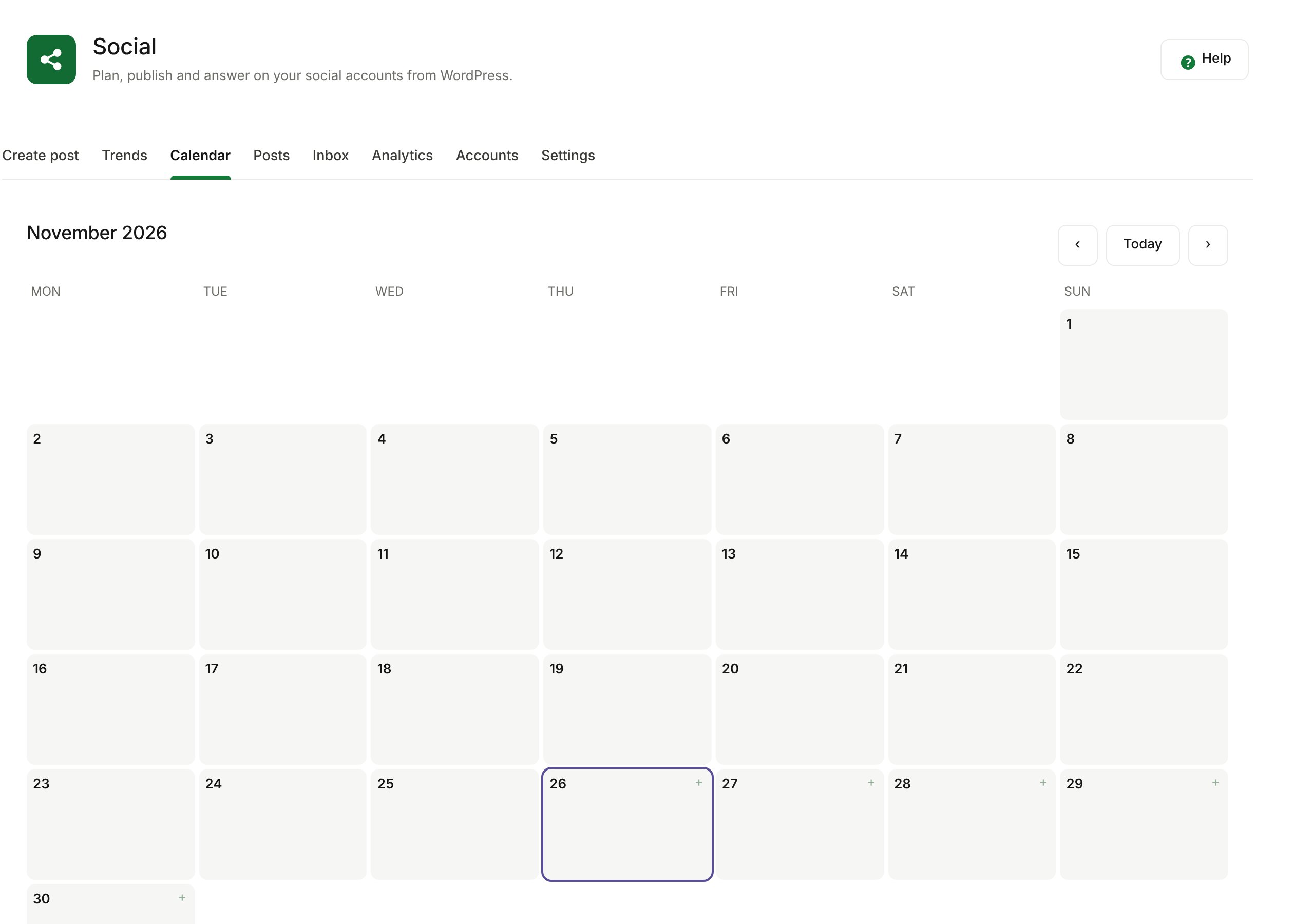
The Calendar: click + on a day to create a post for that date.
Create a post for a date
Click + on a day (Create a post for that date). Create post opens with the date filled in.
How scheduled posts go out
- Times are in your site's time zone (Settings → General in WordPress).
- New posts start at the Default time from Settings → Publishing.
- Scheduled posts go out when WordPress cron runs. On quiet sites, ask your host for a server cron that calls
wp-cron.phpevery 5 minutes; Settings → Advanced shows the exact line. - WPBot publishes in two steps and checks the result. If it cannot tell whether a post went out, it checks first and never posts twice.
- Rate limits and network errors are retried 3 times over about an hour. Refused posts are not retried.
- If Social could not run for a while, posts that are more than the Hold posts that are this many hours late setting (default 6) late are held as Missed instead of going out in a burst.
Plan a good week
Tip
Plan around your content, not the other way round. Put each new article on the Calendar on the day it is published, then add one or two posts a few days later with a different angle, and a reminder before any offer ends.
- Use queue slots (Add to queue) for regular posts, so the Calendar fills evenly. See Queue slots and evergreen re-sharing.
- Use Coming dates in Trends to plan seasonal posts early. See Find rising topics with Trends.
Availability
The Calendar is in every edition, including WPBot Free. Queue slots and Trends are Master only.
Was this article helpful?
Sorry about that. Get help another way:











