

Connect Bluesky
On this page
Bluesky connects with your handle and an app password. Open WPBot Pro → Social → Accounts and click Connect on the Bluesky card.
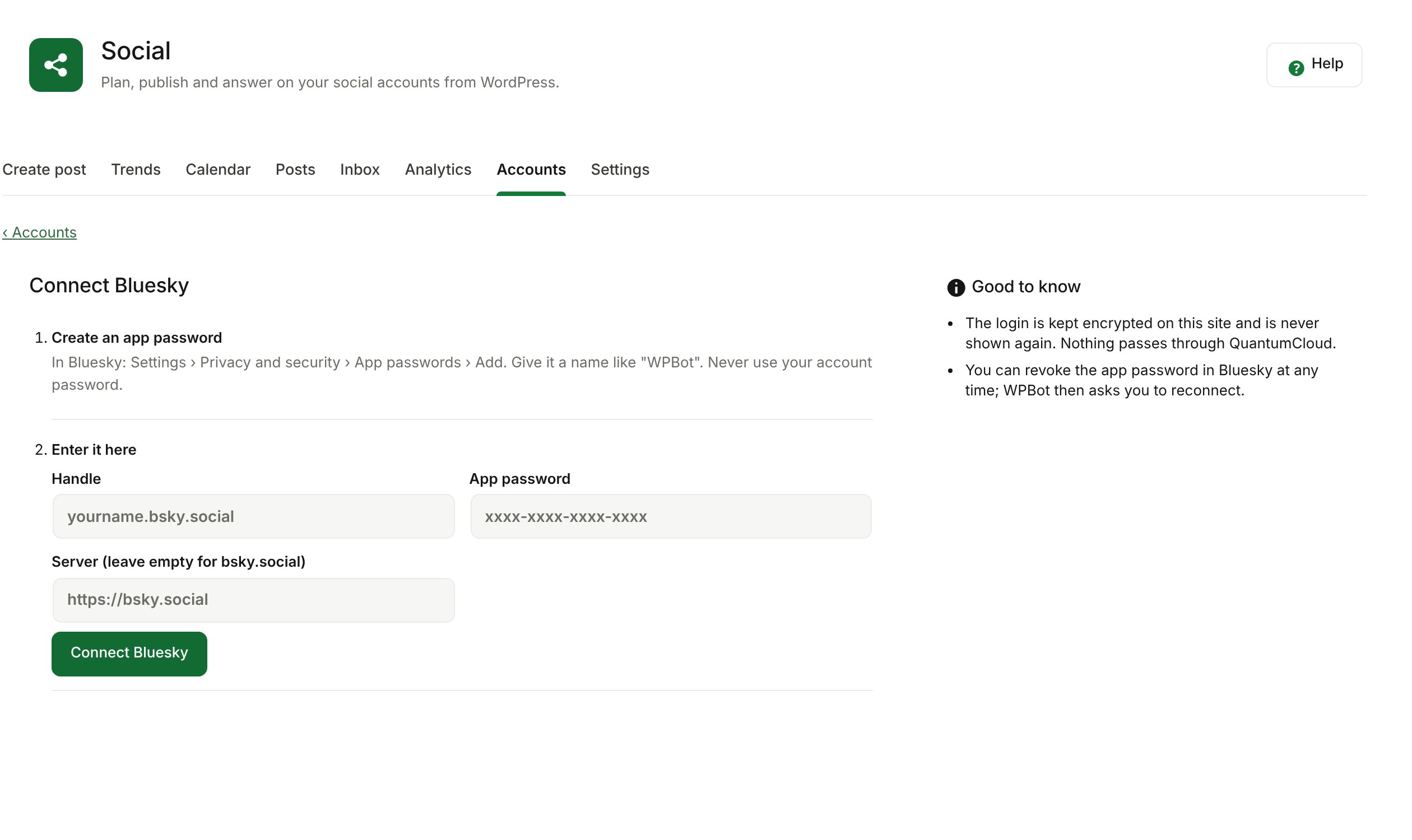
Connect Bluesky with your handle and an app password.
Steps
- Create an app password. In Bluesky, open Settings → Privacy and security → App passwords → Add. Give it a name like "WPBot".
- Enter it here: your Handle, the App password, and the Server (leave it empty for bsky.social).
- Click Connect Bluesky.
Warning
Never use your account password. An app password can be revoked at any time without changing your login.
Good to know
- The login is encrypted on your site and never shown again.
- If you revoke the app password in Bluesky, WPBot asks you to reconnect.
- Bluesky reach and engagement appear in See which posts bring visitors, leads and sales.
Availability
Master only.
Was this article helpful?
Sorry about that. Get help another way:











