

Business Context: customer questions and documents
On this page
Customer questions
Open Business Context → Customer questions. List what customers ask most; AI tools answer these in your content and replies.
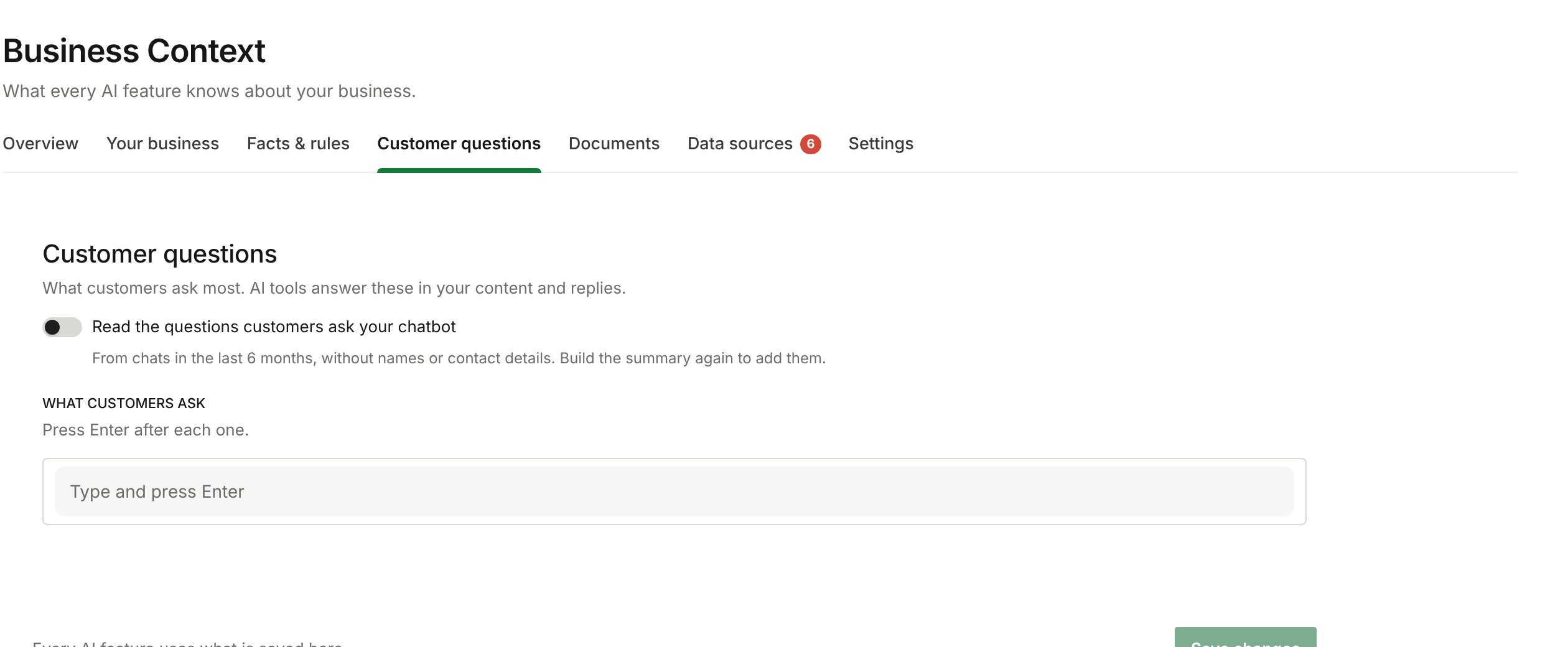
Customer questions, with the option to read them from your chatbot.
- WHAT CUSTOMERS ASK: type a question and press Enter after each one.
- Read the questions customers ask your chatbot: adds the questions from chats in the last 6 months, without names or contact details. Build the summary again to add them.
Click Save changes.
Why it matters: this is the Growth Loop in action. Questions from the chatbot (Convert) become topics for AI Writer (Create) and SEO & AI Search (Get found), so you write what buyers want to know.
Documents
Open Business Context → Documents. Upload price lists, brochures, service sheets or your "about us".
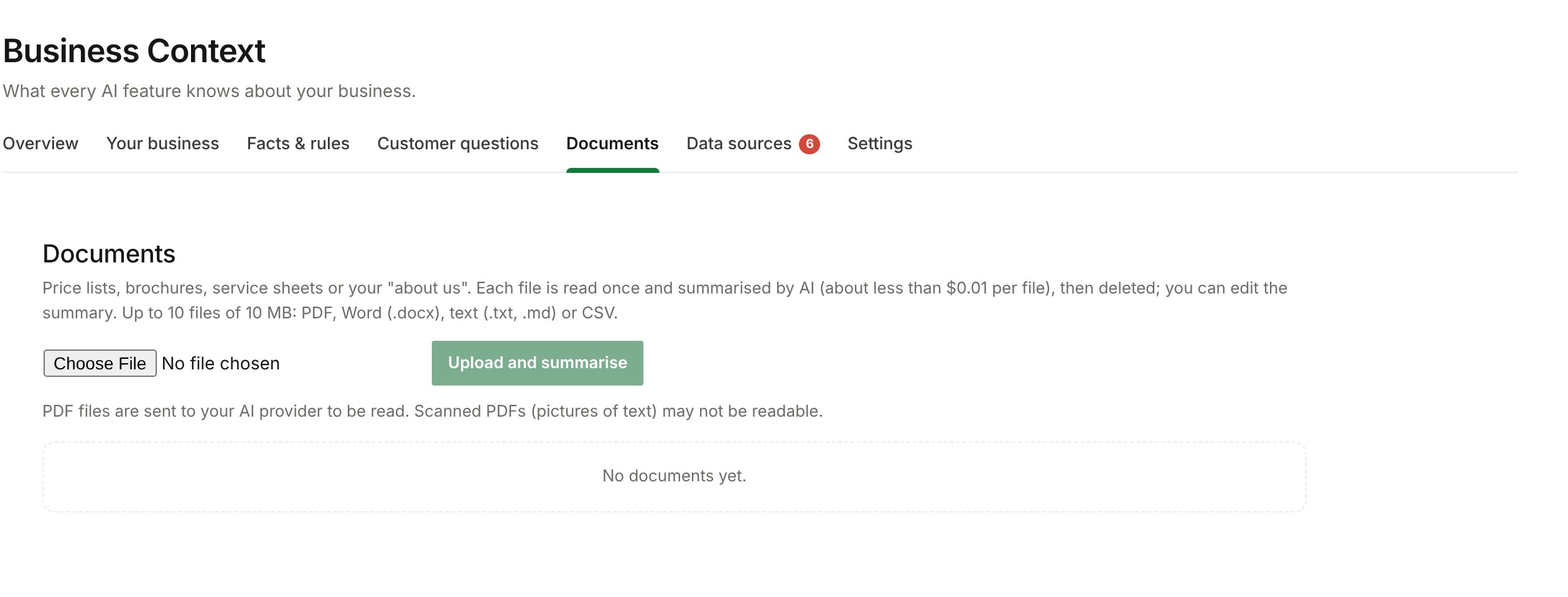
Upload documents for AI to summarise.
- Up to 10 files of 10 MB: PDF, Word (.docx), text (.txt, .md) or CSV.
- Each file is read once and summarised by AI (about less than $0.01 per file), then deleted. You can edit the summary.
- PDF files are sent to your AI provider to be read. Scanned PDFs (pictures of text) may not be readable.
Click Upload and summarise.
Note
Business Context documents tell AI tools about your business. To let the chatbot answer from a document, add it to the knowledge base in AI / Settings → Knowledge Base instead.
Availability
In every edition, including WPBot Free.
Was this article helpful?
Sorry about that. Get help another way:











