

Business Context: data sources and settings
Data sources
Open Business Context → Data sources. The more of these WPBot can read, the better every AI result. The number on the tab counts sources you could still add.
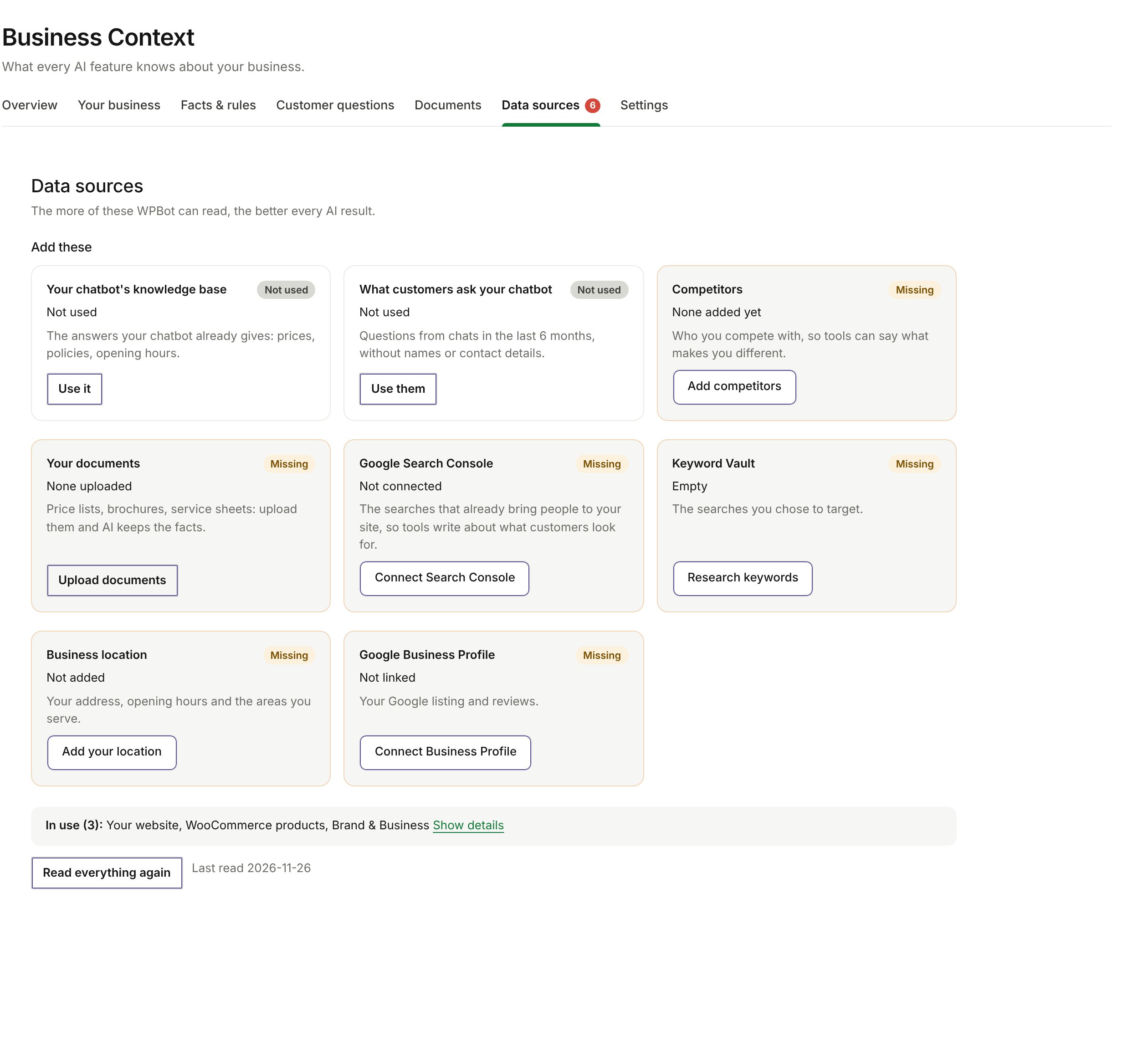
Sources to add, and the ones in use.
| Source | What it adds | Button |
|---|---|---|
| Your chatbot's knowledge base | The answers your chatbot already gives: prices, policies, opening hours | Use it |
| What customers ask your chatbot | Questions from chats in the last 6 months, without names or contact details | Use them |
| Competitors | Who you compete with, so tools can say what makes you different | Add competitors |
| Your documents | Price lists, brochures, service sheets | Upload documents |
| Google Search Console | The searches that already bring people to your site | Connect Search Console |
| Keyword Vault | The searches you chose to target in SEO & AI Search | Research keywords |
| Business location | Your address, opening hours and the areas you serve | Add your location |
| Google Business Profile | Your Google listing and reviews | Connect Business Profile |
In use lists what WPBot already reads, for example your website, WooCommerce products and Brand & Business from AI Writer. Read everything again refreshes them; the date shows the last read.
Which to add first
- Your chatbot's knowledge base and What customers ask your chatbot: free, and they connect the chatbot to every other tool.
- Google Search Console: the real searches that bring visitors, the best input for content that ranks.
- Business location and Google Business Profile for local businesses.
- Competitors, so AI can explain why customers should choose you.
Settings
Open Business Context → Settings.
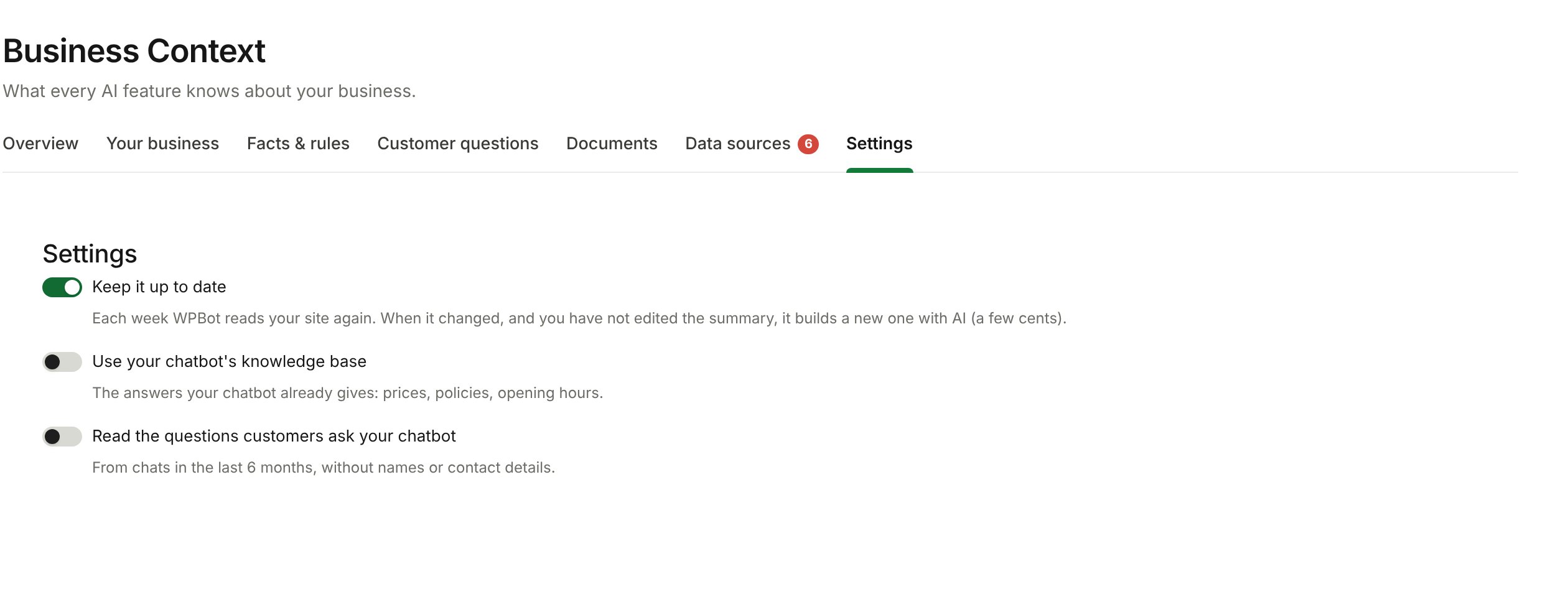
Keep Business Context up to date automatically.
- Keep it up to date: each week WPBot reads your site again. When it changed, and you have not edited the summary, it builds a new one with AI (a few cents).
- Use your chatbot's knowledge base: the answers your chatbot already gives: prices, policies, opening hours.
- Read the questions customers ask your chatbot: from chats in the last 6 months, without names or contact details.
Availability
Business Context and its data sources are in every edition, including WPBot Free. Sources that come from other tools (for example the Keyword Vault from SEO & AI Search) depend on what your edition includes.
Was this article helpful?
Sorry about that. Get help another way:











