

Import many posts from a CSV file
On this page
Open WPBot Pro → Social → Create post → Bulk import to create many posts at once, for example a month of posts planned in a spreadsheet.
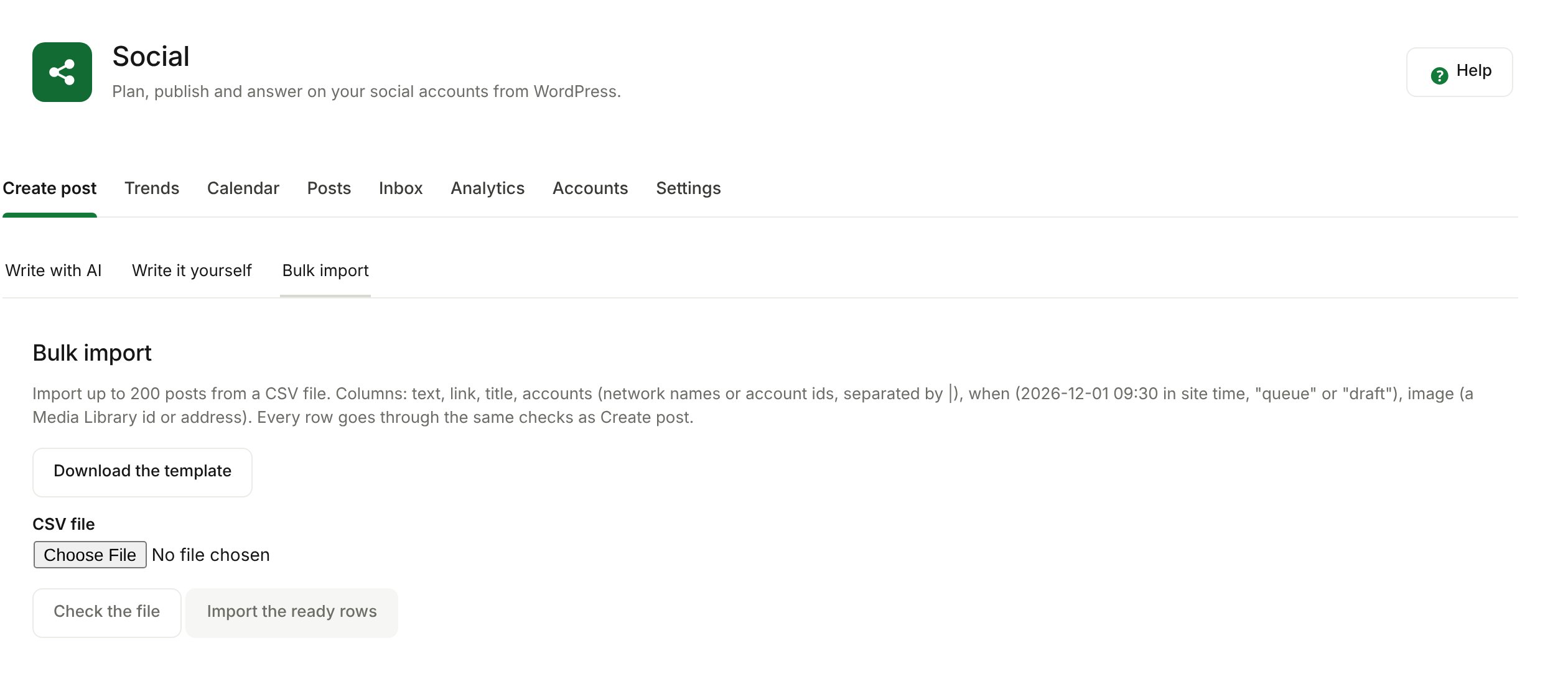
Bulk import: up to 200 posts from a CSV file.
The file
Click Download the template for a ready CSV. Each row is one post:
| Column | What to put in it |
|---|---|
text | The post text |
link | The page it links to (links to your site get tracking tags) |
title | The title for your list and the campaign tag |
accounts | Network names or account ids, separated by a vertical bar |
when | A date and time in site time, for example 2026-12-01 09:30; or queue for the next queue slot; or draft |
image | A Media Library id or an image address |
Import
- Choose the CSV file and click Check the file. Every row goes through the same checks as Create post, and the preview shows each row as Ready or with its problem.
- Click Import the ready rows. Rows with problems are skipped; fix them and import them again.
Posts from people who cannot publish go through approval, as in Create post. See Team and approval: who can post, and posts that wait for approval.
Availability
Master only.
Was this article helpful?
Sorry about that. Get help another way:











