

Team and approval: who can post, and posts that wait for approval
On this page
Open WPBot Pro → Social → Settings → Team & approval.
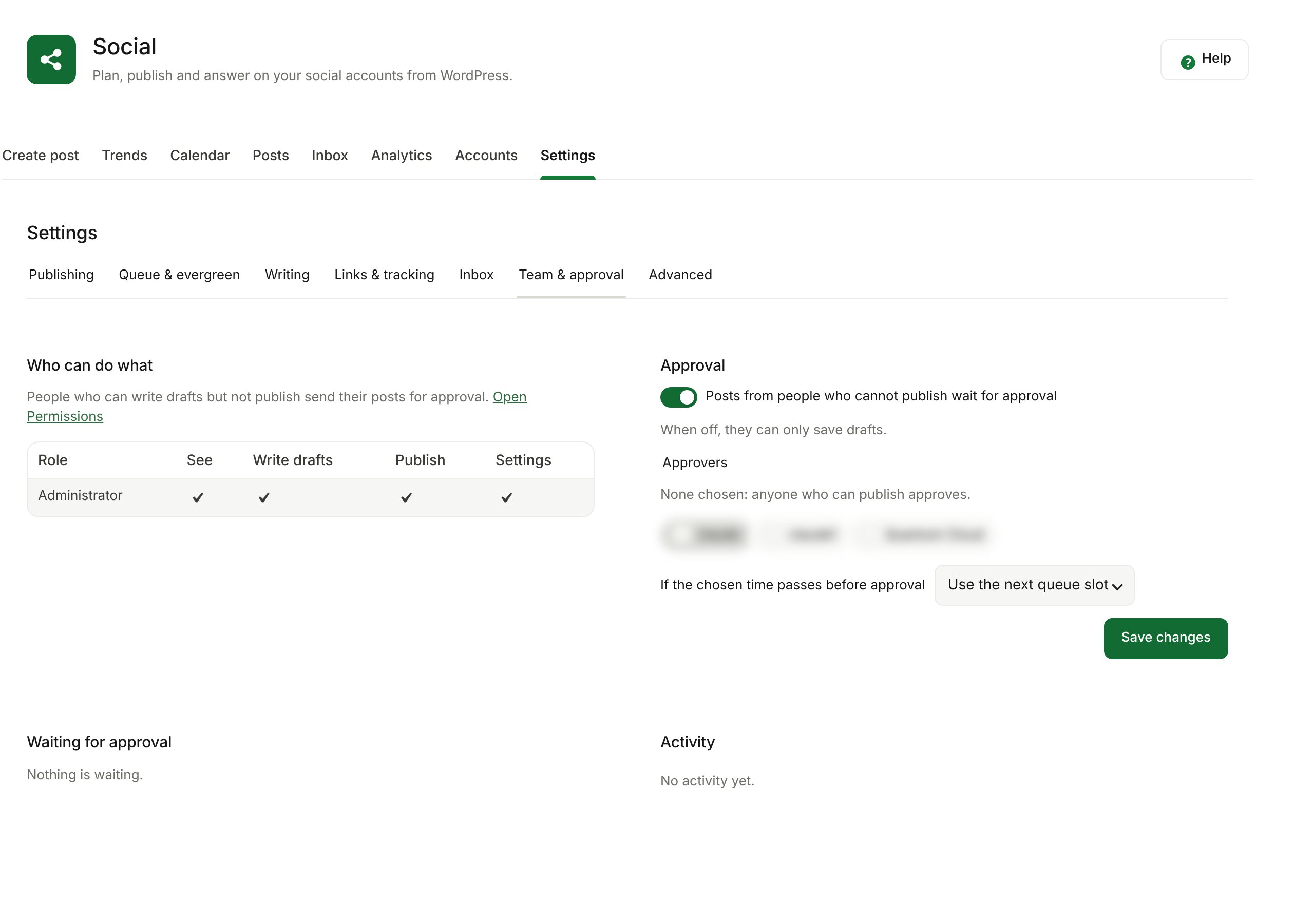
Team & approval: who can do what, approval and approvers.
Who can do what
The table shows, per role, who can See, Write drafts, Publish and change Settings in Social. You change it in WPBot Pro → Permissions (click Open Permissions). By default only administrators have Social; Editors and Authors get nothing until you tick them. See Permissions: who can see, use and change each tool.
Approval
- Posts from people who cannot publish wait for approval. When off, they can only save drafts. People who can write drafts but not publish get Send for approval.
- Also require approval for these networks (from anyone who is not an approver): for accounts where every post must be checked.
- Approvers: the people who approve. None chosen: anyone who can publish approves.
- If the chosen time passes before approval: Use the next queue slot or Post right away.
Waiting for approval lists the posts. An approver can Open a post, Approve it (it is scheduled as they would schedule it) or Send back with a note for the author. Activity shows what happened.
Brands
Brands with members are visible only to their members and to people with the Settings permission. Set the members in Accounts → Add a brand. See Connect your social accounts.
Availability
The Permissions grid for Social is in every edition, including WPBot Free. Approval, approvers and brands are Master only.
Was this article helpful?
Sorry about that. Get help another way:











