

Website and ads: personal messages and ad audiences
Open WPBot Pro → AI Marketing → Website and ads (under More).
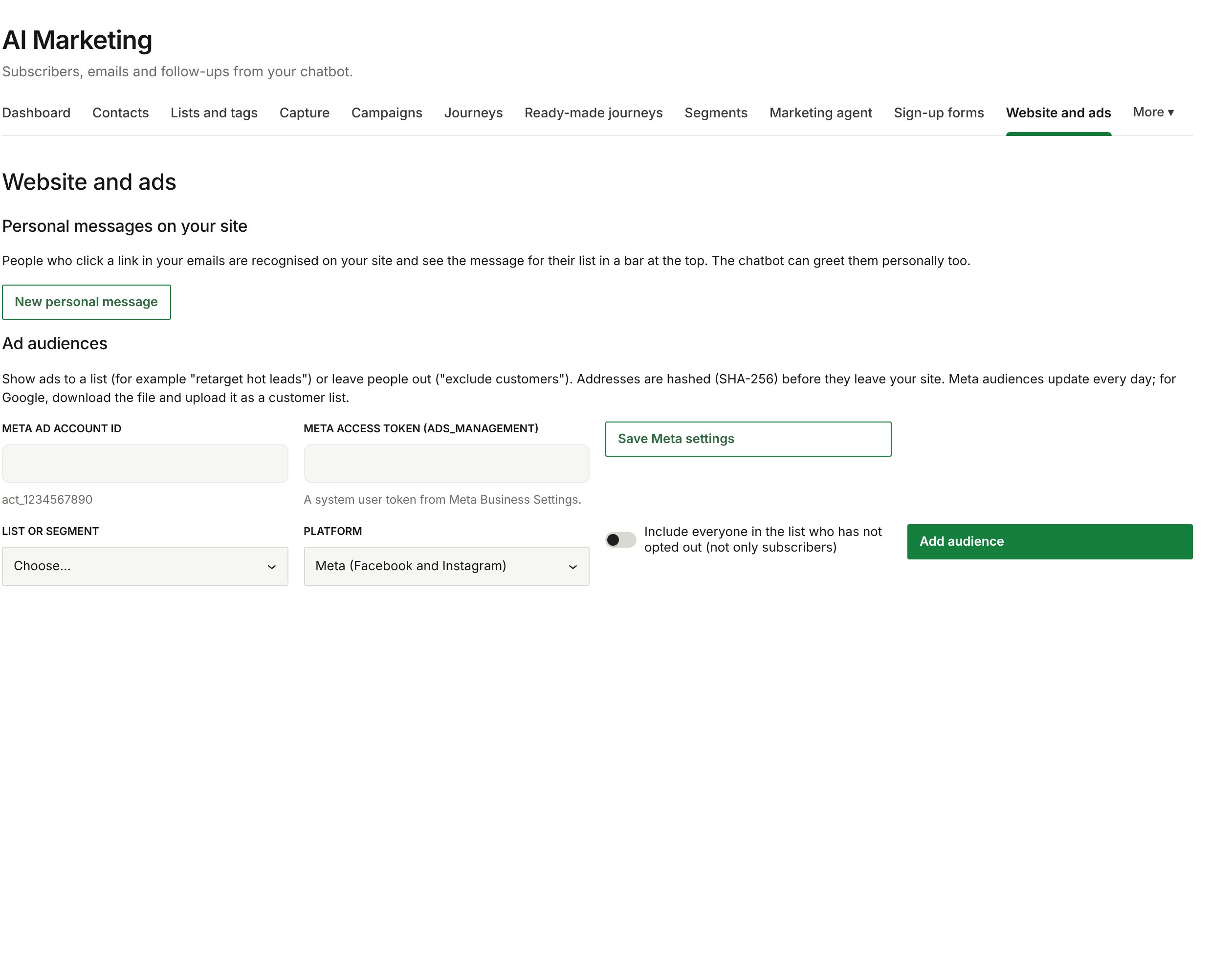
Personal messages on your site and ad audiences.
Personal messages on your site
People who click a link in your emails are recognised on your site and see the message for their list in a bar at the top. The chatbot can greet them personally too.
Click New personal message and set For people in (a list, or Every known subscriber), the Message ({first_name} works), the Link and Link text, and an optional Chatbot greeting. Click Save message.
Recognition uses a signed first-party cookie, set only when consent allows. Pages stay cacheable: the message is fetched by the browser.
Tip
"Welcome back, Ann: the trail shoes you asked about are on sale" sells better than any banner. Write one message per interest list.
Ad audiences
Show ads to a list (for example "retarget hot leads") or leave people out ("exclude customers"). Addresses are hashed (SHA-256) before they leave your site.
- Meta (Facebook and Instagram): enter the META AD ACCOUNT ID and a META ACCESS TOKEN (ADS_MANAGEMENT), a system user token from Meta Business Settings, then Save Meta settings. Meta audiences update every day, so people who left the list leave the audience.
- Google Ads (file): download the file of hashed addresses and upload it in Google Ads > Tools > Audience manager > Customer list.
Choose the LIST OR SEGMENT and the PLATFORM, and click Add audience. Only subscribed contacts are included by default; tick Include everyone in the list who has not opted out (not only subscribers) to widen it. People who unsubscribed or complained are never included.
Availability
Master only.
Was this article helpful?
Sorry about that. Get help another way:











