

Install WPBot Pro
On this page
Before you start
- Check the System requirements.
- Download your WPBot Pro zip from your account on wpbot.pro (Customer Area → My Account). The Master zip is named
wpbot-pro-master.zip. Do not unzip it. - Keep your license key ready for the next step.
Install the plugin
- In WordPress, open Plugins → Add New Plugin and click Upload Plugin.
- Choose the zip and click Install Now.
- Click Activate Plugin.
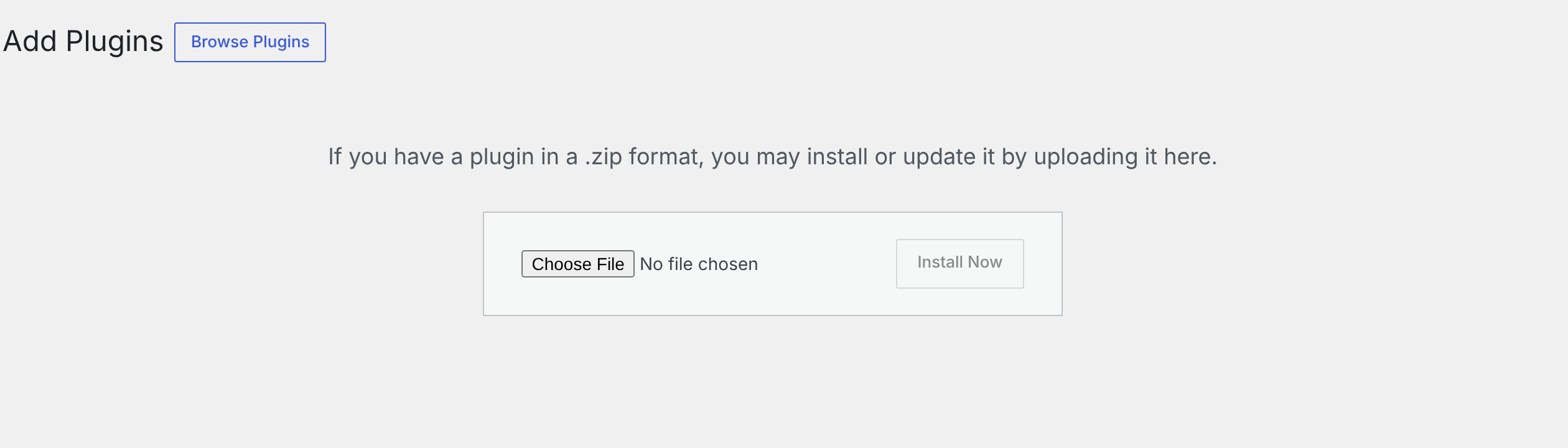
Upload the WPBot Pro zip from Plugins → Add New Plugin → Upload Plugin.
The WPBot Pro menu appears in the WordPress sidebar.
WPBot Free is installed for you
WPBot Pro works together with WPBot Free, the free plugin from WordPress.org. If WPBot Free is not on your site, WPBot Pro downloads and activates it in the background shortly after activation. You do not need to do anything.
While WPBot Pro is active, WPBot Free stops running its own code and WPBot Pro does all the work, so you never get two chatbots. Both plugins share the same settings and data. Keep both installed.
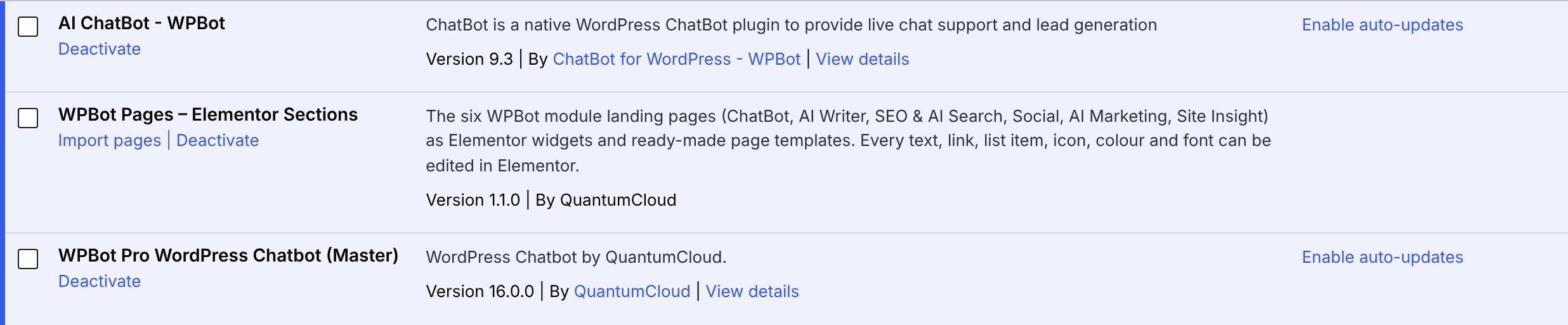
WPBot Pro Master and WPBot Free, both installed and active.
Note
The background install needs your site to reach downloads.wordpress.org, and you must be signed in as a user who may install plugins. If WPBot Free does not appear after a few minutes, install "WPBot" from Plugins → Add New Plugin yourself.
Replace an older WPBot Pro
To install a newer zip over an existing WPBot Pro, upload it the same way. WordPress asks what to do because the plugin is already installed: choose Replace current with uploaded. Your settings and data are kept. See Update WPBot Pro.
After installing
- Activate your license for automatic updates and support.
- Connect your AI with the AI Wizard.
- Clear your caching plugin's cache so visitors get the chatbot's scripts.
Availability
This article is about the WPBot Pro editions (Starter, Professional and Master), which install the same way. WPBot Free is installed from Plugins → Add New Plugin by searching for "WPBot".
Was this article helpful?
Sorry about that. Get help another way:











