
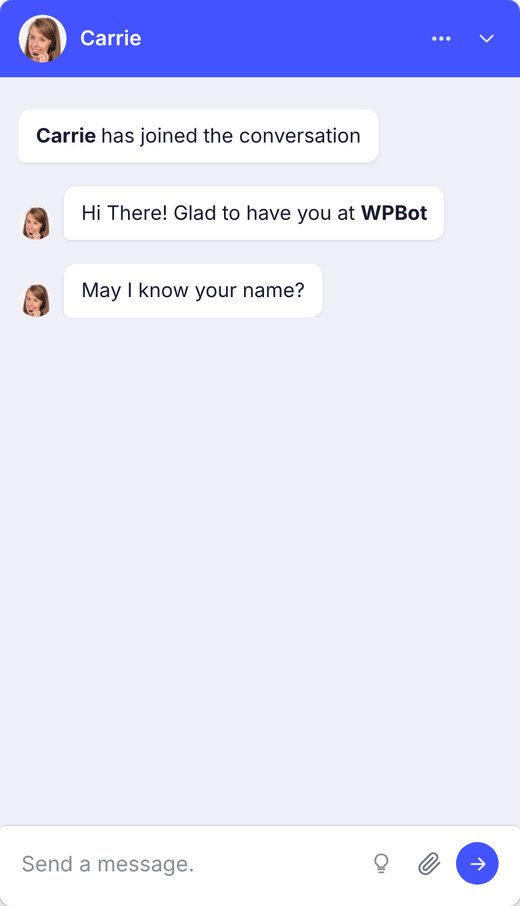
ClassicFree
The familiar chat window: coloured header, bubbles with tails.
Pick one of eight chat window designs, add your brand colour, then fine-tune the layout, glass, motion and the chat button. Everything below changes the WPBot chatbot on this page, just for you: nothing is saved, so try as many looks as you like.
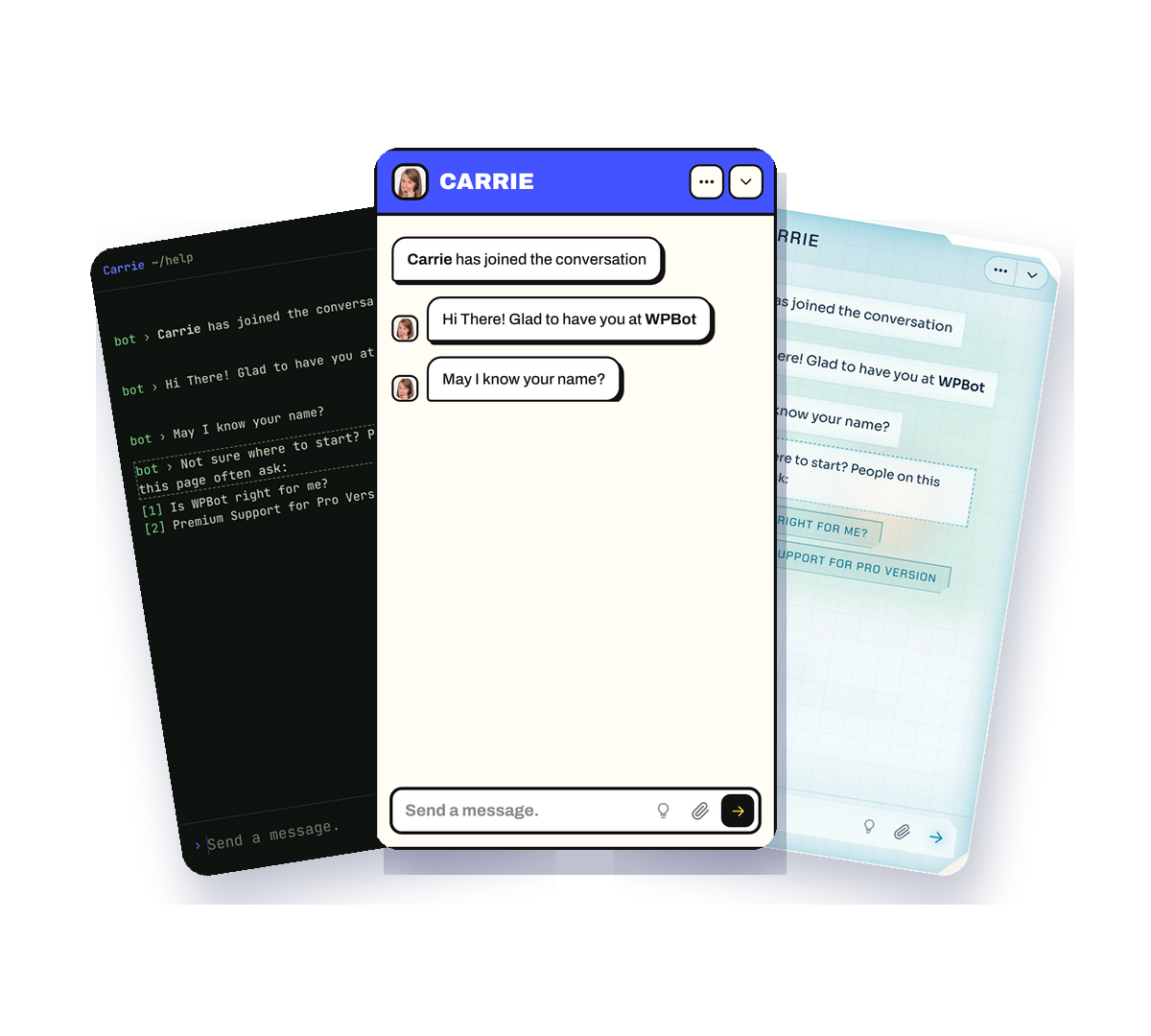
These are the designers from the WPBot dashboard. Every change applies at once to the chatbot on this page, so you can open it and chat. Nothing is saved: your look lasts until you reset it or close the tab.
Pick a design, then fine-tune it. The chatbot on this page shows every change at once.
Your chatbot preview appears here.
It is the real WPBot chatbot on this page: open it and chat.
Like what you made? In WPBot it’s the same two screens: ChatBot → Customize ChatBot Design and Customize ChatBot Icons, with a live preview of your own site.
Each design brings its own shapes, type, colours and motion. Your brand colour goes where the design uses it, and every design has a light and a dark palette.
The familiar chat window: coloured header, bubbles with tails.
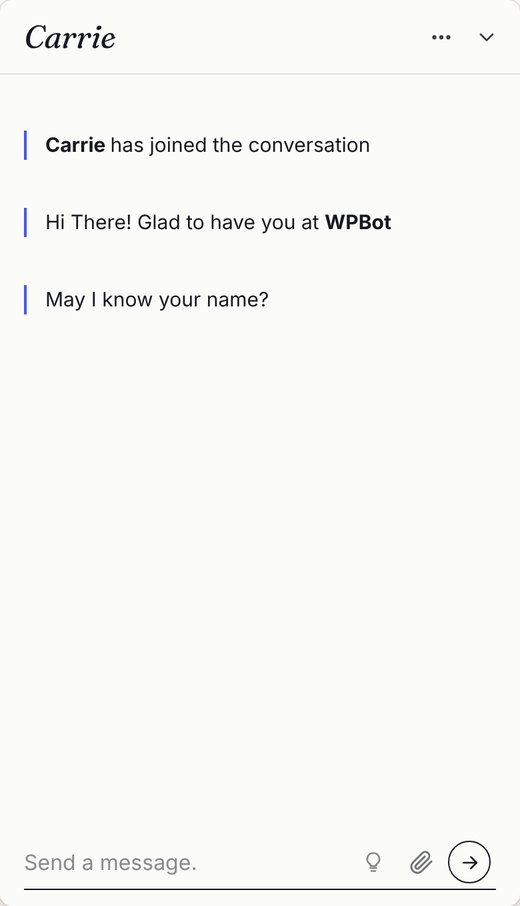
A name, not a logo; answers read like a note.
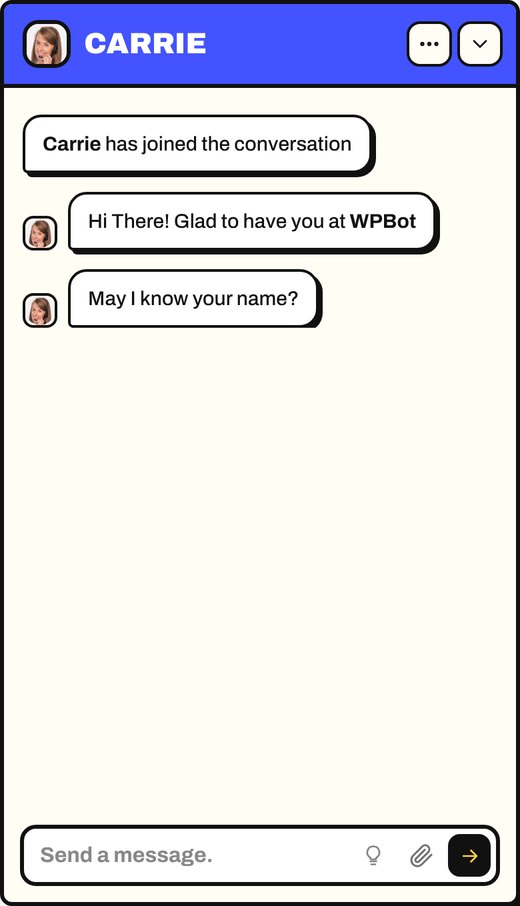
Ink outlines, hard shadows, a sticker.
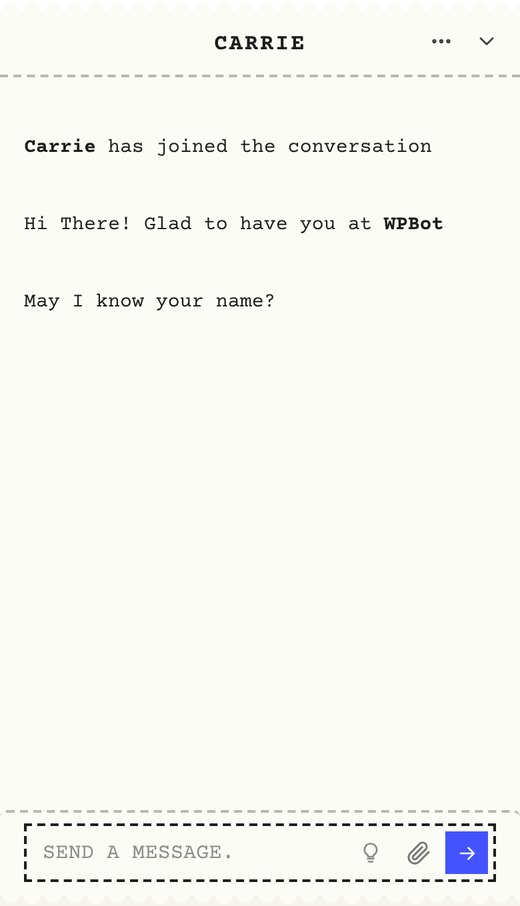
Prints like a receipt, with a barcode at the end.
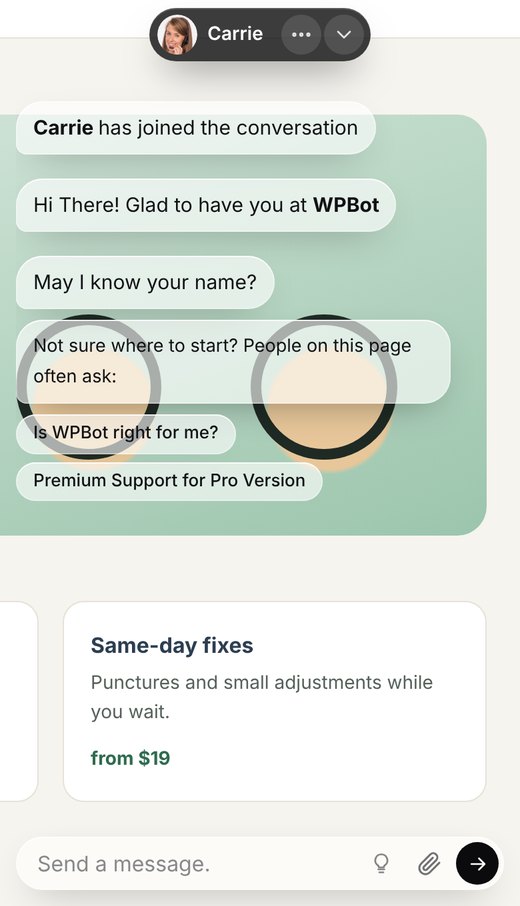
No frame: glass pieces over the page.
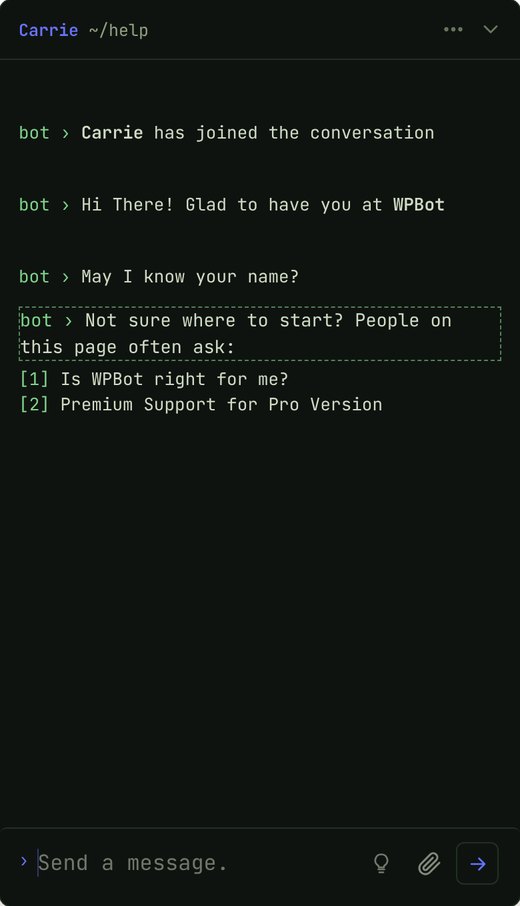
A command line with numbered suggestions.
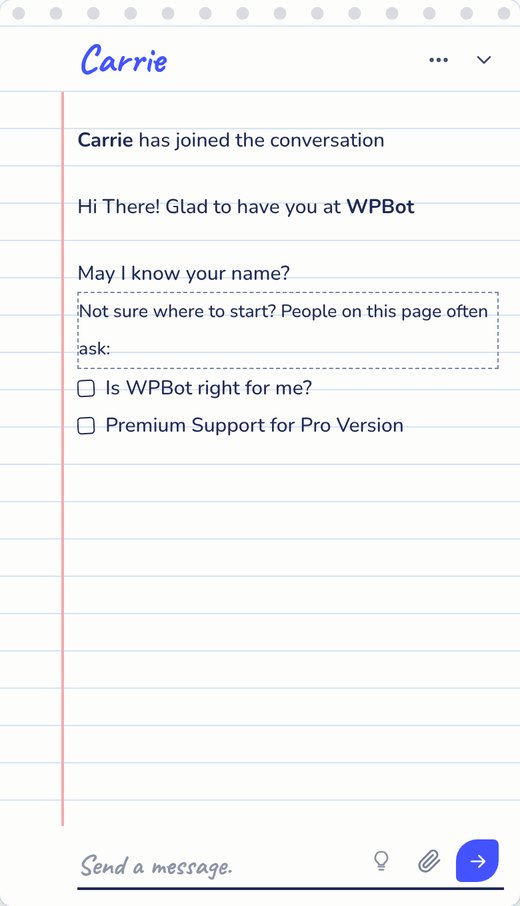
Ruled paper, a marker pen and tick boxes.
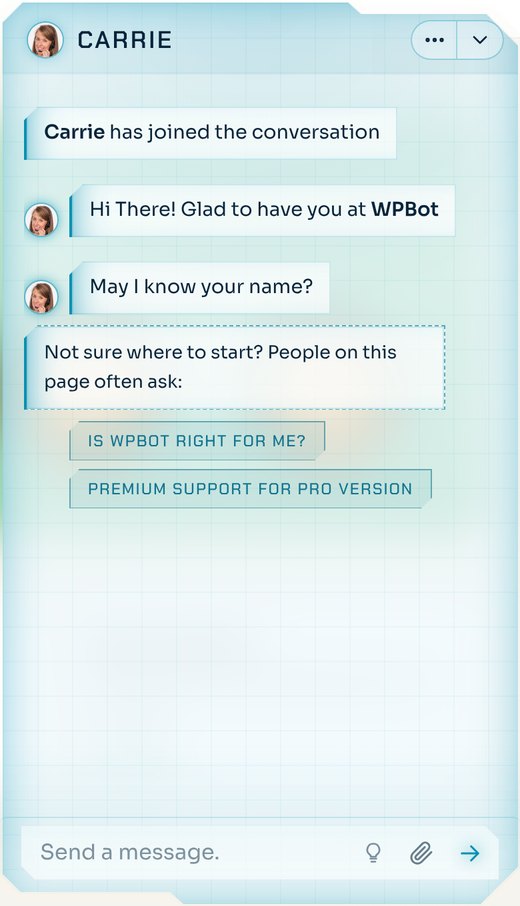
A sci-fi panel: angular glowing frame, dark glass, faint grid.
Visitors see the button before they see the chat. Give it a finish that suits your site, a little motion to get noticed, and a floating box with ready questions.
From flat to glass, with the icon in white on your colour, in your colour on white, or on its own.
An entrance when the page loads, a gentle idle motion, and its own way of opening the chat. Visitors who turn off animations see a still button.
Show your greeting and quick menu beside the button. A ready question gets clicked far more readily than a blank message box gets typed into.
The designer in your dashboard shows your own site in the preview, so you see every change on your real pages before visitors do.
Classic, Front desk or one of six Pro designs. Each loads its own colours, material and motion.
Choose your brand colour once. WPBot builds both palettes from it, with readable text on every part.
Layout and size, glass and header, how messages arrive and what the bot does while it thinks.
Icon, finish, size, position, motion and the floating box beside it.
Click Save Settings and every visitor gets the new look, on desktop and phone.
Classic and Front desk come with the free plugin. WPBot Pro adds six more designs, the Compact and Side panel layouts, liquid glass, backgrounds and the full set of motion and guidance options.


