

Competitor Watch: what your competitors publish, rank for and advertise
Competitor Watch shows what your competitors write about and you do not. It reads only public sitemaps, feeds and pages, slowly and following robots.txt. Titles, headings and counts are kept; their text never is.
Open WPBot Pro → AI Writer → Competitor Watch.
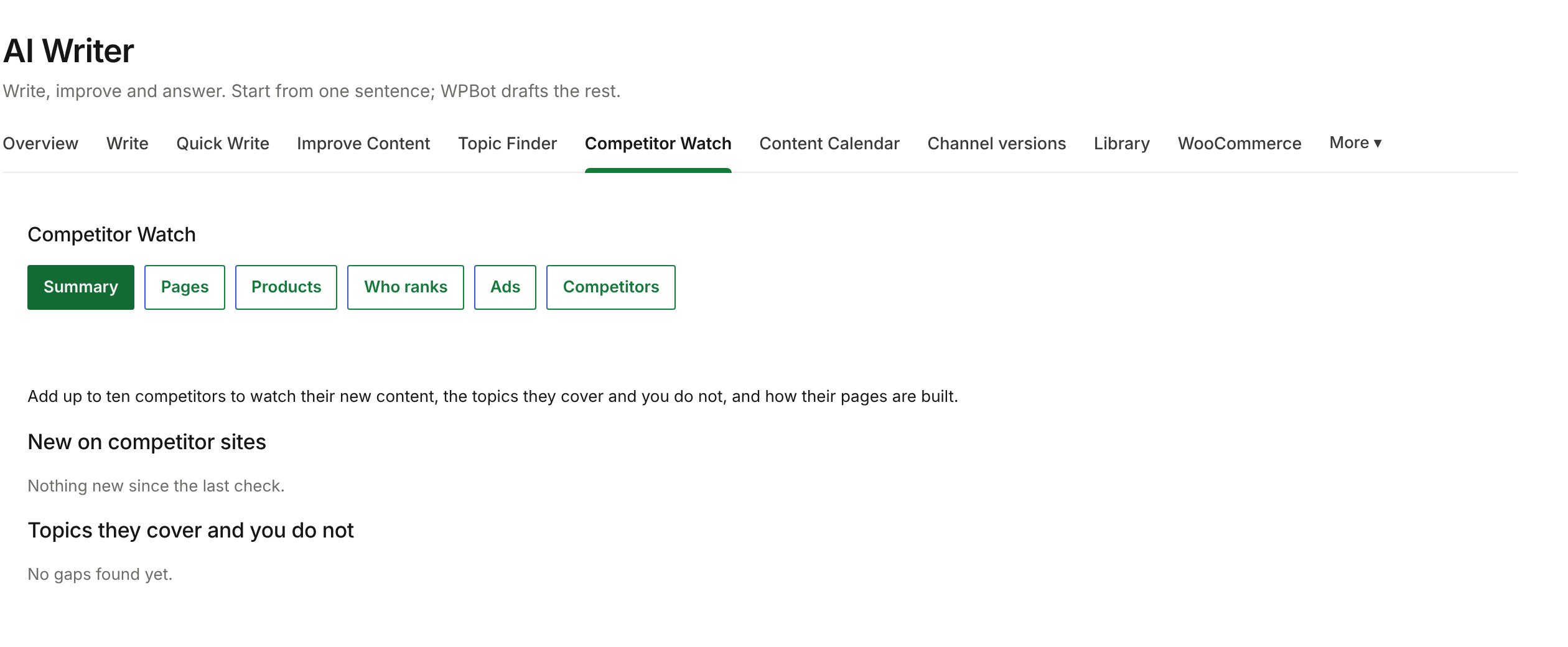
Competitor Watch: Summary, Pages, Products, Who ranks, Ads and Competitors.
Add your competitors
Open Competitors. Add up to ten sites, each with a Name, Website, and optionally a Sitemap and Feed. Then click Save competitors.
- Find competitors and Find competitors with AI suggest sites. AI suggestions use your AI provider (a few cents) and are checked first: the site must load, and marketplaces, directories, social networks and large general sites are left out.
- Sites often in "Who ranks" lists sites that keep showing up in your lookups.
- Add from my competitors uses the shared competitor list that SEO & AI Search uses too.
- Pages read per run and Check every week control how much is read and how often.
The tabs
| Tab | What it shows |
|---|---|
| Summary | New on competitor sites since the last check, and Topics they cover and you do not, with Write about it. Check competitors now reads them at once. |
| Pages | Their pages with Words, Headings, Images and when they were Updated. Search the titles. |
| Products | Competitor products with the Price shown and Features listed, next to Your similar products. |
| Who ranks | Type a search and click Look it up to see who ranks. Analyse these pages reads their structure (headings, length, media) and tells you the kind of page that ranks, the points to cover, the questions they answer, and the length and media to match. Add to brief sends it to your next article. |
| Ads | Competitor ads from the Meta Ad Library, and your ad summaries. |
Ads
- Meta Ad Library (optional): reads ads your competitors showed in the EU or UK (text, dates, platforms, reach and basic targeting; never spend) with your own Meta access token. Tokens last about 60 days; you are reminded before yours runs out. An ad that has run for 30 days or more is marked Likely profitable: advertisers rarely keep paying for ads that do not work.
- Paste an ad: paste the text of an ad you saw, or add a screenshot (under 5 MB). AI sums up the offer, angle, call to action and landing page, suggests angles you could use and adds topic ideas to Topic Finder. Only the summary is kept, not the ad.
- Google Ads Transparency Center links let you look up a competitor's Google ads yourself.
How it feeds your content
- Topics they cover and you do not appear in Topic Finder as Competitor gaps.
- Ad summaries appear as Competitor ads ideas.
- On the brief, Competitors on this topic lists their pages on your topic, with Add as points to cover.
Tip
Do not copy competitors. Use their gaps to find topics, and Your angle in Who ranks ("None of the ranking pages cover: …") to write something they do not have.
Availability
Competitor Watch is AI Writer Pro, in Starter, Professional and Master. WPBot Free shows it as a preview. Who ranks needs OpenAI, Anthropic Claude, Google Gemini or OpenRouter (models with web search) in your AI settings.
Was this article helpful?
Sorry about that. Get help another way:











