

Write WooCommerce product descriptions, buying guides and comparisons
On this page
When WooCommerce is active, AI Writer has a WooCommerce tab. Product copy is written from your real product data, and anything the data does not say is flagged before you save.
Open WPBot Pro → AI Writer → WooCommerce.
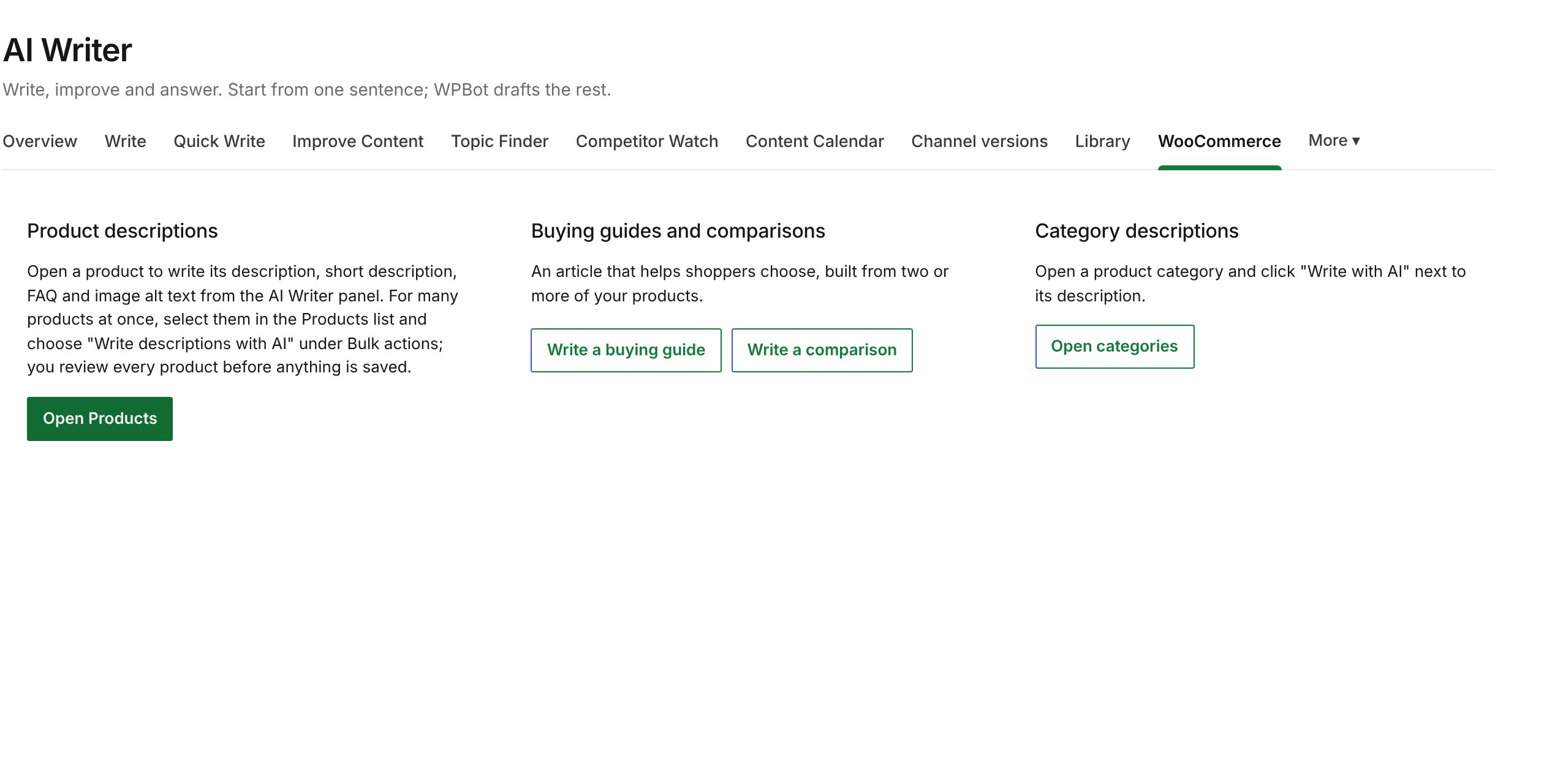
The WooCommerce tab: product descriptions, buying guides and comparisons, category descriptions.
One product
Open a product (Open Products). The AI Writer panel on the product screen writes:
- Description and Short description
- Product FAQ
- Variation descriptions
- Image alt text
Add details under Anything to add? (materials, care, who it is for). For each result choose Replace the description, Add below it, Use as short description or Discard. "Check before using" lists anything that is not in the product data, and "Left out (not in the product data)" shows what was dropped. Then update the product to save.
Compare techniques writes the description with different persuasion techniques side by side (see How it persuades: reader stage, frameworks and Compare techniques).
Many products at once
- In Products, tick up to 50 products.
- Under Bulk actions, choose Write descriptions with AI.
- AI Writer writes a long and a short description for each product.
- Review them: Approve and save or Skip each one, or Save … product with no flags at once. Products with flags need a look first: their copy mentions something the product data does not say.
Nothing is saved before you approve it.
Buying guides and comparisons
An article that helps shoppers choose, built from two or more of your products. Click Write a buying guide or Write a comparison. The brief opens with TYPE set to Buying guide (from your products) or Product comparison; tick at least two products under Sources. See Write an article with AI Writer.
Category descriptions
Open a product category (Open categories) and click Write description with AI next to its description. It is written from the products in the category. Check it, then update to save.
Tips for more sales
- Product pages with clear, specific descriptions answer the questions that stop people buying. Add materials, sizes and care under Anything to add?.
- A Product FAQ answers objections on the page itself, and gives your chatbot more to answer with.
- Buying guides and comparisons bring shoppers who are still choosing, then link them straight to your products.
- Topic Finder's Store and visits source suggests guides for your best sellers.
Availability
Product descriptions, bulk descriptions, buying guides, comparisons and category descriptions are in every edition that has AI Writer, including WPBot Free. The WooCommerce tab appears only when WooCommerce is active.
Was this article helpful?
Sorry about that. Get help another way:











