

Sign-up forms, popups and free downloads (lead magnets)
Open WPBot Pro → AI Marketing → Sign-up forms. Popups and slide-ins offer each topic's readers the emails they care about. Sign-ups go through the same consent and double opt-in as your other forms.
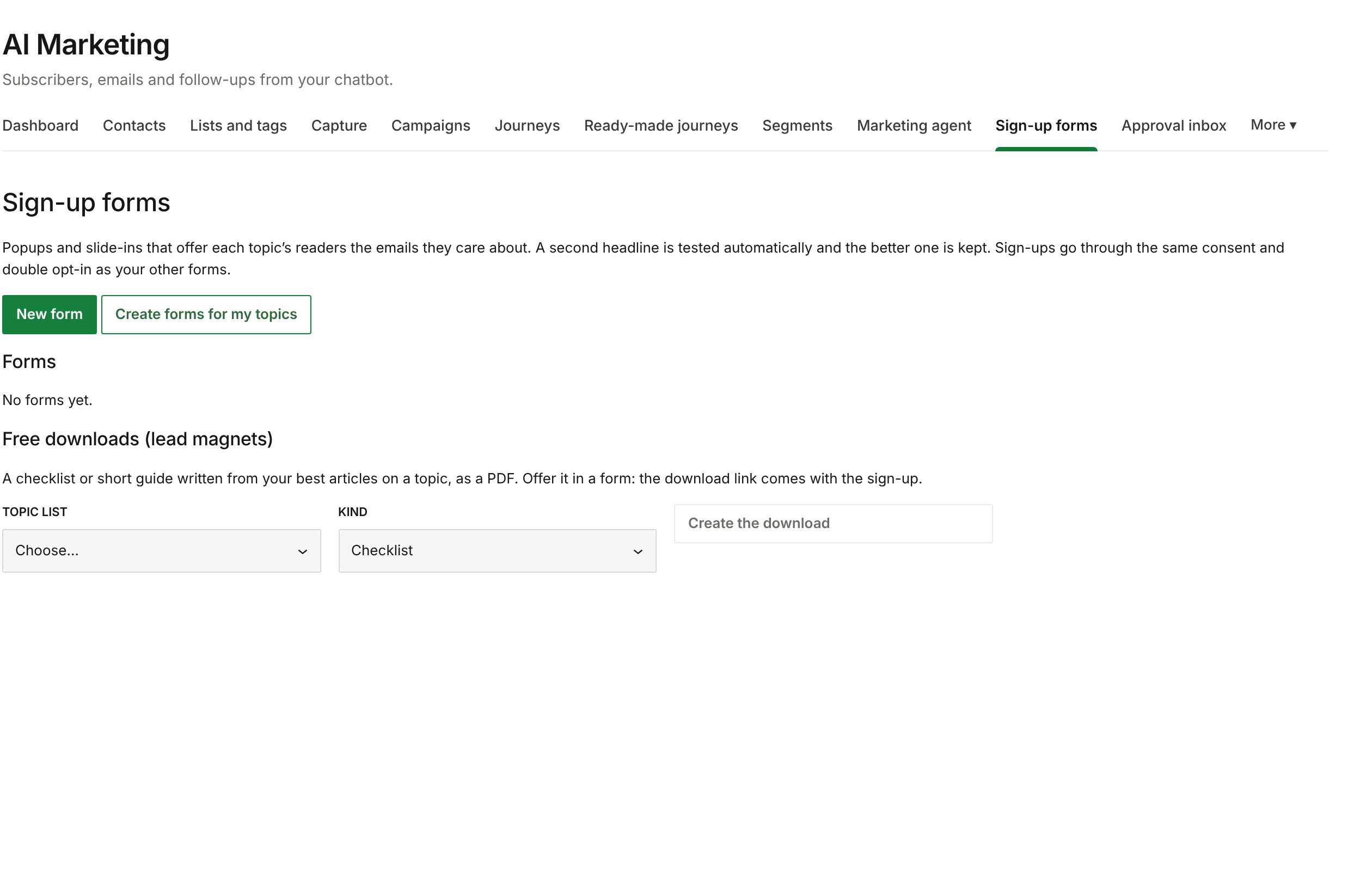
Sign-up forms and free downloads.
Create forms
- Create forms for my topics: AI Marketing creates a form for each of your topics. Check each one and switch it on.
- New form: create one yourself.
Form settings
| Setting | Options |
|---|---|
| Type | Popup, Slide-in (corner) or In the page (shortcode only) |
| Headline and Second headline to test (optional) | Half the visitors see each; the one that brings more sign-ups is kept |
| Text and Button | What the form says |
| Add to list | The list people join |
| Also offer text messages | Needs text messages on in Channels |
| Free download | A lead magnet that comes with the sign-up |
| Show | After scrolling (%), After some seconds or When leaving the page (exit intent) |
| Where | Every page, Pages of these topics (as category:slug), or addresses starting with a path |
| After closing, hide for (days) | So visitors are not asked again too soon |
The list shows each form's sign-ups, its shortcode, the Headline test result (sign-ups per views for each headline), and Switch on / Switch off, Edit and Delete.
Free downloads (lead magnets)
A checklist or short guide written from your best articles on a topic, as a PDF. Offer it in a form: the download link comes with the sign-up, and the person joins the topic's list.
- Choose the TOPIC LIST and the KIND: Checklist or Short guide.
- Click Create the download. AI writes it from your content; check it with Open the PDF.
- Choose it as the Free download in a form.
Tip
A free checklist on a topic page converts far better than "Subscribe to our newsletter". Make one for each of your three most visited topics, and show it after 50% scroll.
Availability
Master only.
Was this article helpful?
Sorry about that. Get help another way:











