

Segments: describe who you want to reach
On this page
Open WPBot Pro → AI Marketing → Segments.
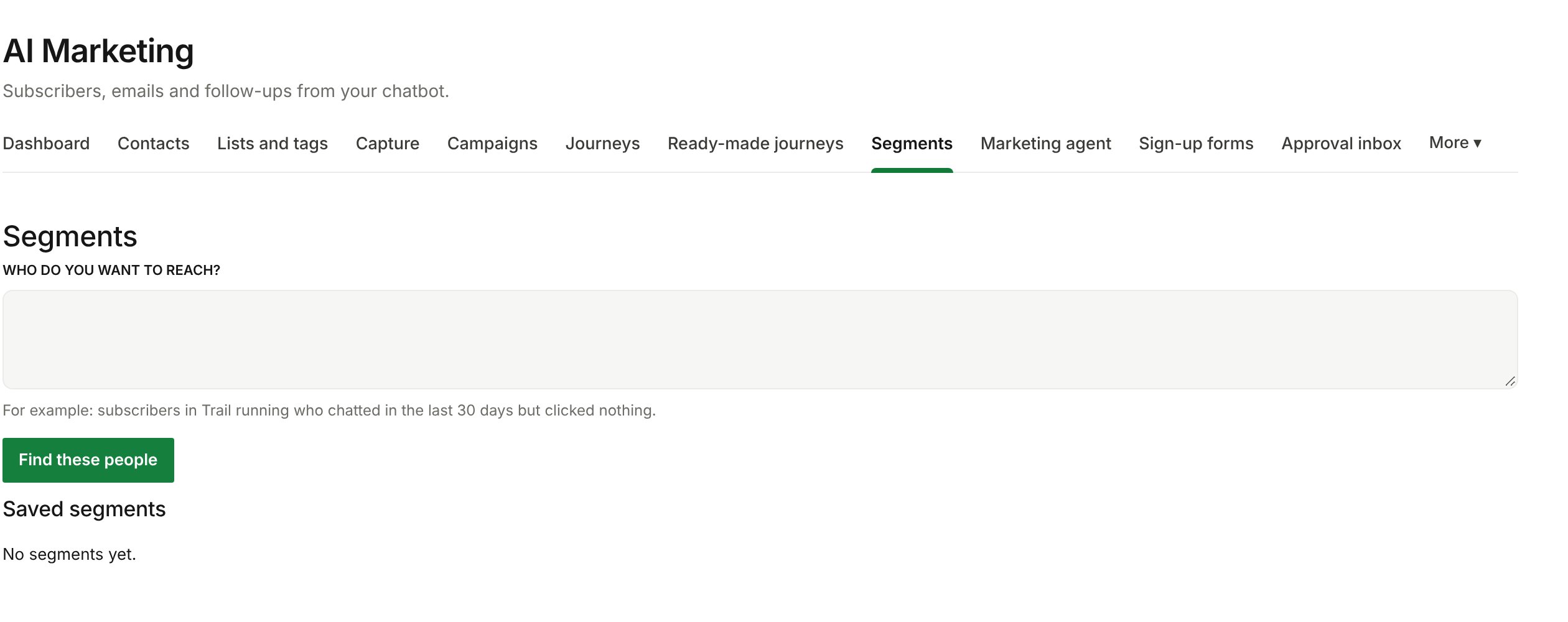
Segments: describe who you want to reach.
Create a segment
- In WHO DO YOU WANT TO REACH?, describe the people, for example subscribers in Trail running who chatted in the last 30 days but clicked nothing.
- Click Find these people. The AI turns your words into rules (for example is in a list, opened an email, clicked an email, in the last … days) and shows how many contacts match.
- Check the rules, give it a Segment name and click Save segment.
Use the segment in campaigns like a list. Its members update by themselves: people join and leave as they match the rules.
Saved segments lists each segment with People now and its rules.
Note
Writing segments from a description needs AI. Add a key in AI / Settings. Only the description and your list and tag names go to the AI, not your contacts.
Segments that sell
- Customers who bought once and not in the last 60 days.
- Subscribers who clicked a product link this month but did not buy.
- People who asked the chatbot about prices.
Lookalikes: once a week, AI Marketing looks for subscribers who are in the same lists and tags as your top buyers but have not bought yet, and suggests them in the Approval inbox as a group worth a campaign.
Availability
Master only.
Was this article helpful?
Sorry about that. Get help another way:











