

Tracked links: UTM tags on every link to your site
Open WPBot Pro → Social → Settings → Links & tracking.
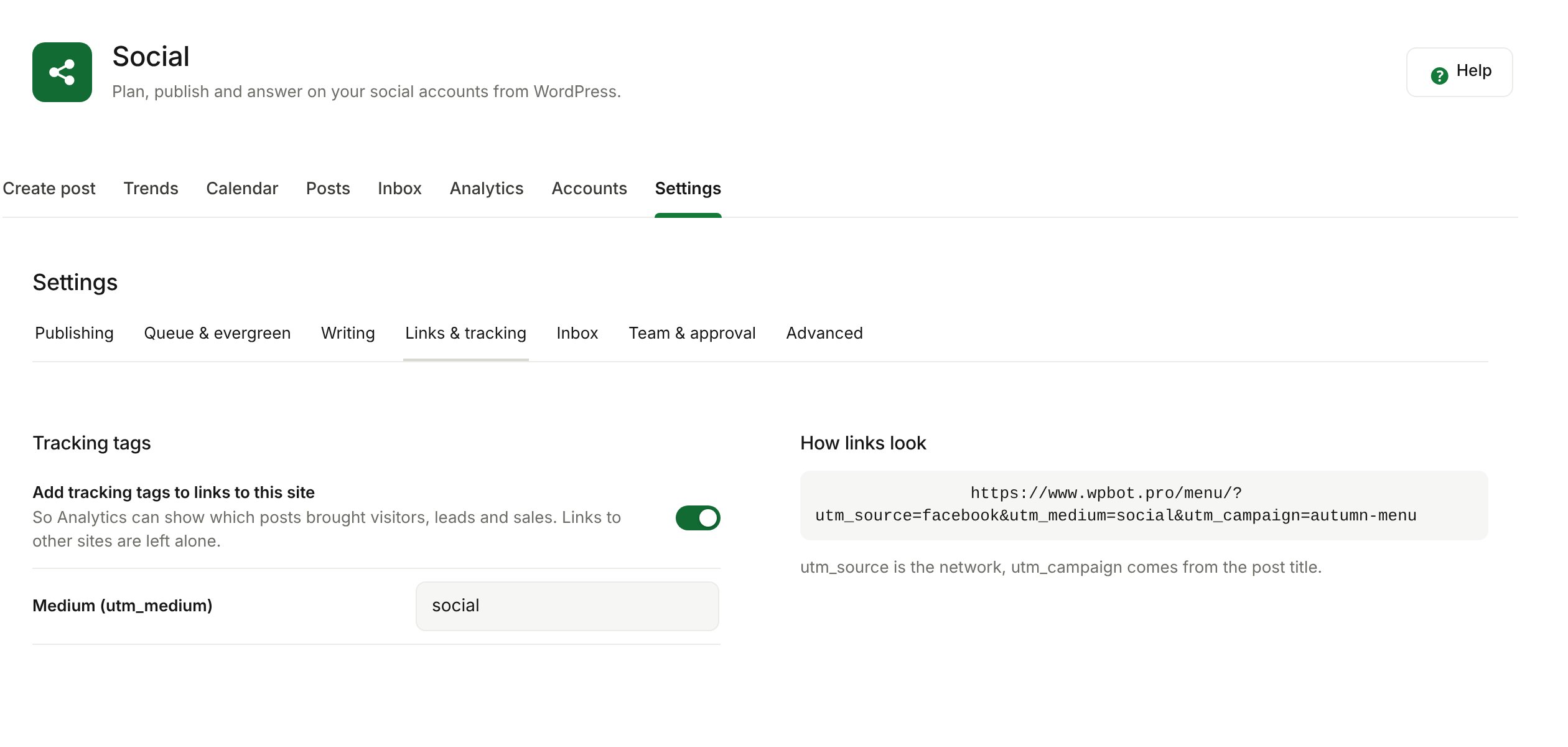
Links & tracking: tracking tags on links to your site.
Tracking tags
Tick Add tracking tags to add tags to links to this site. Links to other sites are left alone.
utm_sourceis the network, for examplefacebook.utm_mediumis the Medium (utm_medium) you set, for examplesocial.utm_campaigncomes from the post title.- When a post goes to a specific account,
utm_idnames the account, so two accounts' posts with one title stay apart.
How links look shows an example, such as https://your-site.com/menu/?utm_source=facebook&utm_medium=social&utm_campaign=autumn-menu.
Tip
Give every post a clear Title in Create post. The title becomes the campaign name, so "black-friday-shoes" in a report tells you more than "post-17".
Where the numbers show up
- Master: Social's own See which posts bring visitors, leads and sales counts visits, chatbot leads and WooCommerce orders from these links.
- Every edition: your analytics tool, for example Google Analytics, can show the visits by source and campaign.
- When AI Writer is active, Social uses its link tracking for the same tags.
Availability
In every edition, including WPBot Free. Visits, leads and sales in Social's Analytics are Master only.
Was this article helpful?
Sorry about that. Get help another way:











