

Answer cache: free, instant answers to repeated questions
When a visitor who is not logged in asks a question that was answered before, the saved answer is used: no AI cost and an instant reply.
Turn it on
The switch is in AI / Settings → Spending and limits → Answer cache. Tick it and click Save settings.
When a saved answer is used
A saved answer is reused only for the same first question from a visitor who is not logged in, with the same settings and the same knowledge base text. It is never used for:
- logged-in visitors;
- answers that used a visitor's personal data;
- answers that ran an AI Action.
Saved answers expire after 7 days and are cleared whenever you save AI / Settings, so a change to your settings or content is never hidden by an old answer.
Review saved answers
Open AI / Settings → Answer cache.
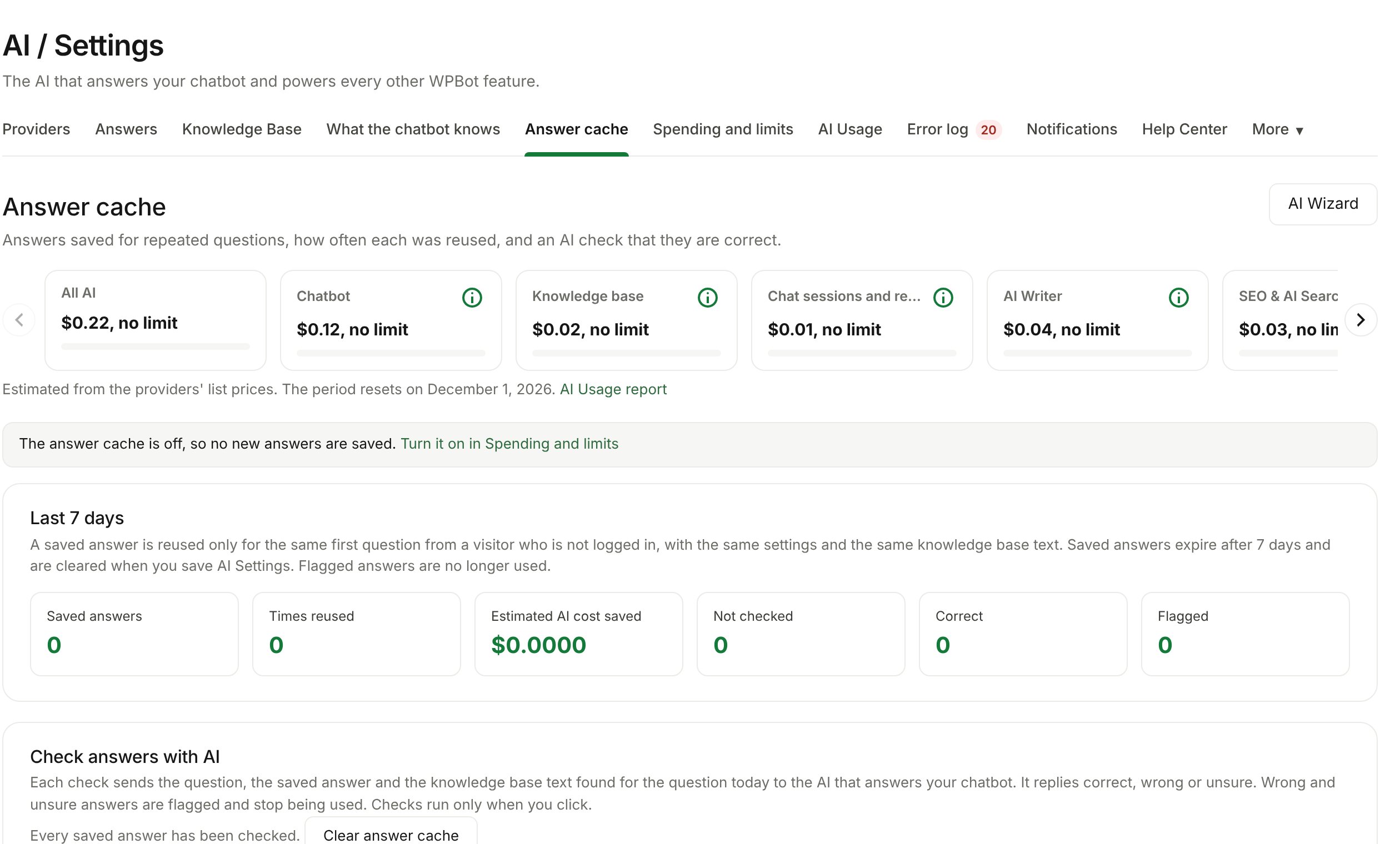
Saved answers, times reused, estimated cost saved, and the AI check.
- Saved answers, Times reused and Estimated AI cost saved for the period.
- Filter by Not checked, Correct or Flagged, or search the saved answers.
- Check answers with AI: sends each question, its saved answer and today's knowledge base text to the AI that answers your chatbot. It replies correct, wrong or unsure. Wrong and unsure answers are flagged and stop being used. Checks run only when you click.
- Clear answer cache removes every saved answer.
Tips
- Run Check answers with AI after you change prices or policies.
- The cache works best on sites with many visitors asking the same things: opening hours, shipping, returns, prices.
Availability
In every edition, including WPBot Free.
Was this article helpful?
Sorry about that. Get help another way:











