

White Label: your own name and logo
On this page
White Label puts your own name and logo in place of WPBot's, everywhere: admin headers, the WordPress menu, every module's pages and the chat window. Agencies use it to deliver the chatbot and Growth Suite under their own brand.
Open WPBot Pro → AI / Settings → More → White Label.
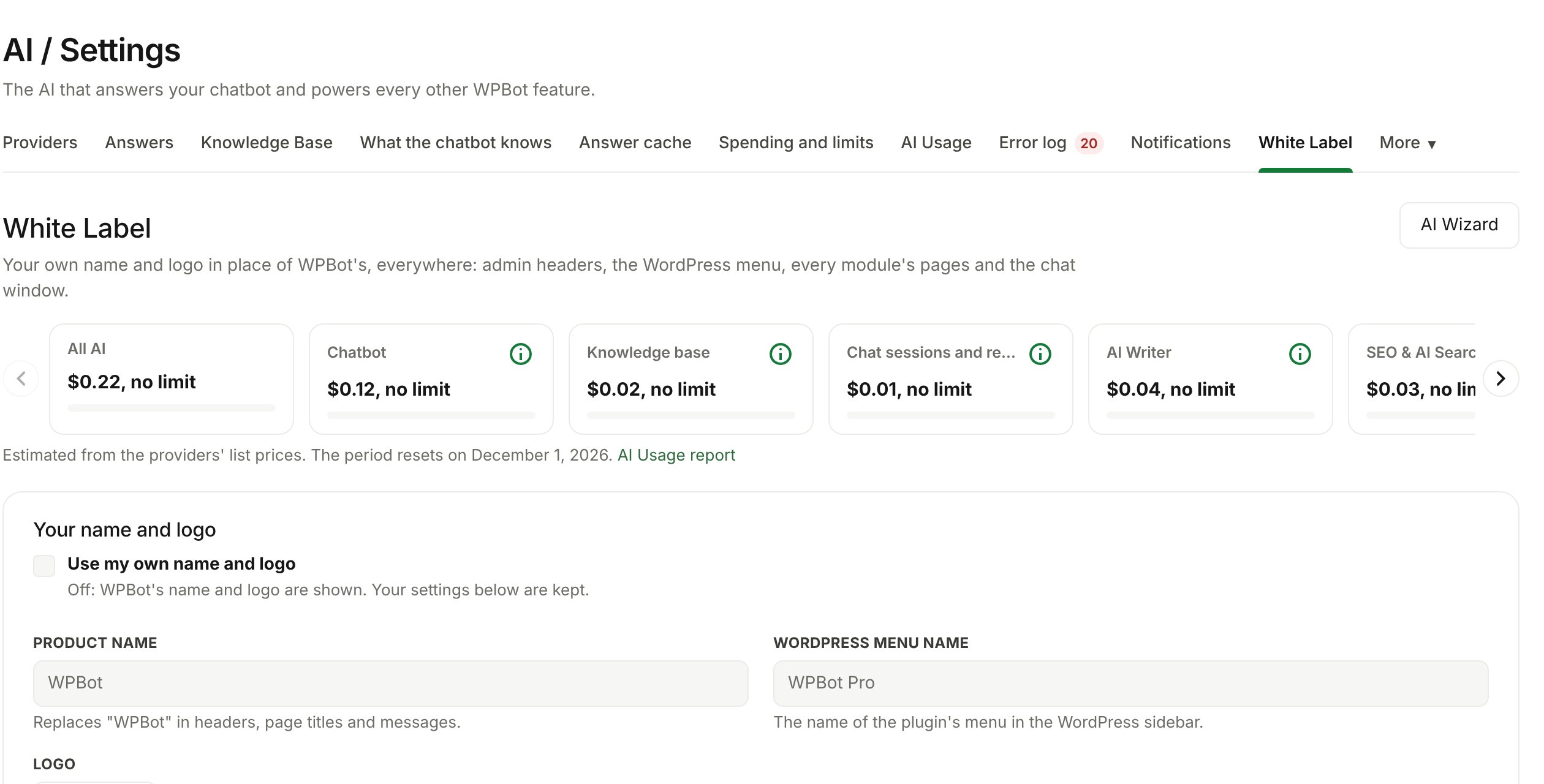
Your product name, WordPress menu name and logo.
Set it up
- Tick Use my own name and logo.
- PRODUCT NAME: replaces "WPBot" in headers, page titles and messages.
- WORDPRESS MENU NAME: the name of the plugin's menu in the WordPress sidebar.
- LOGO: click Choose logo. Shown in every admin header in place of the WPBot logo. A square PNG or SVG works best.
- Click Save settings.
When the switch is off, WPBot's name and logo are shown, and your settings are kept for later.
Tips for agencies
- Combine White Label with Permissions: who can see, use and change each tool so clients see only the tools they use.
- Use Settings Export / Import (Module Manager) to copy your standard chatbot setup to each client site.
Availability
White Label is in Master only. Professional, Starter and WPBot Free always show WPBot's name and logo.
Was this article helpful?
Sorry about that. Get help another way:











