

Keyword Map, Competing Pages and Topic Map
Each page should answer one main search. When two pages chase the same search, Google splits the traffic between them and neither ranks well. These three views keep your site organised, and AI Writer uses the same maps before it writes anything new.
Open WPBot Pro → SEO & AI Search → Keywords & Topics.
Keyword Map
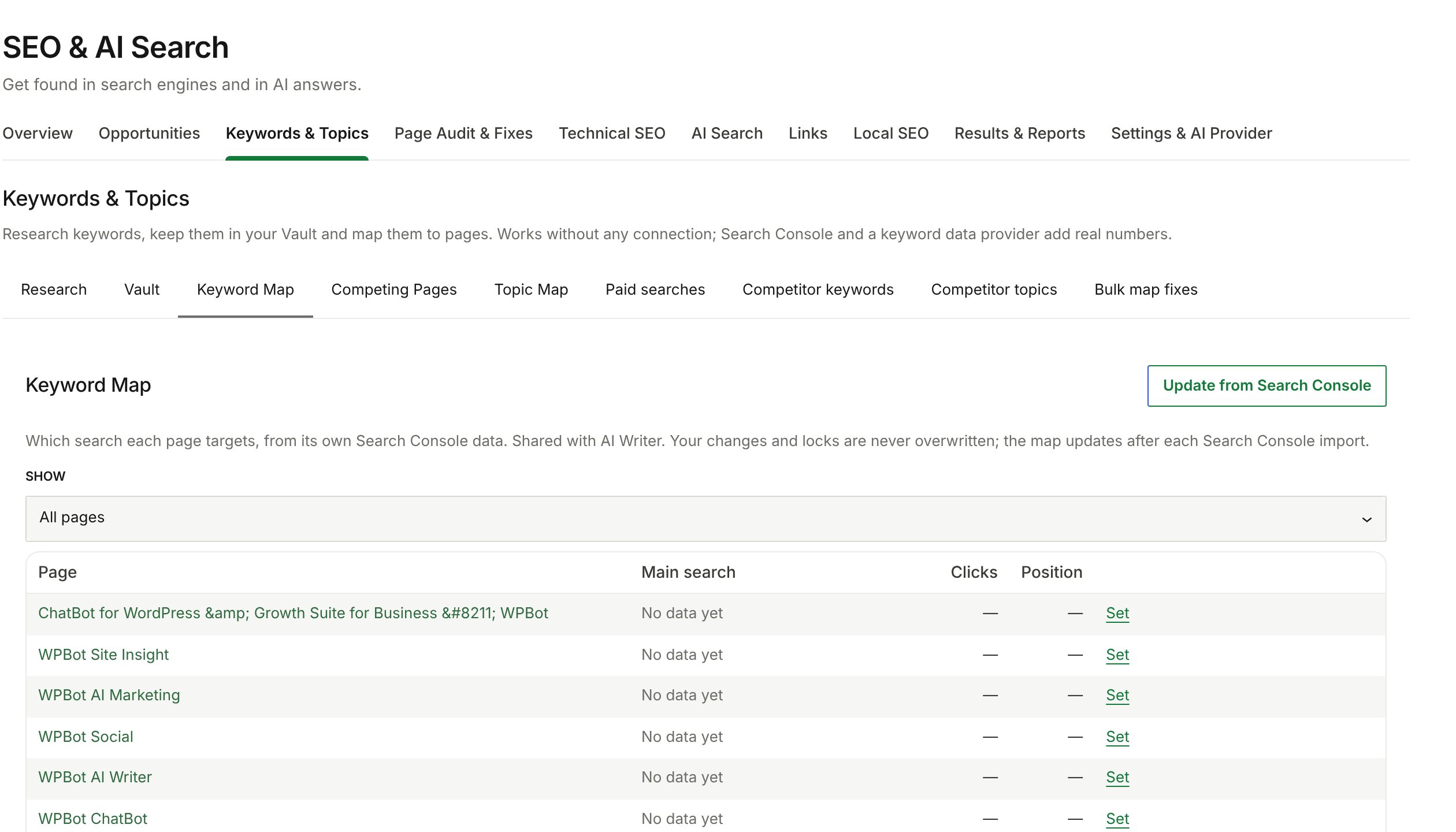
The Keyword Map: the main search of each page.
The Keyword Map shows which search each page targets, from its own Search Console data. Click Update from Search Console after connecting. The map also updates after each Search Console import, and your changes and locks are never overwritten.
- SHOW: All pages, Mapped, Not mapped yet or No data yet.
- Each page shows its Main search (with where it came from: Search Console, you or AI), Clicks and Position.
- Set or Change the main search and add Supporting searches (one per line). Suggest with AI proposes them.
- Accept a suggestion, Lock it so it is never changed automatically, or Use as focus keyword to write it to your SEO plugin.
- Gaps: searches no page targets lists searches with real impressions and no page, with Write a page.
Competing Pages
When several of your pages show up for one search, Google splits the traffic between them. Competing Pages lists them, with the impressions of each. Make one page the answer:
| Action | What it does |
|---|---|
| Keep this one | Marks the page to keep. |
| Link to the stronger page | Adds a link from the weaker page to the one you keep. |
| Retarget / Target another search | Gives the weaker page another main search, and locks it. |
| Merge and redirect | Redirects the weaker page to the stronger one and sets it to draft. |
Topic Map
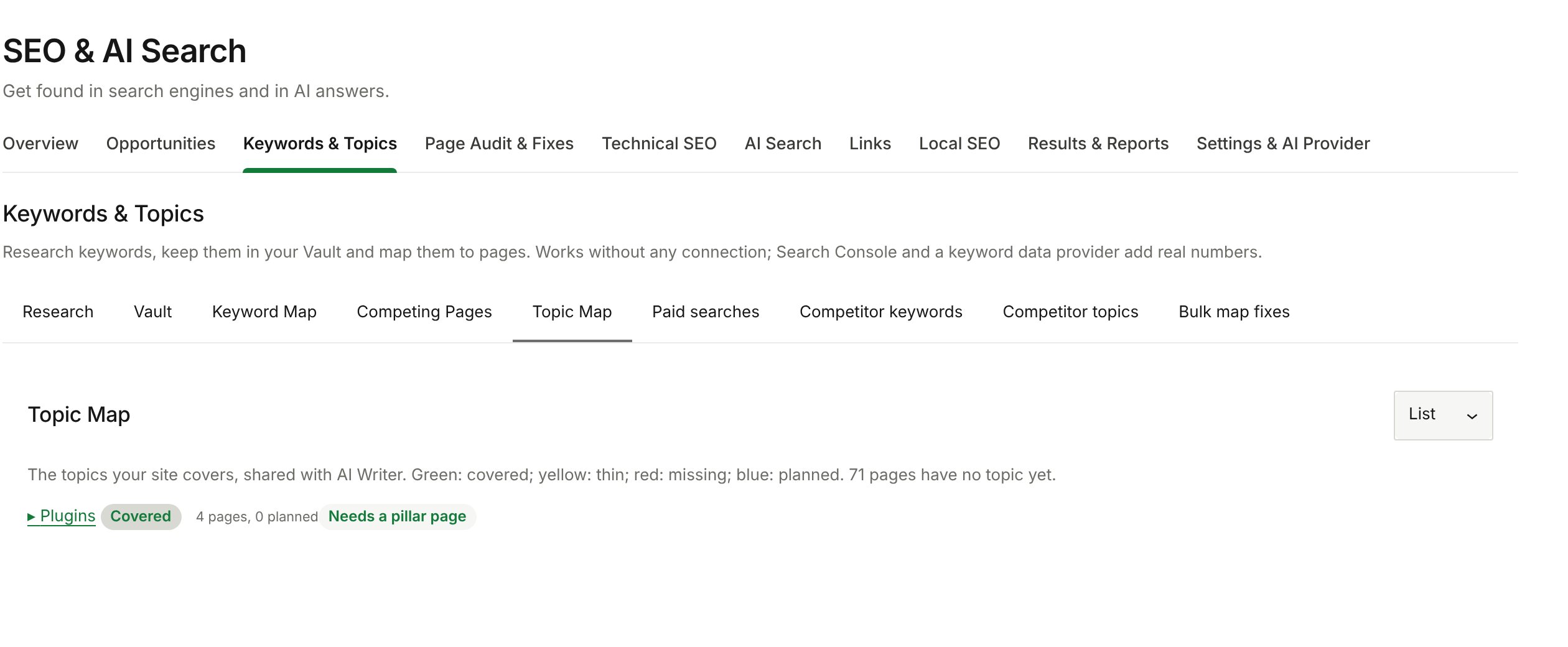
The Topic Map, shared with AI Writer.
The topics your site covers, shared with AI Writer. Green: covered; yellow: thin; red: missing; blue: planned. Switch between List and Visual view.
- Each topic shows its pages, planned pieces and searches a month.
- Needs a pillar page: pick one page as the pillar, the overview the other pages link to and from. Internal-link opportunities follow.
- Move to another topic, Rename a topic, or Write a page in AI Writer for a missing subtopic.
- Group pages into topics with AI Writer sorts pages that have no topic yet (AI Writer Pro).
Bulk map fixes (Pro)
AI suggestions for many pages at once; nothing is saved until you review it:
- Suggest searches for pages without data
- Group pages without a topic
Availability
The Keyword Map, Competing Pages and the Topic Map are in every edition, including WPBot Free. Bulk map fixes, alerts about new competing pages and competitor coverage on the Topic Map are SEO & AI Search Pro (Professional and Master). Grouping pages into topics uses AI Writer Pro.
Was this article helpful?
Sorry about that. Get help another way:











