

Menu Access: capabilities for WPBot admin menus
On this page
Menu Access sets the WordPress capability a user needs to see each of WPBot's classic admin menus. Use it for areas that Permissions: who can see, use and change each tool does not cover yet. Where Permissions covers an area, Permissions decides.
Open it at wp-admin/admin.php?page=wpbot-menu-capabilities.
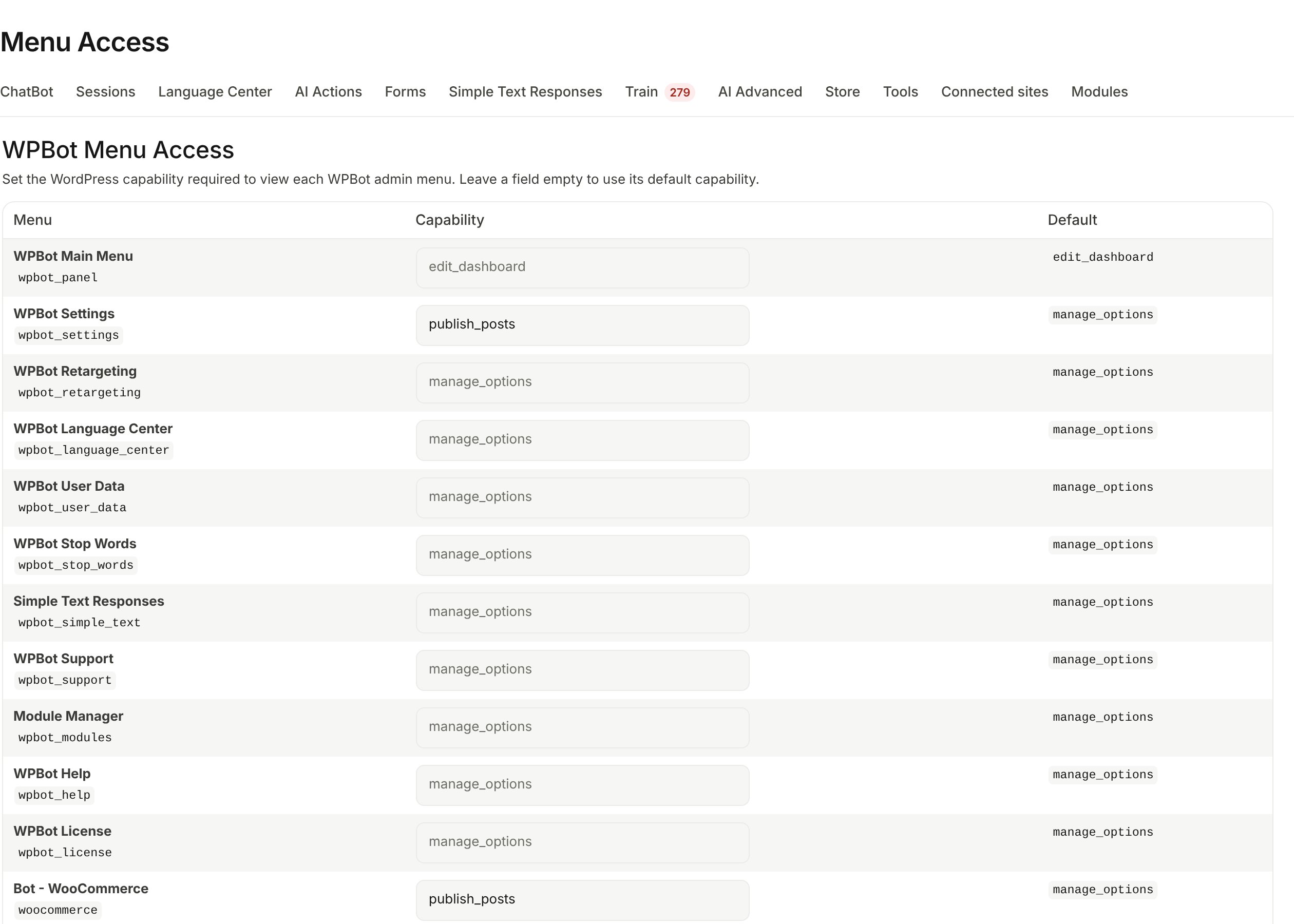
Each WPBot menu, its capability, and the default.
How to use it
Each row is a menu: WPBot Main Menu, WPBot Settings, WPBot Retargeting, WPBot Language Center, WPBot User Data, WPBot Stop Words, Simple Text Responses, WPBot Support, Module Manager, WPBot Help, WPBot License, Bot – WooCommerce, Bot – Sessions & Analytics, Bot – STR Pro, Chatbot Form Builder, Site Insight and Site Insight Settings.
Type a WordPress capability in the Capability field, for example edit_posts to let Authors and above see a menu. Leave a field empty to use its Default (most menus default to manage_options, which only administrators have; Sessions & Analytics and STR Pro default to publish_posts). Save.
Examples
- Let Editors read chat sessions: set Bot – Sessions & Analytics to
edit_others_posts. - Let a shop manager use the WooCommerce chatbot settings: set Bot – WooCommerce to
manage_woocommerce.
Warning
Only give settings menus to people you trust: they can change what the chatbot says to every visitor.
Availability
Menu Access is in the WPBot Pro editions. WPBot Free has no Menu Access screen. Rows appear for the modules your edition includes.
Was this article helpful?
Sorry about that. Get help another way:











