

Chat window material, fonts and motion
On this page
Open WPBot Pro → ChatBot → Customize ChatBot Design and pick the Material or Motion tab of the chat window designer.
Material
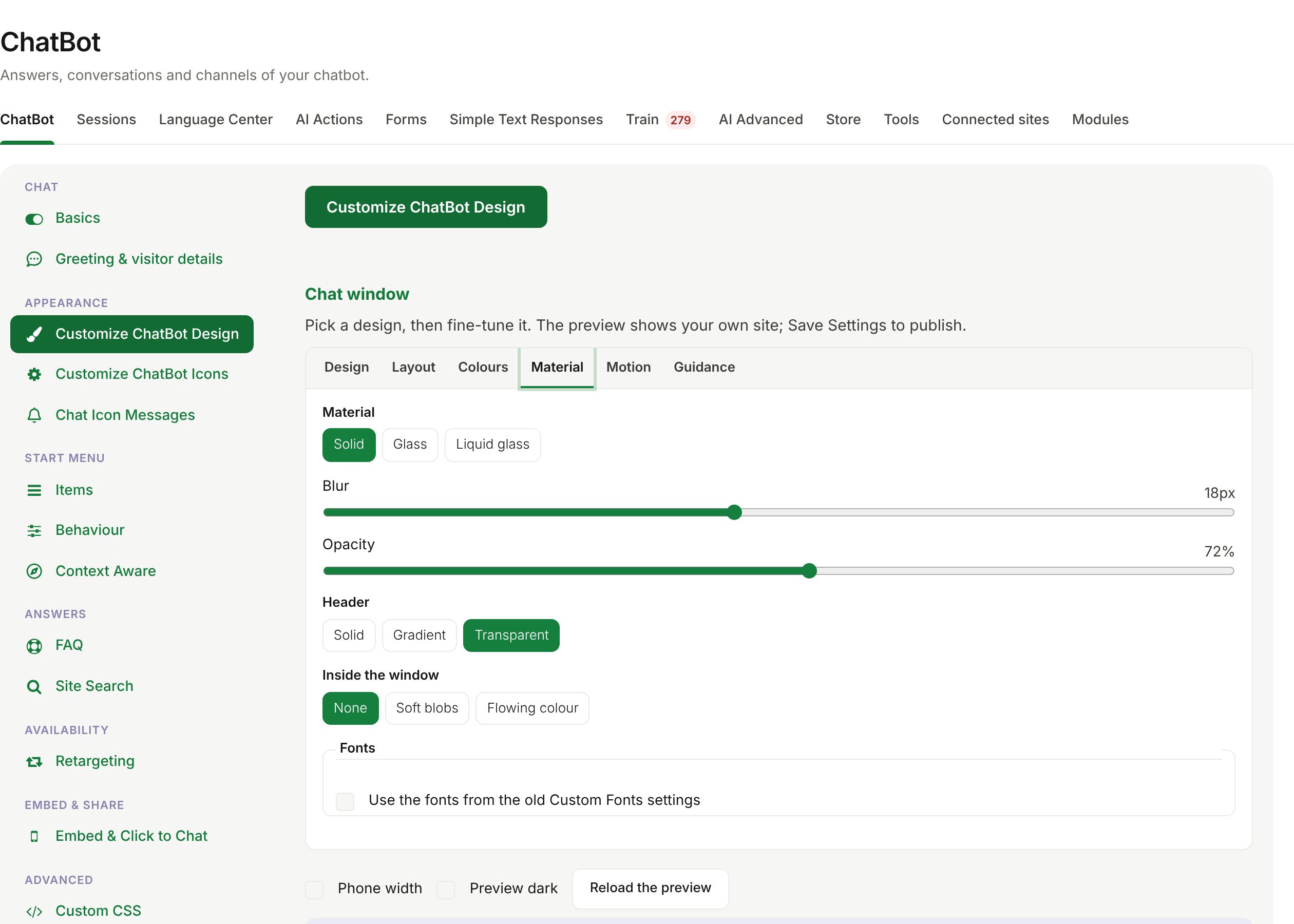
The Material tab.
| Option | Choices |
|---|---|
| Material | Solid, Glass or Liquid glass. With glass, set the Blur (0 to 40 px) and the Opacity (40 to 100%). |
| Header | Solid, Gradient or Transparent. |
| Inside the window | None, Soft blobs or Flowing colour: a gentle moving background behind the messages. |
| Fonts | Use the fonts from the old Custom Fonts settings. Off by default: each design uses its own fonts. |
Tip
Glass looks best over colourful pages. On a plain white site, Solid reads more clearly.
Motion
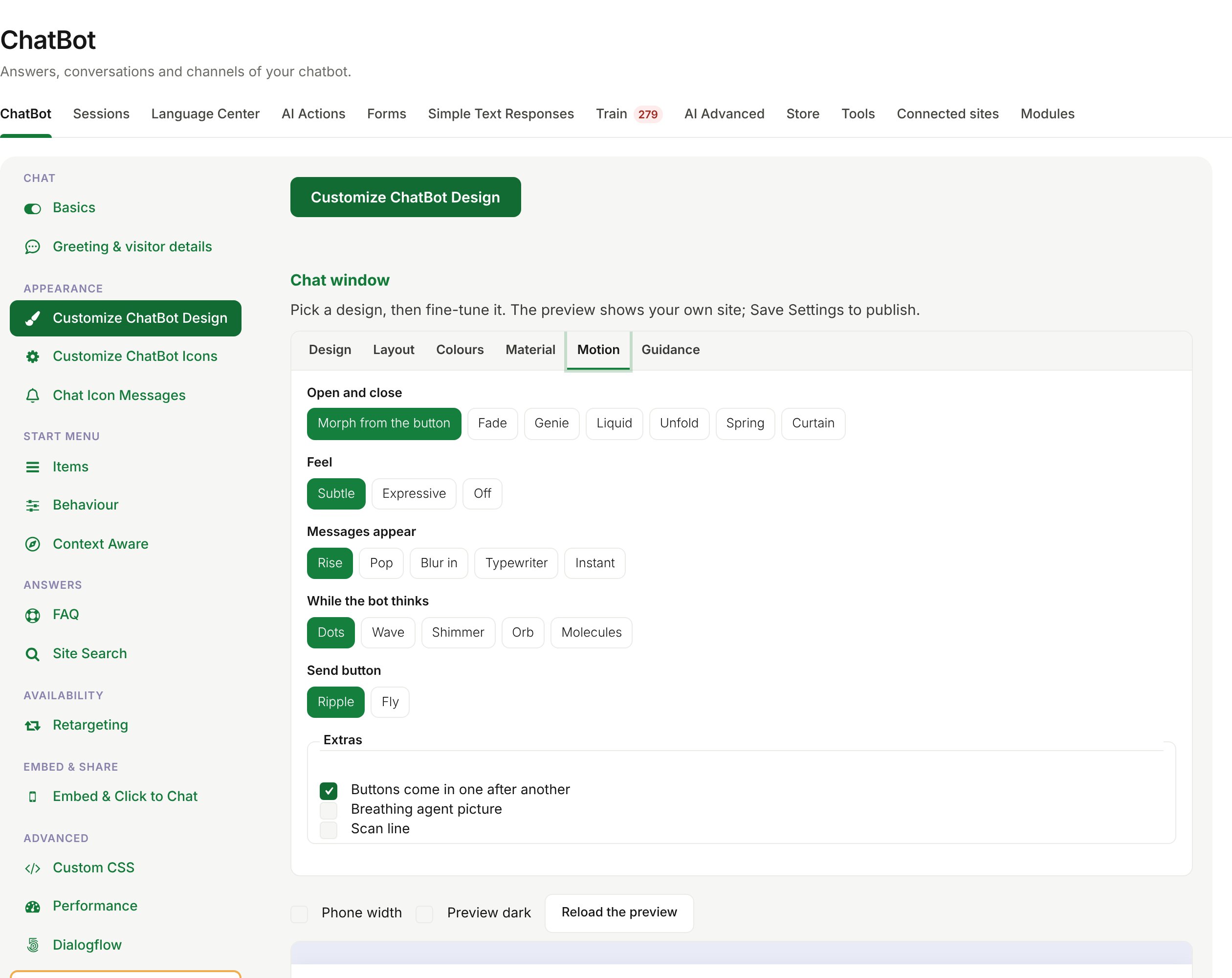
The Motion tab.
| Option | Choices |
|---|---|
| Open and close | Morph from the button, Fade, Genie, Liquid, Unfold, Spring, Curtain |
| Feel | Subtle, Expressive or Off |
| Messages appear | Rise, Pop, Blur in, Typewriter, Instant |
| While the bot thinks | Dots, Wave, Shimmer, Orb, Molecules |
| Send button | Ripple or Fly |
| Extras | Buttons come in one after another, Breathing agent picture, Scan line |
Some designs add their own options here; Lightcycle, for example, has settings for its header, replies and send button.
Keep motion short for a support or sales chat: Subtle with Rise feels quick. Save Expressive for playful brands.
Availability
Solid and Glass, the header and font options, and the basic motion (Morph from the button or Fade, Subtle or Off, Rise or Instant, Dots, Ripple) are in every edition, including WPBot Free. Liquid glass, the backgrounds inside the window, the other opening and message effects, Expressive, the other thinking indicators, Fly, Breathing agent picture and Scan line are in every WPBot Pro edition.
Was this article helpful?
Sorry about that. Get help another way:











