

Reports: the weekly report, revenue by email and asking your data
Open WPBot Pro → AI Marketing → Reports (under More).
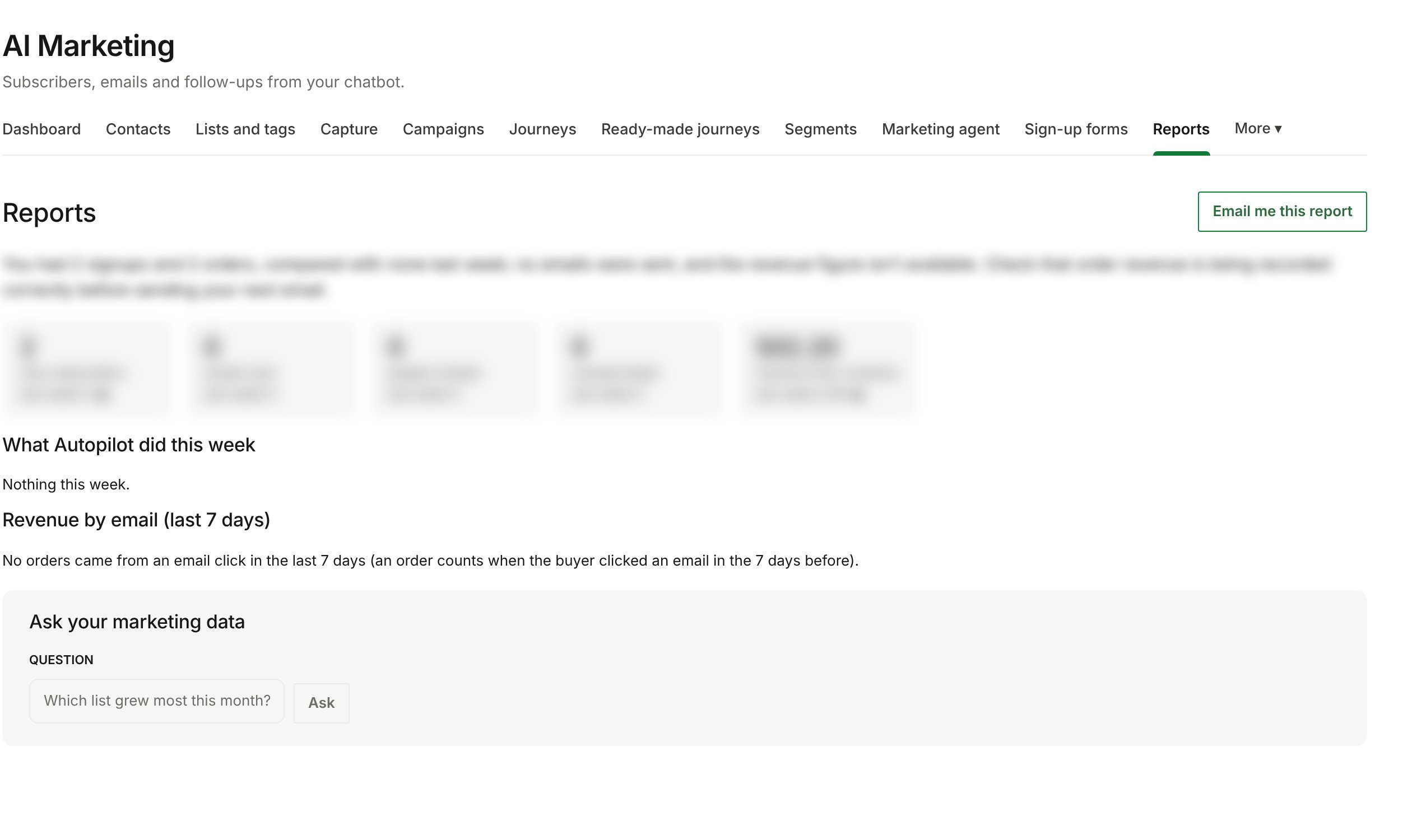
Reports: the weekly summary, what Autopilot did, revenue by email and Ask your marketing data.
The weekly report
- A two-sentence summary of what changed since last week and the one thing to do next, written by AI when it is set up.
- new subscribers, emails sent, people clicked, unsubscribed and revenue from contacts, each compared with last week.
- Needs a look: sudden drops in sign-ups, opens or revenue, or a jump in unsubscribes, each with a likely cause.
- What Autopilot did this week, and how many items wait for your approval.
The report is emailed to you on Monday. Email me this report sends it now.
Revenue by email
Revenue by email (last 7 days) lists each Campaign or journey with its Orders and Revenue. An order counts when the buyer clicked an email in the 7 days before (WooCommerce).
Ask your marketing data
Type a QUESTION, for example Which list grew most this month?, and click Ask. The answer comes from a read-only snapshot of your numbers; no personal data is sent to the AI.
Use it to grow
Tip
Look for the email that earned the most per send, and do more like it. If unsubscribes jump after a campaign, check who got it: sending to a narrower list usually fixes it.
Availability
Master only. In Starter, Professional and WPBot Free, see opens and clicks on the Dashboard and in each campaign.
Was this article helpful?
Sorry about that. Get help another way:











